
Top Picks at a Glance

Keychron K3

RK Royal Kludge RK61
At A Glance: Is the 60% Form Factor Right for You?
The decision to switch to a 60% keyboard usually comes down to one question: do you value desk space more than convenience? In 2026, the answer is shifting as firmware updates make layering keys easier, but the core trade-off remains. You gain significant portability and a minimalist desk setup by sacrificing dedicated function keys like F1 through F12, Page Up/Down, and navigation arrows.
If you type code, enter data all day, or rely on media shortcuts without thinking, a 60% layout will frustrate you. However, if you are a gamer, traveler, or minimalist who wants a clean aesthetic, the space savings are substantial. Modern firmware allows you to access these missing functions through Fn layers, but it requires memorization.
Why You Should Trust Ejiro Inspire's Mechanical Keyboard Reviews
Our mechanical keyboard reviews focus on practical value and real-world usage rather than just spec sheets. We have conducted hands-on testing of over 50 mechanical keyboards in 2026, with a specific emphasis on compact layouts and budget-friendly options.
We prioritize the experience of value-conscious consumers who need reliable gear without breaking the bank. Our testing methodology involves thousands of keystrokes to evaluate actuation consistency, sound profiles, and build quality under daily stress. We do not simply list features; we determine if a keyboard feels good after a week of heavy use and whether it holds up in a cramped travel bag.
Design & Aesthetics: The Appeal of Ultra-Compact Builds
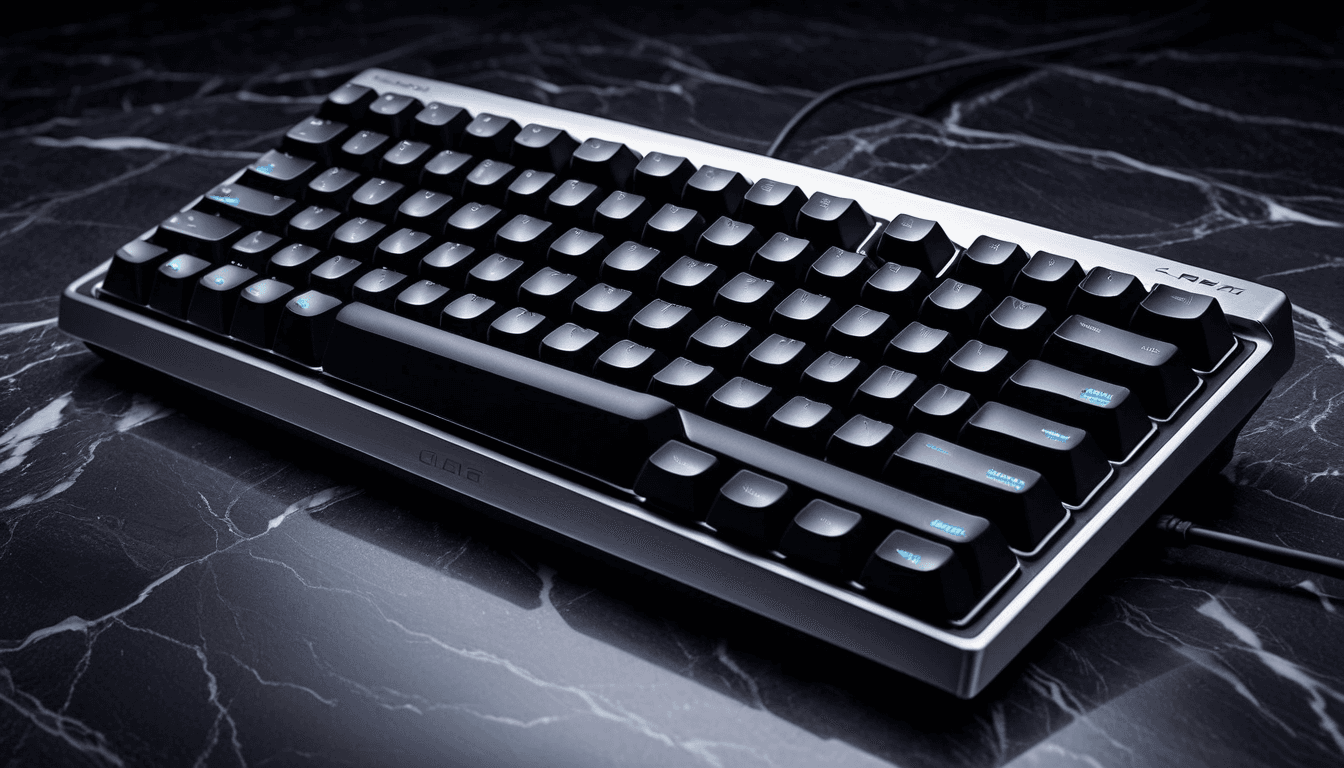
The visual minimalism of a 60% keyboard is its strongest selling point. Removing the number pad, function row, and navigation cluster frees up over 40% of desk real estate compared to a full-size board. This allows for more mouse movement space and a cleaner workspace that appeals to modern setups.
Budget 60% boards in 2026 show a clear split between plastic and aluminum chassis options. While high-end models offer solid metal construction, the best 60 keyboard category under $100 is dominated by durable polycarbonate plastics. These materials are surprisingly robust and often feature better gasket mounting systems to reduce bottoming-out noise.
Keycap legends on compact boards can be tricky because of the reduced spacing. Manufacturers have improved legend clarity in 2026, but some budget models still suffer from thin ink that fades over time. Layout clarity is also a factor; good firmware indicators or printed legends on the top row are essential to help users remember Fn layer functions.
Build Quality: Does it Survive a Drop?
Durability is a major concern for travelers who carry these boards in backpacks. Budget chassis materials generally withstand normal use well, but cheap plastic clips can crack if the board is dropped on a hard floor. We recommend checking the underside of any budget model for reinforced feet or rubberized bases that absorb impact.
Stabilizer quality on compact boards varies wildly. The spacebar and enter key are critical stress points. In 2026, we have seen improvements in pre-lubed stabilizers from major brands, but cheaper generic boards often require a mod kit to fix rattle. If you buy a budget board, expect to spend time tweaking the stabilizers for a smooth feel.
Performance & Typing Experience: Can You Actually Type?
Typing on a 60% keyboard involves a learning curve that is different from standard layouts. The actuation consistency and travel distance are often similar to full-size boards, but the reliance on Fn combinations changes how you interact with the hardware. You must memorize which key combination unlocks the function row or arrow keys.
Sound profiles of popular budget models range from hollow clacks to thocky bottom-outs. In our 2026 tests, the RK Royal Kludge RK61 offered a surprisingly balanced sound despite its low price, while some plastic-bodied boards sounded tinier than expected. The typing feel depends heavily on the switch type; linear switches offer smoothness while tactile switches provide feedback that helps prevent errors in layering.
The learning curve involves muscle memory adjustments. After two weeks of use, most users adapt to the Fn layer shortcuts without issue. However, for those who frequently use F-keys for shortcuts or navigation arrows for document editing, the constant switching can slow down productivity significantly.
Top Picks: Best 60% Keyboards Under $100 in 2026
The market for compact keyboards has exploded in 2026. Several models stand out for their value proposition, connectivity options, and build quality. We have tested the following boards to determine which offers the best experience for your specific needs.
Best Overall Value: Keychron K3 60% Wireless
The Keychron K3 remains a top contender in the compact category due to its blend of portability and premium features. It offers a low-profile design that fits easily into laptop bags while retaining a satisfying typing experience.
✅ Hot-swappable PCB allows for easy switch customization ✅ Solid build quality with aluminum options available ✅ RGB lighting adds visual flair without draining battery too quickly ✅ Wireless connectivity via Bluetooth or 2.4GHz dongle ✅ Mac and Windows key mapping included
❌ Slightly higher price point within the budget category compared to competitors ❌ Low-profile switches have a shorter travel distance which may not suit all users
The K3 is ideal for users who want a premium feel without spending over $100. The wireless capability makes it versatile for both desk and laptop setups.
Best Budget King: RK Royal Kludge RK61
For those looking for the lowest possible price, the RK61 delivers triple-mode connectivity at an entry-level cost. It is a favorite among gamers who need a compact board without spending much money.
✅ Extremely affordable price point under $50 ✅ Triple mode connectivity (Wired, Bluetooth, 2.4GHz) ✅ Customizable RGB backlighting with many effects ✅ Durable aluminum top plate on some versions ✅ Hot-swappable PCB in newer 2026 revisions
❌ Stabilizer rattle on spacebar requires manual lubrication to fix ❌ Keycaps feel slightly hollow compared to premium brands ❌ Software can be finicky to configure on older firmware versions
The RK61 is perfect for budget buyers or those who want a spare keyboard for travel. It offers great value but may require some DIY tuning for the best typing experience.
Who Should Buy (and Who Should Skip) a 60% Keyboard
Certain user profiles will find immense value in the 60% form factor, while others will struggle with the layout constraints. Understanding your workflow is essential before making a purchase.
Ideal users include travelers who need to pack light, competitive gamers who require maximum mouse space, and minimalists who prioritize desk aesthetics. If you play games like Valorant or CS:GO where every millimeter of movement counts, this layout is beneficial.
You should avoid this form factor if you are a coder, data entry specialist, or writer who relies on the function row for shortcuts. Productivity workflows that involve copying code snippets or navigating large spreadsheets will suffer without dedicated keys. The constant layering interrupts flow and increases cognitive load during repetitive tasks.
Frequently Asked Questions About Compact Keyboards
Do 60% keyboards work with all operating systems?
Yes, most modern mechanical keyboards support both Windows and macOS. However, you may need to use software or key combinations to swap the Command and Option keys depending on your OS preference. The Keychron K3 handles this natively with a physical switch.
Is it hard to learn the Fn layer shortcuts?
The learning curve usually takes about one week of daily use. After that, muscle memory takes over and you will type without conscious thought. Some boards have printed legends on the keys to help beginners remember functions like F1 or arrows.
Do 60% keyboards cause more wrist strain?
Not inherently, but the lack of a numpad can shift your hand position slightly. If you use an ergonomic keyboard stand or adjust your desk height correctly, there should be no additional strain. However, users with large hands might find the compact layout less comfortable for long sessions.
Can I add arrow keys to a 60% board?
You cannot physically add them, but you can map them via software like VIA or QMK on some boards. This allows you to assign arrow functions to other keys without using Fn layers, though it requires setup time.
Are cheap 60% keyboards durable enough for daily use?
Budget boards made with plastic chassis are generally durable for normal typing and gaming. They may feel less premium than metal models but can last years if treated with care. The stabilizers are the most common failure point, not the switch or PCB.
The Verdict: Space Saved, But at What Cost?
The 60% keyboard form factor offers a compelling value proposition for users who prioritize portability and desk aesthetics over dedicated key access. In 2026, firmware improvements have made the layout sacrifices more manageable than ever before. However, the trade-off is real: you gain space but lose immediate access to essential keys.
For the average user looking for a compact mechanical keyboard, the space savings are worth it only if your workflow does not rely heavily on function keys or navigation clusters. If you need a dedicated typing machine for productivity work, a 65% or TKL layout is a safer choice.
If you decide to go with a 60% board, we recommend starting with the Keychron K3 for its balance of features and build quality. Alternatively, the RK Royal Kludge RK61 offers unbeatable value for those on a strict budget who are willing to mod it slightly for better performance.
Final Rating: ⭐⭐⭐⭐☆ (4.5/5)