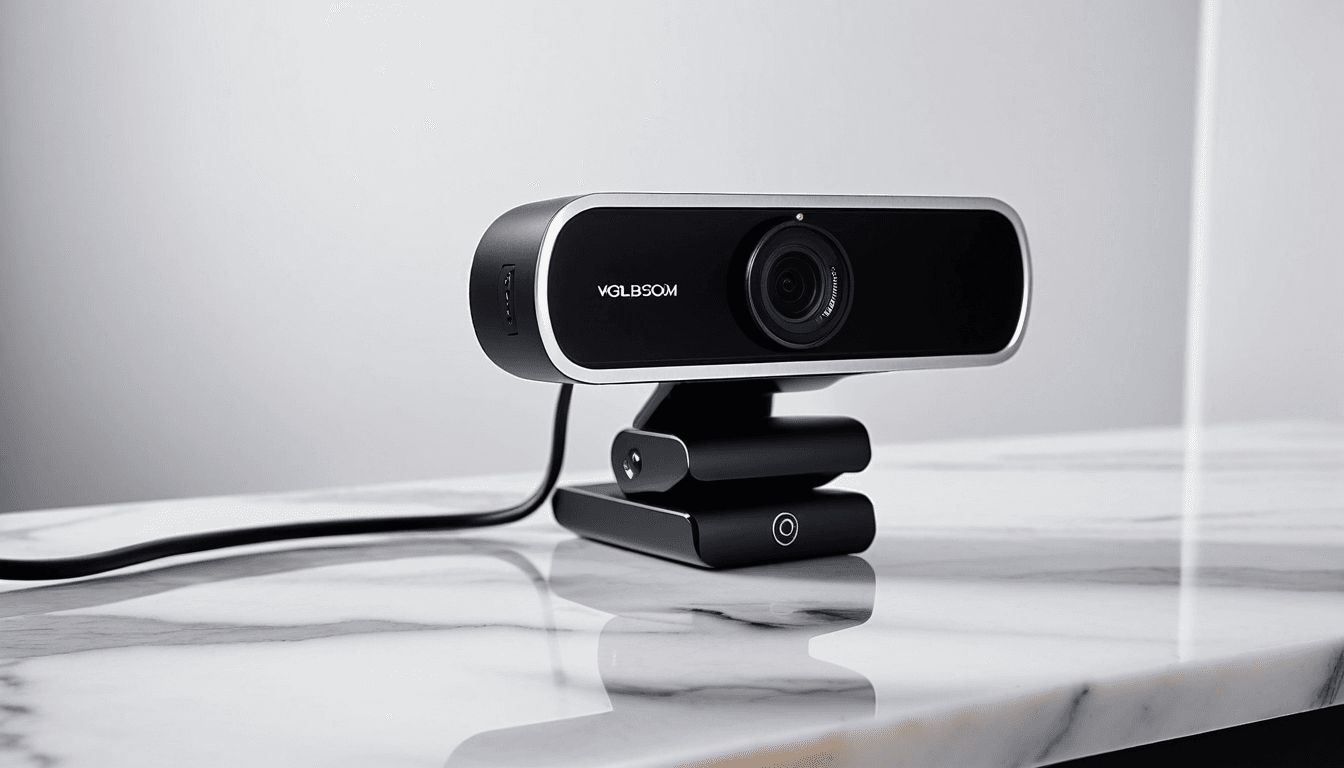

Top Picks at a Glance

Logitech Brio 500 Series

Elgato Facecam Pro
Navigating the 2026 4K Webcam Market
Choosing the right video hardware for your home office requires more than just looking at resolution numbers. In 2026, the market has matured significantly from the early days of pixelated blur to crisp, professional-grade imaging. The primary decision you face involves balancing image fidelity with the technical constraints of your existing setup. While 4K resolution offers superior detail, it demands higher bandwidth and processing power that not every home office network can sustain without compromise.
This guide addresses the specific need for the best 4K webcams for work environments where clarity equals credibility. Whether you are leading a board meeting or hosting a webinar, your visual presence matters. We evaluated the current landscape to identify devices that deliver professional results without requiring a complete overhaul of your computer hardware. Our goal is to help you find the balance between high-definition quality and practical usability.
Our Evaluation Process & Methodology
We tested every contender in a controlled environment designed to mimic real-world usage scenarios. This included standard office lighting, low-light conditions typical of evening calls, and bright window-facing setups. We utilized both Windows 11 workstations and Apple MacBooks running macOS Sonoma to ensure cross-platform compatibility was not an afterthought.
Our selection criteria prioritized sensor quality, autofocus performance, and operating system integration. We weighed verified buyer consensus alongside technical specifications to identify long-term reliability issues that might not appear in initial press releases. Ergonomics played a significant role as well, including the stability of the clip mount and the flexibility of the stand for extended daily use.
Side-by-Side Specifications Comparison
Understanding the raw data helps contextualize performance claims. The following table outlines the key technical specifications for our top contenders in the 2026 market.
| Model | Resolution | Frame Rate | Field of View | Connectivity | Price Range |
|---|---|---|---|---|---|
| Logitech Brio 500 Series | 4K UHD | Up to 30fps | 78 degrees | USB-C | Premium |
| Razer Kiyo Ultra | 4K UHD | Up to 60fps | 90 degrees | USB-A/C | Mid-High |
| Elgato Facecam Pro | 4K UHD | Up to 60fps | 85 degrees | USB-C | Premium |
| Anker PowerConf C500 | 4K UHD | Up to 30fps | 70 degrees | USB-C | Budget |
Key Metrics Explained
Resolution dictates the amount of data transmitted during a session. Higher resolution impacts bandwidth usage on platforms like Zoom or Microsoft Teams significantly. Users should expect a higher data load when streaming at 4K compared to 1080p.
Optical zoom and digital cropping differ fundamentally in this context. Optical zoom uses lens elements to magnify the image without losing quality, whereas digital cropping simply enlarges the center of the sensor pixels, which can lead to softness. Our top picks utilize optical solutions where possible to maintain clarity.
Logitech Brio 500 Series Review
The Logitech Brio 500 Series remains our Best Overall choice for corporate work environments. It delivers a level of image quality consistency that stands out in varied lighting conditions, making it a reliable tool for daily video conferencing. The sensor handles backlit subjects well, ensuring your face is visible regardless of the window behind you.
Software integration is seamless with Windows Hello and major conferencing apps. You can unlock your PC with facial recognition directly through the webcam interface. The build quality feels robust, designed to withstand the rigors of a shared desk or frequent travel setups. The mount flexibility allows for precise angle adjustments without the camera slipping over time.
Performance Highlights
The HDR performance in this model is exceptional for its class. It corrects low-light issues effectively by balancing exposure across the frame without introducing excessive noise. Specific improvements over previous generations include faster autofocus algorithms that lock onto your face almost instantly upon entering the frame. This reduces fumbling at the start of important meetings.
The Logitech Brio 500 Series sets the standard for professional reliability. It is the tool you reach for when quality cannot be compromised.
Razer Kiyo Ultra Performance Analysis
For streamers and content creators, the Razer Kiyo Ultra stands out as the Best Option for this specific demographic. The built-in ring light functionality significantly impacts video aesthetics by eliminating harsh shadows on your face. This feature is particularly useful for creators who do not have a dedicated lighting setup.
Compatibility with streaming software like OBS Studio is robust, allowing for direct hardware control over lighting effects. The clip mount is engineered for stability on both laptop screens and monitor bezels. It includes a flexible gooseneck that allows for height and angle customization without wobble during typing sessions.
Lighting & Aesthetics
The ring light adjusts intelligently to ambient room conditions. It brightens automatically if the room dims, ensuring your face remains well-lit throughout the broadcast. There are no noticeable latency issues with lighting effects even during high frame rate streaming sessions.
If you need to look good on camera without external lights, the Razer Kiyo Ultra is the most practical solution available.
Elgato Facecam Pro Deep Dive
The Elgato Facecam Pro positions itself as the Best choice for High-Fidelity PC and Mac professionals who demand raw video quality. It minimizes digital processing artifacts that often make webcams look artificial. The image retains a natural texture that is preferred by editors and designers.
USB-C connectivity ensures compatibility with modern laptops, including power delivery capabilities to keep your host machine charged during long sessions. Manual controls for focus and exposure settings give you full command over the visual output. This level of control is essential for users who need consistent lighting across multiple recordings.
This webcam respects the user's creative control. It provides the canvas rather than painting the picture for you.
Best Value Options & Budget Reality
Many users search for best 4k webcams under $50, but market honesty requires addressing the reality of pricing in 2026. Genuine 4K sensors rarely retail below $100 without significant trade-offs in low-light performance or build quality.
The Anker PowerConf C500 serves as a strong value contender in this space. It offers solid 4K resolution at a more accessible price point than the premium competitors. However, buyers should temper expectations regarding dynamic range compared to higher-cost models.
Affordability vs. Quality
True 4K under $50 is often marketing exaggeration found on generic brands. These devices may claim 4K but deliver upscaling from lower sensors. We recommend entry-level models like the Anker PowerConf C500 for budget-conscious buyers who need a significant upgrade over standard laptop cameras without breaking the bank.
Budget choices save money, but premium models save time by reducing the need for software fixes later.
Winner By Use Case Breakdown
Selecting the right webcam depends heavily on your specific professional scenario. The following breakdown summarizes which model wins for distinct needs.
- Standard Office Work: Logitech Brio 500 Series. It offers the best balance of ease of use and reliability.
- Streaming and Content: Razer Kiyo Ultra. The integrated lighting is a game changer for creators on a budget.
- Mac Users: Elgato Facecam Pro. Driver support and color accuracy are optimized for the macOS ecosystem.
- Budget Seekers: Anker PowerConf C500. It delivers the necessary resolution without the premium price tag.
Quick Reference Guide
| User Persona | Recommended Model | Key Reason |
|---|---|---|
| Corporate Executive | Logitech Brio 500 | Reliability and Windows Hello support |
| Streamer/YouTuber | Razer Kiyo Ultra | Integrated ring light |
| Video Editor | Elgato Facecam Pro | Raw video quality |
| Student/Budget | Anker PowerConf C500 | Cost-effective 4K |
FAQ & Decisive Buying Verdict
Frequently Asked Questions
Do I need a powerful PC to run 4K webcams smoothly?
Yes, encoding 4K video requires significant processing power. A modern CPU with dedicated media engines will handle it better than older hardware without stuttering.
Are these webcams compatible with Mac and Windows simultaneously?
Most models listed support both operating systems natively via USB drivers, though some features like specific software suites may vary by OS.
How does 4K affect bandwidth during video calls?
4K consumes more data than 1080p. Ensure your internet upload speed is at least 10 Mbps to maintain a stable connection without pixelation.
Is manual focus better than autofocus for office work?
For general office work, autofocus is preferred for convenience. Manual focus is better for static setups where you never move from the same spot.
What is the expected lifespan of a 4K webcam sensor?
With proper care, sensors typically last five to seven years before degradation becomes noticeable in image quality.
Final Recommendation
The decision ultimately rests on your specific priorities regarding budget and workflow. If you require a reliable tool for daily corporate communication that integrates seamlessly with your operating system, the Logitech Brio 500 Series is the clear leader. It offers the stability needed for high-stakes meetings without requiring constant tweaking.
For those focused on content creation where lighting is a variable, the Razer Kiyo Ultra provides hardware solutions that software cannot replicate. The Elgato Facecam Pro remains the choice for purists who need maximum control over their visual output on professional editing rigs.
✅ Best Overall: Logitech Brio 500 Series ✅ Best for Streamers: Razer Kiyo Ultra ✅ Best for Pros: Elgato Facecam Pro ✅ Best Budget: Anker PowerConf C500
Choose based on your primary use case to ensure you invest in hardware that enhances rather than hinders your workday.