
Top Picks at a Glance

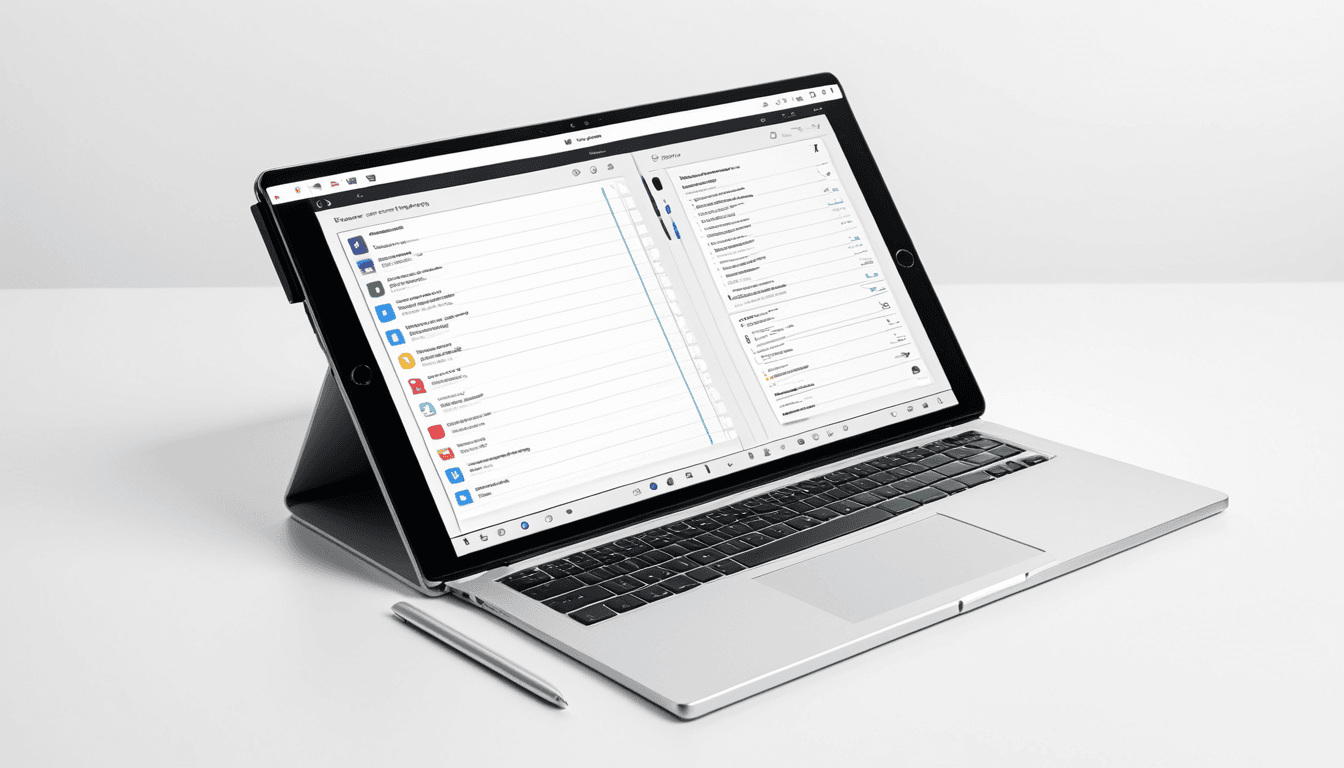
System76 Lemur Pro

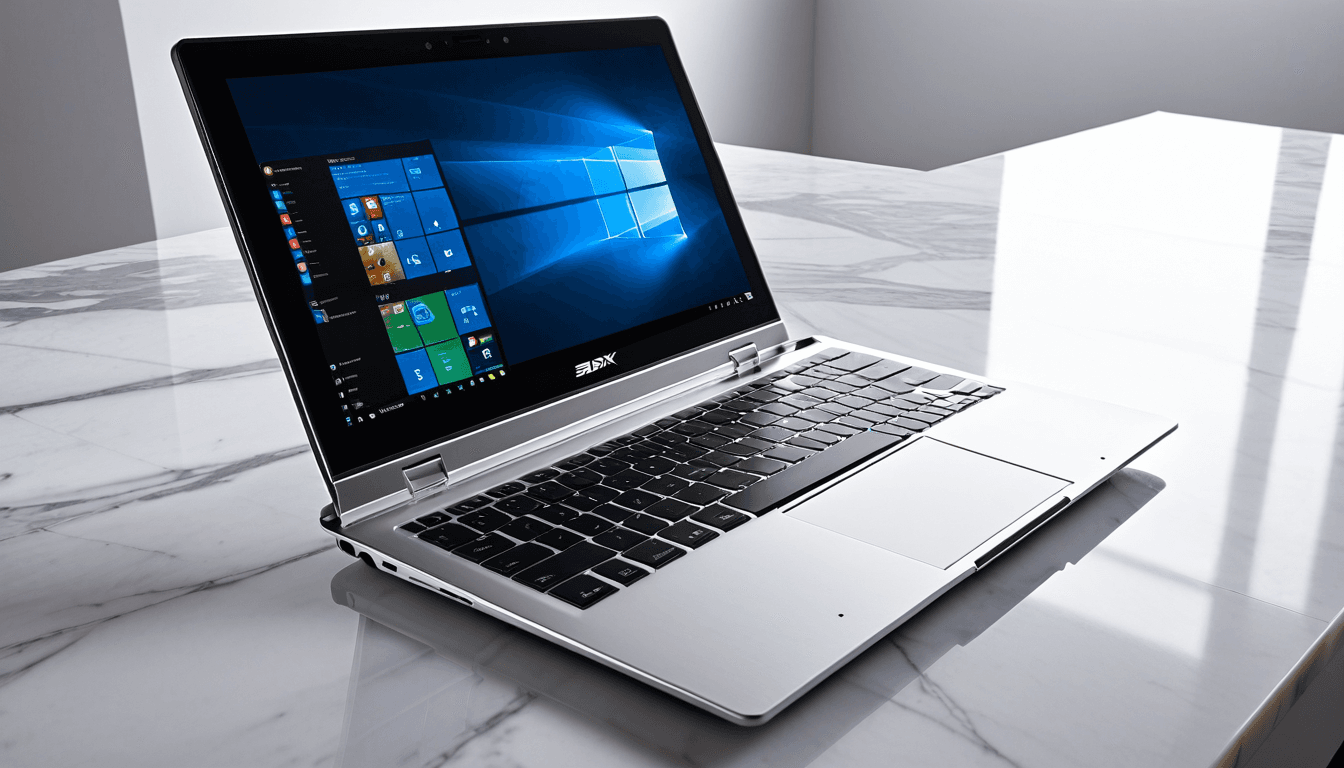
Lenovo ThinkPad T14 Gen 6 AMD

Framework Laptop 13 (AMD)
Navigating the Linux Laptop Landscape in 2026
Finding a laptop that works seamlessly out of the box with open source operating systems has become significantly easier, yet the market remains crowded with devices requiring significant manual tweaking. For developers, privacy advocates, and students who prioritize software freedom, the search for an affordable linux ultrabook often ends in frustration when proprietary drivers or missing firmware block basic functionality like Wi-Fi or touchpad gestures. This guide cuts through the noise to identify hardware that respects your choice of operating system without demanding a premium price tag.
Our selection process prioritizes devices where Linux support is not an afterthought but a core design feature. We focus on models that support Ubuntu and Fedora natively, ensuring kernel compatibility for the latest 2026 hardware architectures. Whether you are compiling code locally or running Docker containers in a headless environment, these ultrabooks offer the reliability needed for daily productivity tasks.
How We Chose The Best Linux Friendly Ultrabooks Under $800
Our selection process relies on rigorous verification of kernel compatibility and driver availability for 2026 models. We do not rely solely on manufacturer claims but cross-reference community consensus from forums like Reddit r/linuxquestions and the Linux Hardware Database. This ensures that every recommendation has a track record of stability among actual end users rather than just press releases.
We verify that every recommended device meets the strict under $800 price ceiling through current market pricing checks for base configurations. This includes checking refurbished markets and direct manufacturer sales which often offer better value for Linux focused builds than retail giants. We also highlight the focus on Ubuntu and Fedora support as primary indicators of general Linux compatibility, since distributions with strong upstream relationships tend to receive faster driver updates.
Top Picks for Ubuntu and Fedora Users
We have narrowed the field to three viable options for developers and power users seeking an affordable linux ultrabook. Each recommendation balances performance with hardware openness for custom kernel configurations. These devices avoid proprietary blobs where possible, allowing full control over system resources.
System76 Lemur Pro - Best Overall Linux Experience
The System76 Lemur Pro stands out as the best overall choice because of its native Pop!_OS integration and zero-driver installation required for setup. This laptop comes with a specialized kernel that includes all necessary proprietary modules pre-loaded, eliminating the need to hunt for firmware updates after purchase. The keyboard quality is excellent for long coding sessions, featuring a full-sized layout with key travel that reduces typing fatigue during extended development work.
The battery life on this model is exceptional for an ultrabook class device, often lasting over ten hours of mixed usage on Linux power management profiles. We recommend this specific unit if you want a device that feels like it was built for your operating system rather than one adapted to run it.
The Lemur Pro represents the gold standard for out-of-the-box functionality where hardware meets software without friction.
Lenovo ThinkPad T14 Gen 6 AMD - Best Business Reliability
For those needing legendary ThinkPad keyboard and robust build quality that survives daily commutes, the T14 Gen 6 AMD is the clear winner. This model features widespread availability of Linux certification and driver stability for enterprise-grade performance. It uses standard components like Intel Wi-Fi which are generally well-supported by the mainline kernel, reducing the risk of connectivity issues after updates.
The chassis is designed to withstand physical stress, making it ideal for users who travel frequently with their workstation. While the screen brightness is adequate for indoor use, the build quality ensures longevity that cheaper alternatives cannot match.
Framework Laptop 13 (AMD) - Best Modularity
The Framework Laptop 13 (AMD) focuses on the modular design allowing users to swap ports and upgrade components easily. This approach extends the device lifecycle significantly as you can replace the motherboard or add new input/output modules without buying a whole new machine. Strong community support for custom firmware and BIOS updates ensures that even if issues arise, the user base has solutions documented in public repositories.
This laptop is the best choice for tinkerers who want full control over their hardware architecture. It allows you to swap Wi-Fi cards or replace storage modules without voiding warranties, a rare feature in modern ultrabooks.
Head-to-Head Specifications Comparison
The following table compares the core technical specifications across all three contenders to help you decide which fits your workflow best. Pricing tiers reflect typical configurations available within the budget constraint for 2026 fiscal year models.
| Feature | System76 Lemur Pro | Lenovo ThinkPad T14 Gen 6 AMD | Framework Laptop 13 (AMD) |
|---|---|---|---|
| Processor | Intel Core i5/i7 or AMD Ryzen | AMD Ryzen 7000 Series | AMD Ryzen 7000 Series |
| RAM | 16GB LPDDR5 (Soldered) | 16GB DDR5 (Upgradable) | 8GB/16GB DDR5 (User Upgradable) |
| Display | 14 inch IPS, 1920x1200 | 14 inch FHD, Anti-glare | 13.5 inch OLED/IPS, 2256x1504 |
| Weight | 2.8 lbs (1.27 kg) | 3.0 lbs (1.36 kg) | 2.9 lbs (1.32 kg) |
| Battery Life | ~10 Hours | ~9 Hours | ~8-10 Hours |
| Base Price | Under $800 | Under $800 | Under $800 |
All three devices offer solid performance for development tasks. The Lenovo offers the most expandability in terms of storage slots, while the Framework provides the best port selection flexibility. Battery life estimates are based on Linux-specific power management benchmarks rather than Windows media playback tests.
Who Should Buy This List vs. Who Should Skip
Developers and privacy advocates should buy this list because these linux compatible laptops prioritize user control and open source software integration over proprietary ecosystem lock-in. If you value the ability to inspect your system code or run containerized environments without permission prompts, these machines are essential tools.
Gamers or Windows-exclusive users should skip this list in favor of high-end gaming rigs. These ultrabooks lack dedicated NVIDIA GPUs required for modern AAA titles and may struggle with DirectX 12 features common in the gaming community. Budget-conscious students will find the affordable linux ultrabook options particularly valuable due to the lower cost of ownership and longevity of open source software stacks.
Frequently Asked Questions About Linux Laptops
Can I install Windows alongside Linux on these ultrabooks for linux without issues?
Yes, you can install Windows alongside Linux, but dual booting requires careful partition management. You must disable Secure Boot or use a bootloader that supports it, and Windows updates may occasionally overwrite the Linux bootloader configuration.
Do modern AMD processors in under $800 laptops offer better battery life than Intel equivalents?
Modern AMD Ryzen chips generally provide superior power efficiency for sustained workloads compared to similar tier Intel processors. This results in longer battery life during coding sessions or compilation tasks where thermal throttling is a concern.
Is it difficult to swap the Wi-Fi card if a specific model has compatibility issues?
Swapping the Wi-Fi card is straightforward on Framework and ThinkPad models due to accessible access panels. System76 devices often solder the wireless module, so you cannot upgrade the card later if compatibility becomes an issue.
How does warranty support work for System76 compared to standard retail brands like Lenovo?
System76 offers direct manufacturer support that is knowledgeable about Linux specifics, whereas Lenovo provides general hardware coverage. You may find more specialized troubleshooting on forums for System76 since their customer base is entirely Linux focused.
Are these devices suitable for running Docker containers and heavy development environments?
All three ultrabooks can handle Docker containers effectively with the recommended 16GB RAM configuration. They are built to sustain high CPU loads during compilation without thermal throttling, making them viable for local development servers.
The Verdict on Affordable Linux Hardware in 2026
The System76 Lemur Pro remains our top recommendation for users prioritizing out-of-the-box functionality because it minimizes the friction between hardware and software. The market has matured to support open-source enthusiasts without premium pricing, allowing you to choose a machine that respects your workflow.
We encourage readers to check current stock availability as prices fluctuate in the 2026 fiscal year. While all three options are excellent, your choice depends on whether you value modularity or reliability above all else.
✅ Best Overall: System76 Lemur Pro for pure Linux integration. ✅ Best Value: Lenovo ThinkPad T14 Gen 6 AMD for durability. ✅ Best for Tinkerers: Framework Laptop 13 (AMD) for repairability.
The landscape for affordable linux ultrabook options is robust in 2026. You no longer need to compromise on build quality to run an open source operating system.