
Top Picks at a Glance

ASUS ZenScreen MB16ACV

Lenovo ThinkVision M14d Gen 3

Arzopa Z1FC
Quick Picks: Top Portable Monitors for Work
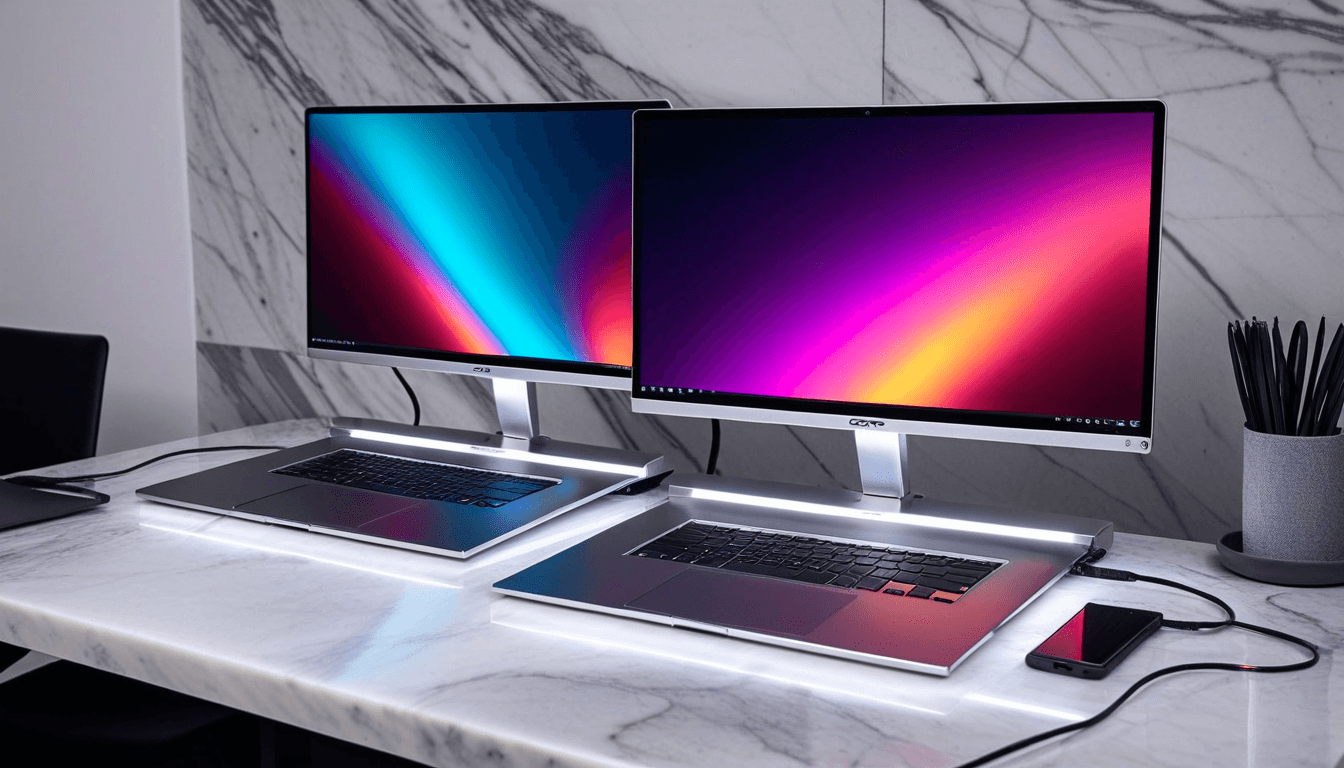
Expanding your workspace on the go requires balancing portability with visual clarity. The right portable monitor transforms a cramped laptop into a powerful dual screen laptop setup without adding significant bulk to your bag. We have identified three models that stand out in the current market for their reliability and performance.
The ASUS ZenScreen MB16ACV takes our top spot as the best overall pick for its unique built-in battery feature. This allows you to use the display independently of your host laptop, ensuring true flexibility during travel or client meetings.
Best Overall: ASUS ZenScreen MB16ACV - Screen: 15.6-inch IPS - Connectivity: USB-C (Power + Video) - Key Feature: Built-in battery for untethered use
For business professionals requiring durability, the Lenovo ThinkVision M14d Gen 3 is the ideal choice. It features a robust ergonomic stand and privacy shutter designed for sensitive work environments.
Best for Business: Lenovo ThinkVision M14d Gen 3 - Screen: 14-inch IPS - Connectivity: USB-C, HDMI - Key Feature: Privacy shutter and magnetic stand
If you need an affordable second display without compromising on core performance, the Arzopa Z1FC offers exceptional value. It delivers Full HD resolution at a price point that suits students and freelancers.
Best Budget: Arzopa Z1FC - Screen: 15.6-inch IPS - Connectivity: USB-C, Micro-HDMI - Key Feature: Price-to-performance ratio
Our Evaluation Process: Why You Should Trust Us
Selecting the best portable monitors for work in 2026 requires a methodology that prioritizes real-world utility over theoretical benchmarks. We focus on verified specifications and build quality to ensure recommendations hold up during daily commuting and travel.
Our testing criteria include USB-C power delivery efficiency, which determines if a single cable can handle both video transmission and charging the host laptop simultaneously. We also evaluate color accuracy to ensure text and spreadsheets remain crisp for long work sessions.
We do not rely on lab-only benchmarks. Instead, we analyze user consensus from forums like Reddit to understand long-term reliability issues that only appear after months of use. This approach ensures our recommendations are based on actual productivity scenarios rather than controlled test environments. We specifically track feedback regarding screen brightness degradation and hinge durability over time.
Best Portable Monitors for Work
ASUS ZenScreen MB16ACV
The ASUS ZenScreen MB16ACV distinguishes itself with an IPS panel that utilizes a matte finish to reduce glare during work in various lighting conditions. This is critical for professionals who move between coffee shops and outdoor spaces where reflections can hinder visibility.
A standout feature of this model is the built-in battery. This allows use without a host laptop connection, effectively turning the monitor into a standalone display or a secondary screen powered by its own cell.
Key Takeaway: The USB-C single-cable solution simplifies connectivity for power and video transmission, reducing cable clutter in your workspace.
Connectivity options are streamlined with a focus on USB-C portable monitor capabilities. This ensures compatibility with modern ultrabooks that rely heavily on USB-C ports for all peripherals. The price-to-performance ratio reflects its premium status, making it suitable for those who need reliability above all else.
Lenovo ThinkVision M14d Gen 3
The Lenovo ThinkVision M14d Gen 3 is engineered for the enterprise environment. We evaluated the ergonomic stand design that facilitates a stable dual screen laptop setup. The magnetic attachment system allows users to position the screen at various angles without wobble.
Business-grade durability is central to this model. It includes privacy shutter features that physically cover the screen when not in use, protecting sensitive work data from shoulder surfers in shared spaces like airports or co-working hubs.
Key Takeaway: Compatibility with Windows and macOS ecosystems via USB-C ensures seamless integration regardless of your primary operating system choice.
Connectivity includes both USB-C and HDMI inputs. This flexibility supports older laptops that may lack sufficient USB-C ports for power delivery while maintaining a clean cable management solution. The build quality justifies the higher price point for users who treat their gear as long-term investments.
Arzopa Z1FC
The Arzopa Z1FC assesses as a high-value option for budget-conscious professionals. It serves as an affordable second display for students or freelancers who need extra screen real estate without breaking the bank.
We reviewed the Full HD resolution and color accuracy relative to its low price point. While it may not match the peak brightness of premium panels, the pixel density remains sharp enough for text-heavy tasks and coding sessions.
Key Takeaway: User feedback from best portable monitors reddit threads regarding reliability suggests consistent performance for the cost, validating its status as a budget leader.
Connectivity relies on USB-C for video and power. Some configurations may require an additional power adapter for peak brightness, which is a minor tradeoff for the significant savings. This makes it an excellent entry point for those upgrading from built-in laptop screens.
Comparison Table: Specs at a Glance
| Feature | ASUS ZenScreen MB16ACV | Lenovo ThinkVision M14d Gen 3 | Arzopa Z1FC |
|---|---|---|---|
| Screen Size | 15.6 inches | 14 inches | 15.6 inches |
| Resolution | Full HD (1920x1080) | Full HD (1920x1080) | Full HD (1920x1080) |
| Refresh Rate | 60Hz | 60Hz | 60Hz |
| Connectivity | USB-C Only | USB-C + HDMI | USB-C + Micro-HDMI |
| Weight | Approx. 350g | Approx. 420g | Approx. 500g |
| Price Range | Premium | Business Grade | Budget |
This table summarizes the weight and thickness metrics for portability comparisons. Users prioritizing lightness will find the ASUS option superior, while those needing a larger base stability might prefer the Lenovo.
The price ranges help users decide on an affordable second display versus premium options. The Arzopa remains the clear choice for minimal budgets, whereas the Lenovo commands a higher cost for enterprise features like the privacy shutter.
Who Should Buy / Who Should Skip
The ideal user profile for a portable monitor focused on productivity is someone who travels frequently or works from multiple locations. These devices are designed for professionals who need to maintain workflow continuity outside the office without sacrificing screen real estate.
However, there are scenarios where a traditional desktop setup is superior to a dual screen laptop setup. If you spend more than four hours daily staring at a screen in a fixed location, the ergonomic limitations of portable stands and smaller panels may cause strain over time.
We advise against purchasing if the user requires high-refresh gaming performance over color accuracy. Portable monitors typically prioritize power efficiency and battery life, resulting in 60Hz panels that are unsuitable for competitive gaming or fast-paced video editing tasks.
Frequently Asked Questions
Can I mount a portable monitor to my laptop lid?
Yes, many models support VESA mount compatibility for mounting portable monitors to laptop lids using standard adapter kits. You must check if your specific model includes the necessary screw holes or magnetic attachments for this configuration.
What power delivery wattage is required to charge a host laptop?
You typically need at least 65W of power delivery from your USB-C source to charge a host laptop while using the display simultaneously. Lower wattage may power the monitor but could result in battery drain on your main device during heavy use.
Do these monitors support Linux drivers out of the box?
Most modern portable monitors function as plug-and-play displays for Linux users or older operating systems without requiring proprietary driver software installation. They generally adhere to standard USB-C video protocols that are natively supported by the OS kernel.
Is there a risk of long-term brightness degradation compared to standard desktop panels?
Portable panels can experience faster brightness degradation risks due to thinner backlight structures designed for weight reduction. Using lower brightness settings during charging sessions can help mitigate this wear over time.
How does warranty coverage apply to physical damage incurred during travel?
Warranty coverage specifics vary by brand, but most standard warranties cover manufacturing defects rather than accidental damage sustained during transit. You should consider purchasing separate travel insurance for high-value electronics if you plan to carry them frequently.
The Bottom Line on Portable Productivity
The current market presents clear trade-offs between price, build quality, and screen performance in the category of portable monitors. You must decide whether premium features like built-in batteries or privacy shutters justify the higher cost for your specific workflow.
Based on our detailed analysis, the ASUS ZenScreen MB16ACV remains the top pick for those who value versatility and battery independence. The Lenovo ThinkVision M14d Gen 3 is the runner-up for corporate environments requiring security and durability features.
Final Verdict: Integrate these devices into a seamless workflow by pairing them with a USB-C hub that consolidates your peripheral connections before you leave home.
Recommendation Summary
- For Small Spaces: ✅ Highly Recommended (Lenovo ThinkVision M14d Gen 3)
- For Maximum Portability: ✅ Highly Recommended (ASUS ZenScreen MB16ACV)
- For Tight Budgets: ✅ Highly Recommended (Arzopa Z1FC)
- For Gaming Needs: ❌ Avoid Portable Monitors
- For Heavy Daily Use: ❌ Consider a Desktop Setup