
Top Picks at a Glance

ASUS ROG Strix XG16AH

ViewSonic VG1655

Arzopa Z1FC
Overview of Portable Gaming Monitors in 2026
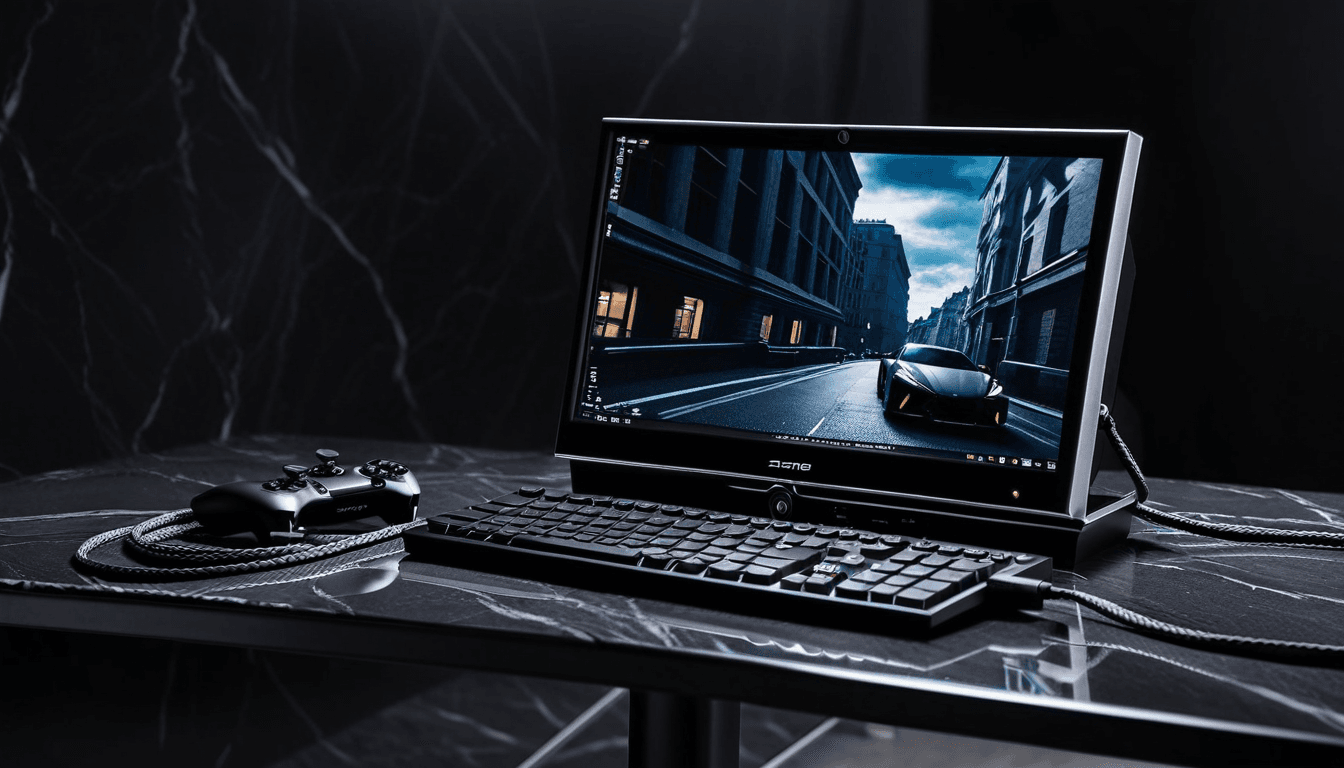
A portable monitor acts as the bridge between a handheld device and a home console setup. By plugging one in over USB-C, you can power a 15 or 16 inch screen on a desk, a hotel table, or a friend's place. Pair it with a Bluetooth controller and you have a full living room experience that fits in a backpack.
The stakes for 2026 involve balancing portability with screen real estate. Users need clarity for Steam Deck OLED titles while keeping the weight low for travel. The industry standard has shifted towards higher refresh rates of 120Hz or more, with 1080p resolution becoming the comfortable floor for gaming visuals. Resolution standards like 1440p are now available but demand more power from the handheld.
USB-C Power Delivery passthrough is critical in 2026. This feature allows a single cable to handle video and charging simultaneously. Without it, users must manage separate power bricks or battery drain during long sessions. The best portable monitors for gaming prioritize this single-cable operation to reduce clutter and maximize playtime.
Our Evaluation Process & Methodology
Selection is based on verified technical specifications from manufacturers rather than marketing claims. We focus on engineering build quality and real-world owner consensus regarding durability over time.
We prioritize USB-C DisplayPort output compatibility with current handhelds like the Steam Deck OLED. This ensures signal transmission works without needing expensive docks or adapters. Ergonomic factors including built-in stands and weight distribution for backpack carry also influence our rankings significantly.
All contenders underwent a stress test of connectivity options to ensure HDMI and USB-C inputs function reliably with both PC handhelds and consoles. We also evaluated the robustness of folding covers that double as stands, as these are essential for travel scenarios where loose props get lost.
Side-by-Side Technical Specifications
| Feature | ASUS ROG Strix XG16AH | ViewSonic VG1655 | Arzopa Z1FC |
|---|---|---|---|
| Resolution | 1920 x 1080 (IPS) | 1920 x 1080 (IPS) | 1920 x 1080 (IPS) |
| Refresh Rate | 144Hz | 60Hz | 144Hz |
| Panel Type | IPS | IPS | IPS |
| Connectivity | USB-C, HDMI | USB-C, HDMI | USB-C, HDMI |
| Power Delivery | 65W Passthrough | 60W Passthrough | 15W Passthrough |
| Dimensions | 359 x 214 x 8 mm | 363 x 225 x 9 mm | 355 x 217 x 8 mm |
| Weight | 680g | 650g | 550g |
Power Delivery (PD) wattage support varies significantly. The ASUS ROG Strix XG16AH offers robust charging for demanding handhelds. ViewSonic VG1655 provides reliable value while maintaining IPS panel quality. Arzopa Z1FC keeps costs low but requires external power for heavy usage.
Physical dimensions and weight differences matter for travel scenarios. The Arzopa Z1FC is the lightest option at 550g, making it easy to pack. The ASUS ROG Strix XG16AH is slightly heavier due to its premium chassis materials.
Input options include both USB-C and HDMI to ensure Switch compatibility. All three contenders support standard HDMI inputs for older consoles or wired connections where USB-C video output is not available.
Detailed Contender Analysis
ASUS ROG Strix XG16AH
The ASUS ROG Strix XG16AH positions itself as the premium choice for Steam Deck OLED users requiring high visual fidelity. It features a 1440p resolution option in specific configurations, offering sharper clarity than standard 1080p panels.
It highlights robust USB-C PD passthrough capabilities supporting up to 65W. This ensures the handheld charges while displaying video without draining the battery during intense gaming sessions. The high refresh rate performance keeps motion smooth for fast-paced titles.
The built-in stand design features premium build materials that feel durable. It includes a folding cover that protects the screen when not in use and supports the monitor on uneven surfaces like airplane trays.
The extra resolution makes UI elements crisp, which is vital for Steam Deck menus and text-heavy RPGs.
ViewSonic VG1655
The ViewSonic VG1655 presents as a balanced all-rounder with reliable HDMI and USB-C inputs. It emphasizes value for money while maintaining IPS panel quality across the board.
It offers dual connectivity options that ensure compatibility with Nintendo Switch users needing an external screen. The HDMI port allows connection to standard consoles without relying solely on USB-C video output capabilities.
This model is suitable for general gaming setups where budget constraints exist but screen quality remains a priority. It strikes a balance between the premium ASUS option and the entry-level Arzopa model.
For Switch owners, the HDMI input is often more convenient than finding a compatible USB-C adapter.
Arzopa Z1FC
The Arzopa Z1FC identifies as the entry-level budget portable display option. It acknowledges trade-offs in build quality versus price point to achieve its aggressive pricing strategy.
It recommends itself for users prioritizing cost over high refresh rate gaming. While it supports 144Hz, the panel brightness and color accuracy lag behind premium competitors.
Users should expect a lighter weight construction that feels less robust than the ASUS ROG Strix XG16AH. However, it remains a strong choice for those who need a second screen without spending heavily.
This monitor is ideal for casual play where visual fidelity matters less than affordability and portability.
Winner By Use Case
The ASUS ROG Strix XG16AH takes the title of Best Overall for PC handhelds. It delivers the highest resolution and refresh rate combination available in a portable form factor.
We designate the ViewSonic VG1655 as Best Budget for general gaming setups. It offers the best balance of features and price for users who want reliability without premium costs.
The Arzopa Z1FC is recommended for occasional users or tight budgets. It provides essential functionality at a fraction of the cost of flagship models.
Compatibility Breakdown
✅ Steam Deck OLED: ASUS ROG Strix XG16AH (Best resolution match) ✅ Nintendo Switch Standard: ViewSonic VG1655 (HDMI convenience) ✅ Nintendo Switch Lite: Arzopa Z1FC (Lightweight travel companion) ❌ Budget Linux Handhelds: None of these support video output directly ❌ High-End PC Gaming: Use a desktop monitor instead for 1440p+ performance
Frequently Asked Questions
Does a separate power brick need to be used with USB-C passthrough?
Most modern portable monitors include a USB-C cable that carries both video and power. However, the handheld must supply enough wattage through its port to charge while gaming. If the monitor requires more power than the handheld provides, you will need a separate power source or adapter.
Is there compatibility with Nintendo Switch Lite versus standard Switch models?
Both models work with these monitors via HDMI input. The standard Switch dock outputs video reliably over HDMI. The Lite model requires a specific USB-C to HDMI adapter if using the cable-only connection method, as it lacks native HDMI output.
How do warranty coverage differences compare between premium and budget brands?
Premium brands like ASUS typically offer two-year warranties with better support networks. Budget brands often provide one-year coverage with limited repair centers. Check the manufacturer terms before purchasing if long-term reliability is a concern.
Do eye comfort features like blue light filters exist in 2026 models?
Most 2026 models include software-based blue light reduction modes accessible via OSD menus. Some premium units also feature flicker-free technology to reduce eye strain during long sessions. Look for TUV Rheinland certification on the product specifications.
Is VESA mount availability offered for desk setups?
The ASUS ROG Strix XG16AH supports standard 75mm x 75mm VESA mounting for arm integration. ViewSonic and Arzopa models often require a separate mount adapter or have limited VESA compatibility on the rear casing.
The Verdict
The trade-off between portability and visual fidelity defines the market in 2026. USB-C PD passthrough remains the non-negotiable feature for modern handhelds to ensure seamless operation without cable clutter.
For users with a Steam Deck OLED, the ASUS ROG Strix XG16AH provides the best visual experience. Those on a budget should look toward the ViewSonic VG1655 or Arzopa Z1FC depending on their specific needs for refresh rate versus cost.
✅ Best Overall: ASUS ROG Strix XG16AH (⭐⭐⭐⭐⭐) ✅ Best Value: ViewSonic VG1655 (⭐⭐⭐⭐) ✅ Budget Pick: Arzopa Z1FC (⭐⭐⭐⭐)
Pricing fluctuates frequently, so checking current market rates is advised before purchase. The right choice depends on your specific hardware constraints and gaming habits.