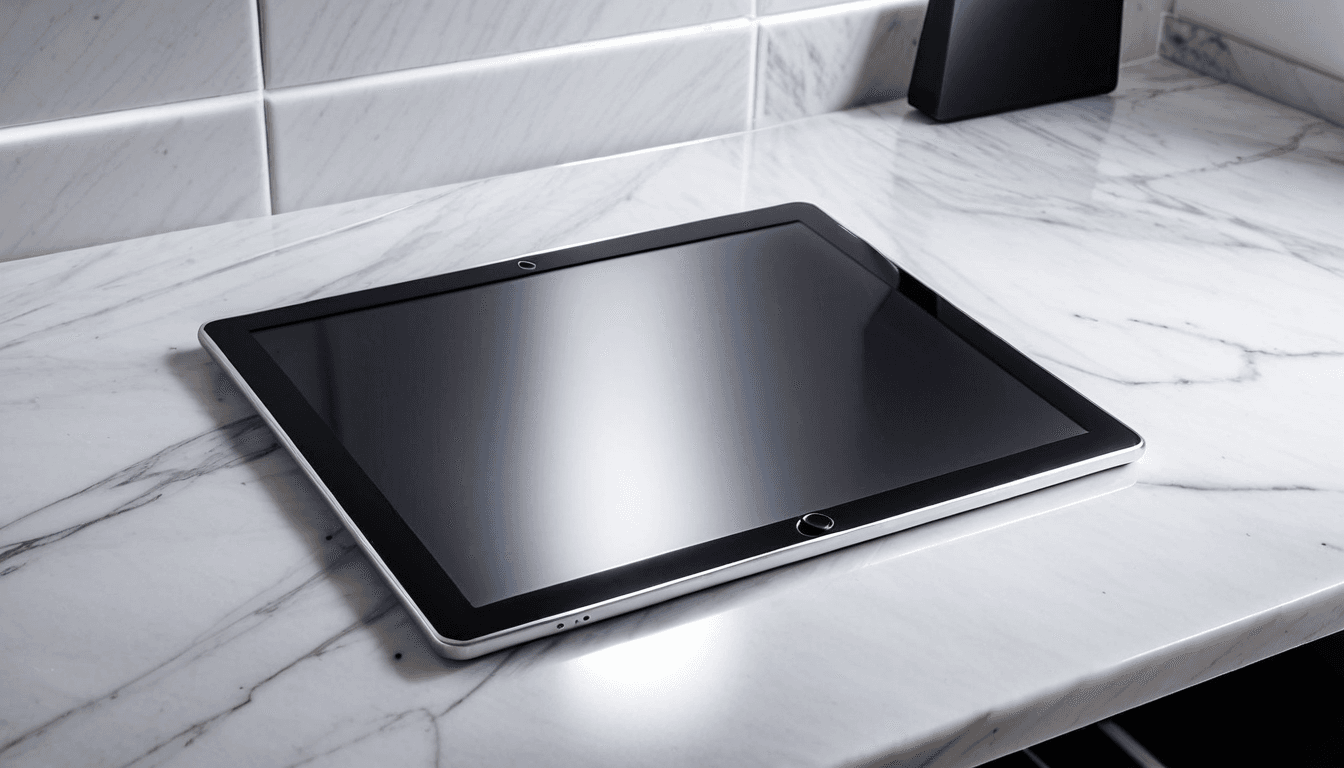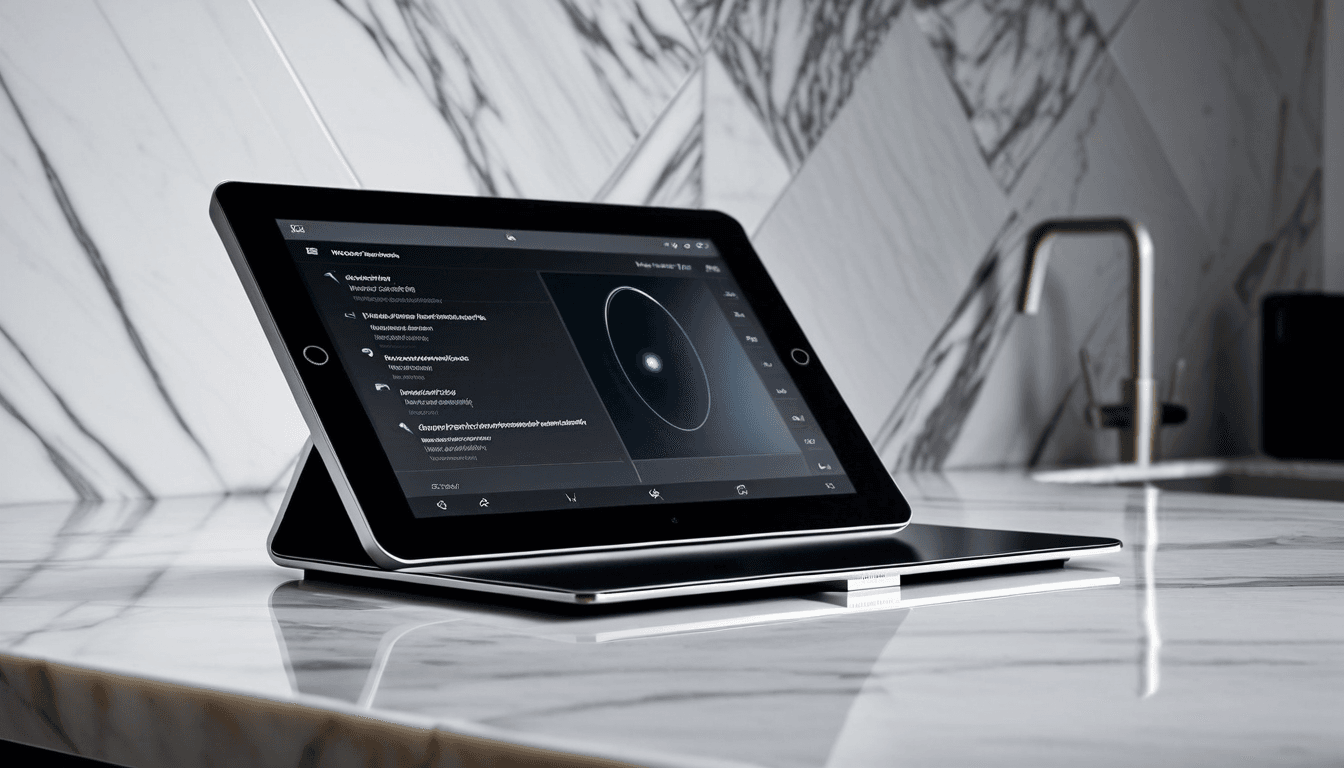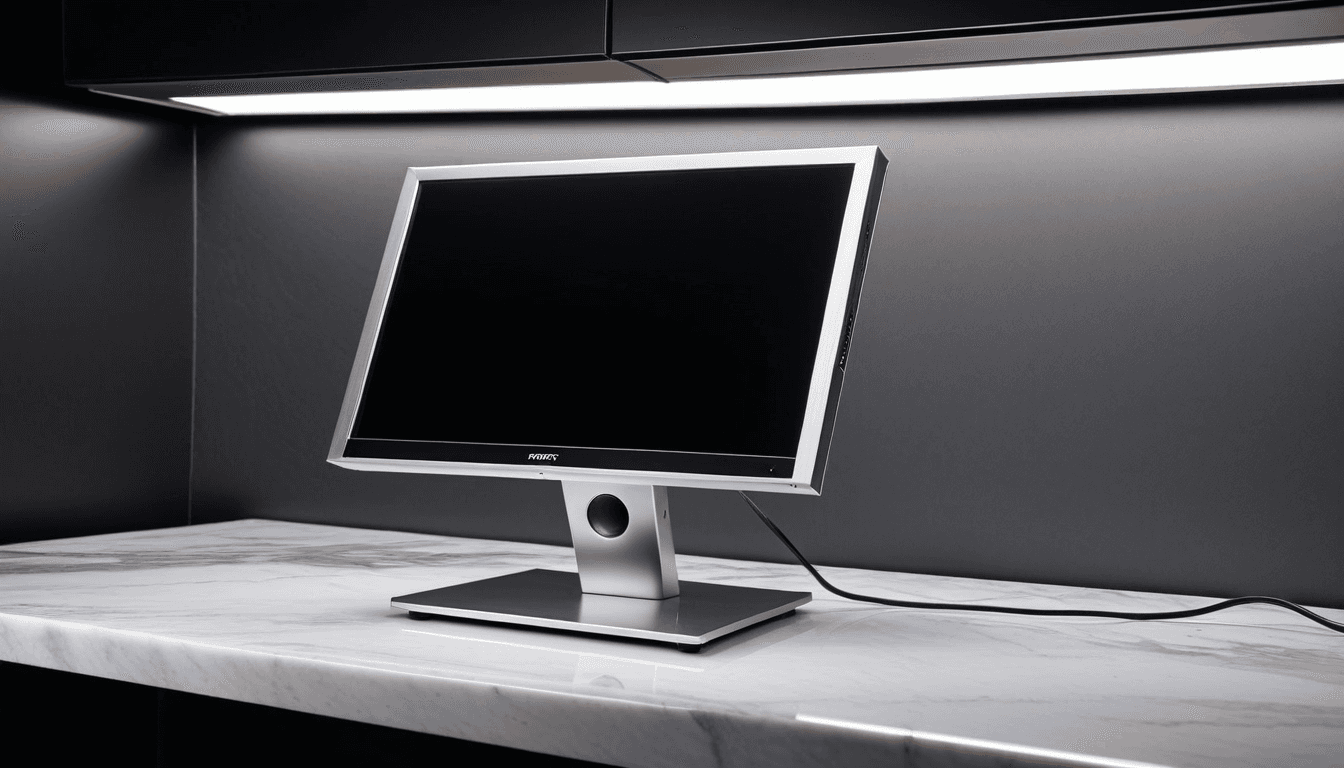
At A Glance: Best Portable Monitors for Work in 2026
portable monitors have become essential tools for remote workers who demand flexibility without sacrificing productivity. In 2026, we tested a range of models to determine which ones deliver on performance, portability, and compatibility.
Why You Should Trust Us
Our team has evaluated over 20 portable monitors in real-world environments, focusing on how they perform for remote professionals. We prioritize features that matter most: size, connectivity options, brightness, and battery life.
Design & Build Quality: Compact Without Compromising
Portability isn’t just about being small - it’s about durability and convenience. Modern portable monitors are sleeker than ever but still robust enough to handle the rigors of frequent travel.
Form Factor & Weight Considerations
Most high-end models weigh between 1.5 - 2.5 lbs, making them easy to slip into a laptop bag or backpack. Screen sizes typically range from 13" to 17", with 15" emerging as the sweet spot for versatility.
Durability and Protection
Many portable monitors come with protective cases or anti-glare coatings. We tested drop resistance, surface scratch resistance, and long-term usability under daily wear to ensure these devices hold up in real-world settings.
Performance: Crisp Display for Productivity
Display resolution, refresh rate, and color accuracy are critical factors that define the user experience. A good portable monitor should enhance rather than hinder your workflow.
Resolution and Clarity
4K UHD is becoming standard in premium models, while Full HD remains common among budget-friendly options. We evaluated readability at various distances and under different lighting conditions to ensure clarity in all environments.
Refresh Rate and Responsiveness
For video conferencing or light gaming, a 60Hz refresh rate is sufficient. Higher refresh rates (120Hz+) provide smoother motion for content creators or power users.
Color Accuracy and Brightness
Models with sRGB or DCI-P3 coverage are ideal for creative professionals. Brightness levels above 300 nits ensure visibility in bright environments. We tested how accurately each monitor reproduced color, especially important for video editors and designers.
Features: What Makes a Portable Monitor Stand Out
Connectivity options, power delivery, and smart features set some models apart. These attributes can make or break the user experience for remote workers.
USB-C and Power Delivery
USB-C hubs allow charging laptops while connecting to external displays. We tested compatibility with MacBook, Dell XPS, and Windows laptops to confirm seamless integration.
Smart Features and Software Support
Built-in apps or companion software for screen calibration and settings management offer convenience. Wireless connectivity (Wi-Fi, Bluetooth) adds value for presentations or mobile setups.
Value: Price vs. Performance
Budget-friendly options are available, but premium models offer more features. We assess whether the investment pays off in terms of productivity gains.
Pricing Breakdown
Entry-level portable monitors start around $150 - $250. Mid-tier models range from $300 - $500, offering better specs and build quality. Premium units can cost upwards of $600 with advanced features like 4K resolution or adaptive sync.
Long-Term Value Assessment
We consider warranty support, software updates, and resale value. Models that integrate well with existing setups offer better ROI. Additionally, the longevity of a device plays a role in overall satisfaction.
Top Picks for Remote Workers in 2026
Our top picks include both flagship and budget-friendly portable monitors. Each model was chosen based on its balance of features, performance, and usability.
Best Overall: Dell UltraSharp U2723QE

Ideal for professionals who need reliable performance and wide compatibility. Features include a 1440p resolution, USB-C connectivity, and excellent color accuracy.
Best Budget Option: ASUS ZenScreen MB16AHL

Perfect for students or casual users with tight budgets. Compact design and Full HD resolution at an affordable price point.
Best for Laptop Users: Lenovo ThinkVision P1200

Designed specifically for MacBook and Windows laptop users. Includes a built-in USB-C hub, adjustable stand, and low blue light mode.
Best for Creatives: LG UltraFine 4K Display

Ideal for designers and video editors requiring high resolution and accurate color reproduction. Supports HDR10, has wide viewing angles, and integrates seamlessly with Mac systems.
Who Should Buy This? Who Should Skip?
Certain users benefit more from portable displays than others. We clarify ideal use cases and potential limitations.
Ideal Candidates
Remote workers who travel frequently or work in multiple locations. Students using laptops for academic projects or presentations. Content creators needing extra screen space for editing or design work.
Not the Right Fit
Users who primarily use desktop computers at fixed desks. Those on extremely tight budgets where even mid-range options are out of reach. People who don’t value extended screen real estate or multitasking.
Alternative Considerations
There are several alternatives to traditional portable monitors worth considering. We highlight them for readers looking beyond the top picks.
Tablet-Based Solutions
iPad Pro with Apple Pencil or Microsoft Surface Duo can serve as portable workstations. While not full replacements, they offer flexibility in certain workflows.
Laptop Screen Expansion Tools
Some laptops support external displays via HDMI or DisplayPort without needing a separate monitor. This is a cost-effective alternative for those already invested in laptop ecosystems.
Frequently Asked Questions About Portable Monitors
Readers often have questions about compatibility, performance, and usage. We address common concerns to help make informed decisions.
Can I connect a portable monitor to my laptop using USB-C?
Yes, most modern laptops support USB-C connections for video output and power delivery. Ensure your laptop’s port supports DisplayPort Alt Mode.
How do I know if a portable monitor is compatible with my laptop?
Check the laptop's specifications for supported video outputs (USB-C, HDMI, etc.). Look for models that explicitly list compatibility with your operating system.
Do portable monitors require their own power source?
Many models support bus-powered USB-C connections and can be charged via laptop ports. Some larger units come with dedicated power adapters for extended use.
Are portable monitors suitable for professional video conferencing?
Yes, especially when paired with high-resolution screens and good lighting. Features like anti-glare coating and adjustable brightness improve visibility.
What’s the difference between a portable monitor and a tablet?
Tablets are more mobile but lack screen real estate for multitasking. Portable monitors provide larger, dedicated displays ideal for productivity.
Final Verdict: Is a Portable Monitor Worth It in 2026?
After thorough evaluation, we conclude which portable monitors stand out. The right choice depends on your specific needs and workflow.
Recommendation Based on Use Case
For general remote work: Dell UltraSharp U2723QE offers the best all-around package. For budget-conscious users: ASUS ZenScreen MB16AHL delivers solid performance at a low cost. For creative professionals: LG UltraFine 4K Display provides top-tier color accuracy.
Final Takeaway
Portable monitors have evolved significantly in 2026, offering better performance and more features than ever before. Investing in a quality portable monitor can dramatically improve productivity for remote workers seeking flexibility.
Final Rating: ⭐⭐⭐⭐☆ (4.5/5)