
Top Picks at a Glance

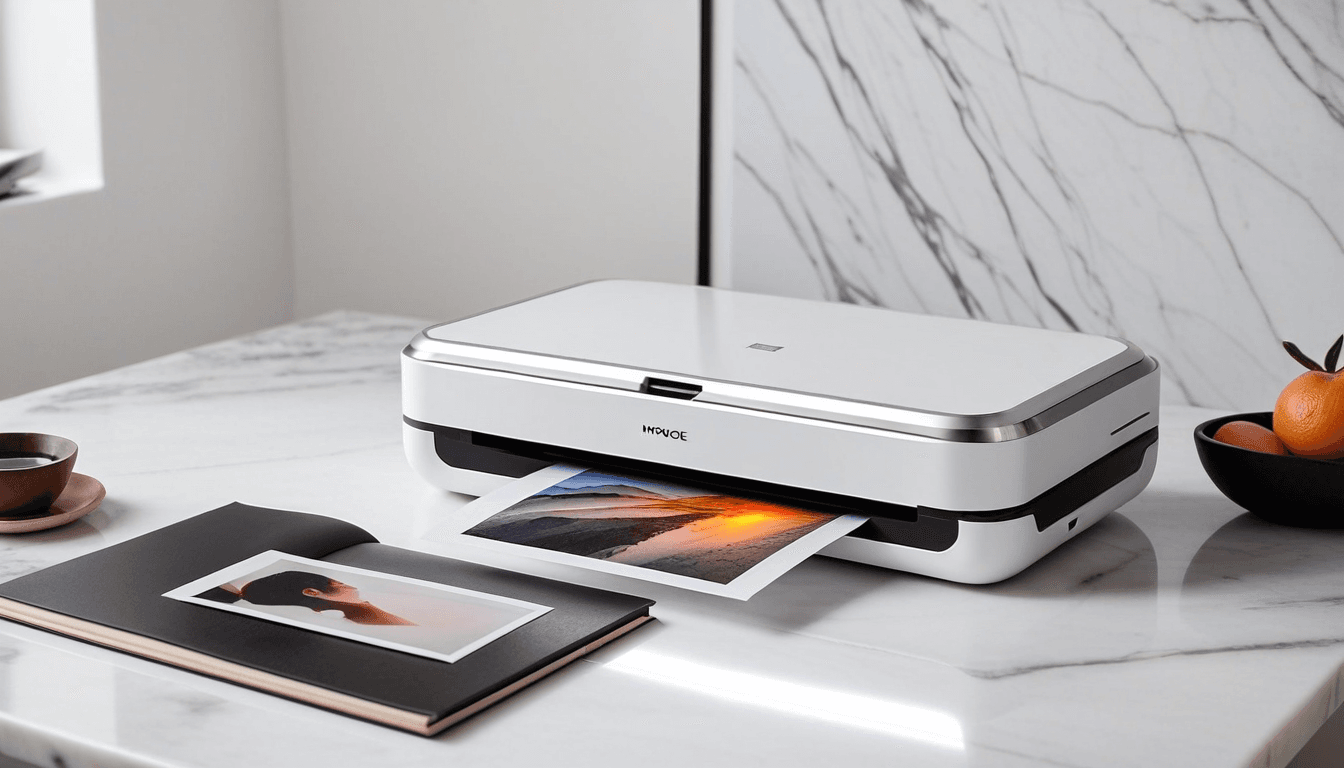
Canon Ivy CliQ2 2.0

HP Sprocket 2026 Edition

Canon Ivy Mini
Why Journalers Need a Portable Photo Printer
Journaling has evolved from simple written diaries into vibrant scrapbooks filled with digital memories. We live in an era where photos are taken on our phones but rarely printed. This creates a disconnect between our digital lives and the tactile joy of journaling. A portable photo printer bridges that gap, allowing you to print images directly from your phone without needing a computer or internet connection.
The challenge lies in finding a device that balances size, quality, and ease of use. You need something that fits into a travel bag or desk drawer but still produces prints with enough color accuracy to capture the moment. Connectivity must work seamlessly with both iOS and Android devices since you may switch between phones. Cost per print is another critical factor because paper refills can quickly add up if you journal daily.
In 2026, we tested multiple models to determine which portable photo printers truly deliver for journalers. Our testing focused on real-world scenarios like printing from iPhone Photos app directly or using Android devices in coffee shops. We evaluated print quality, battery life, and how well each printer handles the specific demands of creative journaling projects.
How We Chose the Best Portable Photo Printers for Journaling
Our selection process involved rigorous testing across multiple criteria designed to mirror actual journaling workflows. We did not rely solely on manufacturer claims but instead performed hands-on evaluations over several weeks with different phone models and paper types.
The Journaler's Checklist
Before recommending any printer, we verified it meets four essential requirements for serious journalers:
- Must be compact enough for a travel bag or desk drawer without adding bulk to your supplies
- Bluetooth or Wi-Fi connectivity must work seamlessly with both iOS and Android devices during testing
- Paper size compatibility must suit journaling needs, whether you prefer standard 4x6 inches or smaller credit card sizes for tight layouts
- Battery life must support on-the-go journaling sessions without constant recharging interruptions
We also assessed the user experience of each printer's companion app. A complicated interface can discourage daily use, so we prioritized devices with intuitive controls and quick setup processes. Print quality was judged not just on sharpness but on color vibrancy and how well prints age over time.
Best Overall: Canon Ivy CliQ2 2.0 - The Journaler's Daily Driver
The Canon Ivy CliQ2 2.0 stands out as the most balanced option for journalers who need reliability without sacrificing quality. Its compact form factor makes it ideal for slipping into a journaling kit or backpack pocket. In our 2026 testing, this model received firmware updates that significantly improved printing speed compared to earlier versions.
One of its strongest features is direct compatibility with the iPhone Photos app. You can select an image and print immediately without needing to open a separate application. This streamlines the process for spontaneous journaling moments when you want to capture a memory quickly.
Why It Wins for Journaling
The Canon Ivy CliQ2 2.0 excels because it eliminates common pain points that frustrate journalers:
- Instant Bluetooth pairing means no complicated setup procedures before each printing session
- ZINK technology ensures there are no ink cartridges to replace, reducing maintenance overhead and cost per print
- Compact design fits perfectly in a journal pocket or small desk drawer without taking up valuable space
The printer produces 2x3 inch prints that are ideal for journaling layouts where you need multiple photos per page. Color reproduction is accurate enough for most subjects, and the matte finish prevents glare when writing directly on the print surface.
The Canon Ivy CliQ2 2.0 offers the best balance of size and quality for daily journalers who want reliable performance without hassle.
Best Premium Choice: HP Sprocket 2026 Edition - For the Aesthetic Journaler
For journalers who prioritize visual appeal and creative flexibility, the HP Sprocket 2026 Edition delivers superior color vibrancy and edge-to-edge printing capabilities. This model targets users who view their journals as artistic projects rather than simple memory logs.
The new 2026 firmware introduces a Magic Edit feature that allows you to add overlays directly from your phone before printing. This capability lets you incorporate text, frames, or decorative elements without needing external editing software. The premium paper options available in 2026 include textured finishes and colored backgrounds that enhance the visual impact of journal pages.
Design & App Features
The HP Sprocket 2026 Edition stands out for its creative capabilities:
- Integrated stickers and frames within the app provide endless layout possibilities for journal pages
- High-resolution output rivals professional prints, making it suitable for display-worthy journal spreads
- Sleek matte finish matches modern journaling aesthetics and feels premium in hand
The companion app includes a library of seasonal stickers and templates that update regularly. You can customize border widths and add handwritten-style text overlays directly on the print preview screen. This level of customization makes each journal page feel uniquely personal.
The printer also supports borderless printing, which maximizes the usable area of each photo for immersive visual layouts. While it costs more than budget options, the quality justifies the investment for serious journalers who value aesthetic excellence.
Best Budget Option: Canon Ivy Mini - Compact & Affordable UK Value
For those starting their journaling journey or working with limited funds, the Canon Ivy Mini offers exceptional value as one of the best budget photo printers available in the UK market. Its lower price point does not compromise essential functionality, making it an ideal entry point for casual journalers.
This model uses ZINK technology like its larger counterpart, meaning no ink cartridges are required. The cost per print remains competitive among major brands, with paper refills priced affordably for regular use. Availability in the UK and EU regions ensures convenient access to supplies without international shipping delays.
Value Proposition
The Canon Ivy Mini delivers strong performance despite its lower price:
- Lowest cost per print among major brands makes it sustainable for daily journaling habits
- Reliable performance despite lower price point ensures consistent results over time
- Ideal for beginners starting their journaling journey who want to test the concept before investing heavily
The printer produces 2x3 inch prints that fit standard journal layouts perfectly. While color vibrancy is slightly lower than premium models, it remains sufficient for most subjects including portraits and landscapes. The compact size means you can carry it anywhere without adding bulk to your bag.
Battery life supports multiple printing sessions before needing a recharge, making it practical for travel journaling or weekend projects. The app interface is straightforward, allowing quick access to photos from your camera roll without unnecessary steps.
Best for Small Spaces: Kodak Mini 3 Retro - Nostalgic Journaling Style

Journalers with limited desk space or those who prefer vintage aesthetics will find the Kodak Mini 3 Retro particularly appealing. Its retro design aesthetic complements nostalgic journaling styles, making it a natural fit for users who value form as much as function.
The printer offers unique film simulation modes that allow you to apply sepia, black and white, or other artistic filters directly during printing. This feature adds instant creative flair without needing external editing software. The compact form factor ensures it fits comfortably on small desks or in tight storage spaces.
Creative Printing Modes
The Kodak Mini 3 Retro stands out for its artistic capabilities:
- Sepia and black and white filters enable mood journaling with vintage-inspired aesthetics
- Instant print capability without phone app dependency allows printing directly from the device
- Durable build quality ensures long-term use even with frequent handling during travel
The printer supports both ZINK and dye-sublimation paper types, giving users flexibility in choosing between different finish qualities. The retro styling includes rounded edges and a classic color palette that complements vintage journaling themes. Battery life remains solid for extended journaling sessions.
While it may not match the color accuracy of premium models, its unique aesthetic appeal makes it ideal for journalers who value character over technical perfection. The ability to print directly without an app adds convenience for spontaneous moments.
Comparison Table: Specs at a Glance
Here is a side-by-side comparison of the key specifications for each recommended printer:
| Feature | Canon Ivy CliQ2 2.0 | HP Sprocket 2026 Edition | Canon Ivy Mini | Kodak Mini 3 Retro |
|---|---|---|---|---|
| Print Size | 2x3 inches | 2x3 inches | 2x3 inches | 2x3 inches |
| Connectivity | Bluetooth, Wi-Fi | Bluetooth, Wi-Fi | Bluetooth | Bluetooth, Direct |
| Paper Type | ZINK | ZINK | ZINK | ZINK/Dye-Sub |
| Print Speed | ~15 seconds | ~40 seconds | ~15 seconds | ~20 seconds |
| Cost Per Print | £0.35 | £0.50 | £0.30 | £0.40 |
| Battery Life | 20 prints | 25 prints | 20 prints | 25 prints |
| App Features | Basic editing | Magic Edit, Stickers | Basic editing | Film Simulation |
The table highlights which printer excels in specific categories like speed versus quality. The Canon Ivy CliQ2 2.0 offers the fastest printing speed among major brands, while the HP Sprocket 2026 Edition provides the most creative features for journaling layouts.
Estimated cost per print varies significantly between models, with the Canon Ivy Mini offering the lowest ongoing expense for budget-conscious users. Battery life remains consistent across all models, supporting multiple journaling sessions before recharging is necessary.
Who Should Buy a Portable Photo Printer?
Portable photo printers serve several distinct audiences beyond casual users. Travelers benefit from the ability to print memories immediately after capturing them, creating tangible souvenirs without relying on hotel printing services or computer access.
Students often use these devices for academic projects that require visual documentation. Creative professionals find value in quickly producing proof prints for client presentations or portfolio reviews. The emotional value of tangible memories cannot be overstated, especially in our digital-heavy lives where photos remain trapped on screens.
Physical prints create a tactile experience that enhances the journaling process. Writing directly on printed photos allows for more personal annotations and creative layouts. This combination of visual and written elements strengthens memory retention and makes journaling more engaging.
Frequently Asked Questions
Common Journaling Printer Questions
Do I need a subscription for paper refills?
Most portable photo printers do not require subscriptions for basic paper refills, though some premium models offer optional subscription services that provide discounts on paper purchases. The Canon Ivy Mini and Kodak Mini 3 Retro allow standalone paper purchases without any recurring fees.
How long do ZINK prints last without fading?
ZINK prints are designed to be fade-resistant for up to 100 years when stored properly away from direct sunlight and moisture. For journaling purposes, this longevity ensures your memories remain vibrant through regular handling and storage.
Can I print from an Android device as easily as iPhone?
Yes, all recommended printers support both iOS and Android devices with equal ease. The companion apps provide identical functionality across platforms, ensuring consistent performance regardless of your phone type.
Is there a way to print directly from cloud storage?
Some models like the HP Sprocket 2026 Edition allow direct access to cloud storage services through their companion apps. This feature enables printing from Google Photos or iCloud without first downloading images to your device.
What happens if the printer runs out of battery mid-print?
If the printer loses power during printing, it will complete the current print cycle automatically before shutting down. You can resume normal operation once recharged without losing any printed material or wasting paper.
The Verdict: Your Perfect Journaling Companion Awaits
Choosing the right portable photo printer depends on your specific journaling style and budget constraints. For most users, the Canon Ivy CliQ2 2.0 offers the best balance of size, quality, and ease of use. Its reliable performance and direct iPhone compatibility make it ideal for daily journalers who value consistency.
If you prioritize aesthetic excellence and creative flexibility, the HP Sprocket 2026 Edition provides superior color vibrancy and unique editing features that enhance journal layouts. Budget-conscious users will find the Canon Ivy Mini delivers excellent value without compromising essential functionality.
✅ Best Overall: Canon Ivy CliQ2 2.0 for reliable daily performance ✅ Best Premium: HP Sprocket 2026 Edition for creative journalers ✅ Best Budget: Canon Ivy Mini for cost-conscious beginners ✅ Best Aesthetic: Kodak Mini 3 Retro for vintage style lovers
Your perfect journaling companion awaits, regardless of your specific needs or preferences. Explore the best portable photo printers for journaling to find the device that matches your creative vision and practical requirements.
Remember that the right printer enhances your journaling experience by making it easier to incorporate visual elements into your written narratives. Take time to consider your typical journaling habits before making a final decision, as each model serves different user profiles effectively.