Buying Guide: How to Choose the Best Smart Home Security System
In today's world, protecting your home has never been more important. With technology advancing at a rapid pace, smart home security systems have become essential tools for homeowners looking to safeguard their property and loved ones. Whether you're a first-time buyer or looking to upgrade your existing system, this comprehensive guide will help you navigate the complex landscape of smart home security solutions.
What is a Smart Home Security System?
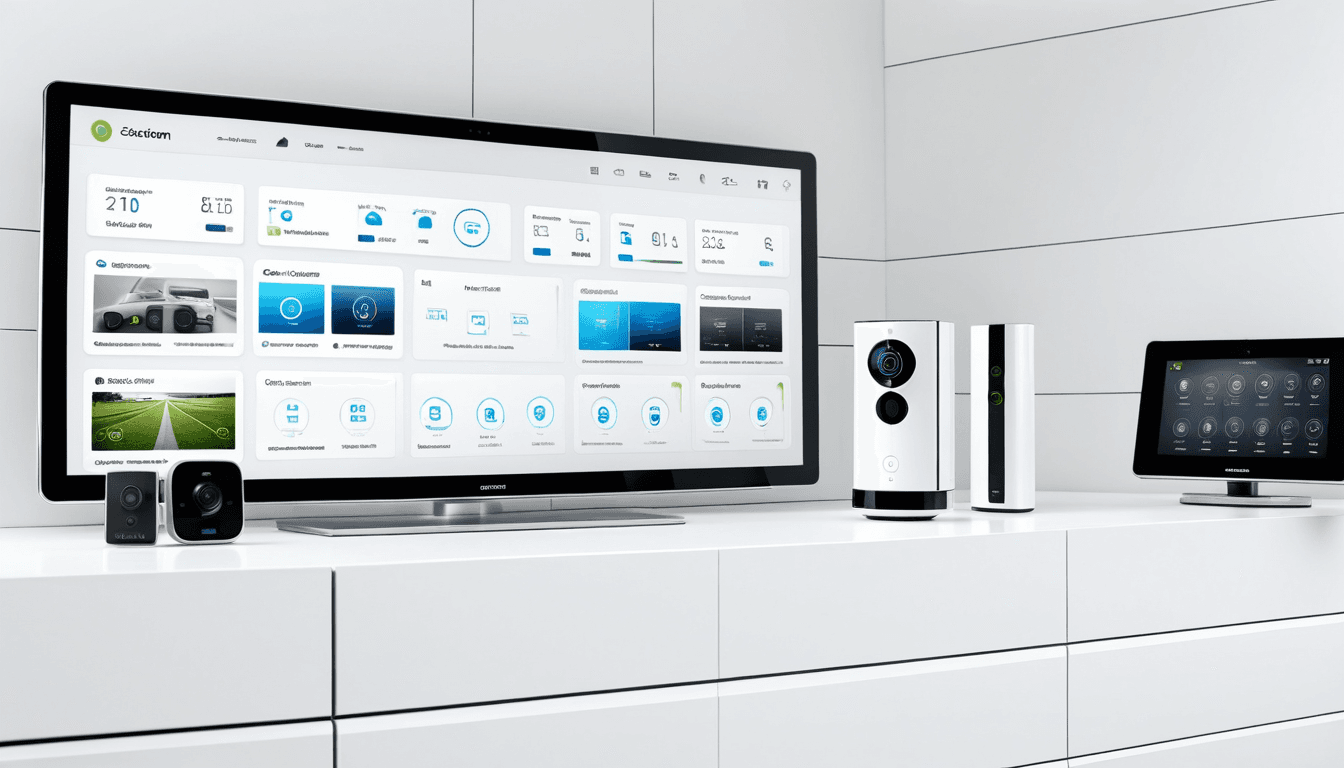
A smart home security system is an integrated network of devices that work together to monitor and protect your home. These systems typically include cameras, sensors, doorbells, alarms, and mobile apps that allow you to control and monitor your property remotely from anywhere in the world.
Unlike traditional security systems, smart home security systems offer real-time alerts, remote access, and integration with other smart home devices. They provide peace of mind knowing that you can check on your home even when you're away, and receive instant notifications about potential threats or unusual activity.
Key Components of Smart Home Security Systems
Home Security Cameras
Home security cameras form the backbone of most smart security systems. These devices come in various types:
- Indoor cameras: Designed for indoor use, these typically offer HD video quality and night vision capabilities
- Outdoor cameras: Built to withstand weather conditions with waterproof ratings (IP65 or higher)
- Dome cameras: Sleek design that's hard to notice but provides excellent coverage
- Bullet cameras: Typically used for outdoor monitoring with long-range capabilities
Smart Doorbell Camera
A smart doorbell camera is a specialized type of security camera that replaces your traditional doorbell. These devices offer:
- Video recording capabilities
- Two-way audio communication
- Motion detection alerts
- Integration with other smart home devices
Sensors and Alarms
These components work together to detect unauthorized access:
- Door/window sensors: Alert you when doors or windows are opened
- Motion sensors: Detect movement within specified areas
- Glass break sensors: Listen for the sound of breaking glass
- Security alarms: Provide audible alerts when threats are detected
What to Look for in a Smart Home Security System
When choosing a smart home security system, consider these key factors:
1. Coverage and Range
The effectiveness of your security system depends largely on how well it covers your entire property. Consider:
- Number of cameras needed for full coverage
- Indoor vs outdoor camera requirements
- Wireless range limitations
- Interference from other electronic devices
2. Video Quality and Features
Modern security systems offer various video capabilities:
- Resolution: Look for at least 1080p HD resolution
- Night vision: Ensure adequate night vision capabilities (IR LEDs)
- Field of view: Wider angles provide better coverage
- Recording options: Local storage vs cloud storage
3. Connectivity and Integration
A good system should integrate well with:
- Your home Wi-Fi network
- Mobile apps for remote access
- Other smart home devices (lights, locks, thermostats)
- Emergency services or monitoring centers
4. Ease of Installation and Setup
The best systems are user-friendly:
- Wireless installation options
- Smartphone app-based setup
- Clear instructions and customer support
- Minimal technical knowledge required
Top Smart Home Security Systems Reviewed
1. Ring Alarm Pro System
Ring Alarm Pro is one of the most popular smart home security systems on the market today.
Pros:
- Comprehensive coverage with multiple sensors
- Professional monitoring available
- Easy installation and setup
- Integration with Ring's extensive ecosystem
- 24/7 customer support
Cons:
- Monthly subscription required for full features
- Limited offline functionality
- Some users report connectivity issues
Features:
- 1080p HD video quality
- 360° camera view
- Two-way audio communication
- Smart lighting integration
- Cloud storage options
2. Nest Secure System
The Nest Secure system offers premium features for tech-savvy homeowners.
Pros:
- Elegant design that blends with home aesthetics
- Advanced AI-powered motion detection
- Seamless integration with Google Assistant
- Comprehensive mobile app
- Professional monitoring options
Cons:
- Higher price point compared to competitors
- Requires Wi-Fi connection for full functionality
- Limited third-party device compatibility
Features:
- 1080p HD cameras
- Smart sirens with customizable alerts
- Automatic arming/disarming
- Google Assistant integration
- Mobile app with real-time updates
3. Arlo Pro 4 System
The Arlo Pro 4 system provides excellent outdoor coverage and smart features.
Pros:
- Excellent outdoor weather resistance (IP65 rating)
- Advanced night vision capabilities
- Long battery life
- Easy cloud setup
- Multiple camera options
Cons:
- Subscription required for full cloud features
- Some users report app glitches
- Limited local storage options
Features:
- 4K Ultra HD video quality
- 120° wide-angle lens
- Solar charging capability
- Smart motion detection
- Two-way audio communication
Smart Home Security System Buying Checklist
Before making your purchase decision, consider this comprehensive checklist:
Essential Requirements
- Home size: Small apartment vs. large house
- Budget range: Entry-level vs. premium systems
- Technical skills: DIY installation capability
- Existing devices: Compatibility with current smart home setup
- Monitoring needs: Self-monitoring vs. professional monitoring
Feature Priorities
- Camera quality: Resolution, night vision, field of view
- Connectivity options: Wi-Fi, cellular backup
- Storage solutions: Cloud storage, local recording
- Integration capabilities: Smart home ecosystem compatibility
- Mobile app functionality: Remote access, notifications
Cost Considerations
| System | Initial Cost | Monthly Fees | Additional Costs |
|---|---|---|---|
| Ring Alarm Pro | $199 | $10/month | $50 for accessories |
| Nest Secure | $249 | $6/month | $100 for additional sensors |
| Arlo Pro 4 | $399 | $9.99/month | $30 for extra cameras |
Security System Reviews: What Users Are Saying
Based on user reviews and feedback, here are the most common praises and complaints:
Common Praises
- Ease of installation across all systems
- Mobile app usability with real-time notifications
- Video quality improvements over traditional systems
- Integration capabilities with other smart home devices
- Customer support responsiveness
Common Complaints
- Subscription fees required for full functionality
- False alarms from motion detection
- Wi-Fi connectivity issues in some areas
- Battery life limitations on wireless components
- Privacy concerns with cloud storage
Buying Advice: Making the Right Choice
Consider Your Home Size and Layout
Before purchasing any system, assess your property:
- Small apartments: A basic camera system with 1-2 cameras may suffice
- Medium homes: 3-5 cameras plus door/window sensors recommended
- Large properties: Multiple outdoor cameras, motion sensors, and possibly professional monitoring
Evaluate Your Technical Comfort Level
If you're not tech-savvy:
- Choose systems with simple installation processes
- Look for companies offering excellent customer support
- Consider professional installation services
- Avoid overly complex features that may confuse you
Budget Planning
Smart home security systems range from $100 to over $1,000. Consider:
- Start-up costs: Equipment and initial setup fees
- Ongoing costs: Monthly monitoring and cloud storage fees
- Future expansion: Systems that allow for easy upgrades
- Warranty coverage: Long-term protection for your investment
Comparing Smart Doorbell Cameras
Smart doorbell cameras are becoming increasingly popular due to their convenience and security features:
Ring Video Doorbell Pro 2
- Pros: 1080p HD video, two-way audio, smart motion detection
- Cons: Requires Wi-Fi connection, monthly subscription for cloud storage
- Best for: Homeowners wanting premium doorbell functionality
Nest Hello IQ
- Pros: Advanced facial recognition, built-in chime, Google Assistant integration
- Cons: Higher price point, limited third-party compatibility
- Best for: Tech enthusiasts and Google ecosystem users
Arlo Video Doorbell 3
- Pros: 4K video quality, solar charging, no monthly fees
- Cons: Smaller battery life, limited smart features
- Best for: Budget-conscious buyers wanting good video quality
Smart Home Security System Features Explained
Cloud Storage vs. Local Storage
Cloud storage offers:
- Remote access to recordings
- Automatic backup capabilities
- Easy sharing with authorities or family members
- Protection against device theft or damage
Local storage provides:
- Complete privacy control
- No monthly subscription fees
- Faster access to recordings
- Protection from internet connectivity issues
Two-Way Audio Communication
This feature allows you to:
- Communicate with visitors at your door
- Monitor indoor activity through speaker systems
- Speak with family members remotely
- Deter potential intruders through verbal warnings
Motion Detection and Smart Alerts
Advanced motion detection features include:
- Smart detection: Distinguishes between people, animals, and vehicles
- Customizable zones: Set specific areas for monitoring
- Scheduling options: Disable alerts during certain hours
- Notification preferences: Choose how you receive alerts (push, email, SMS)
Frequently Asked Questions About Smart Home Security Systems
What is the best smart home security system?
The "best" system depends on your specific needs:
Ring Alarm Pro works well for most users due to its comprehensive features and affordability. Nest Secure is ideal for Google Assistant users seeking premium integration. Arlo Pro 4 excels in outdoor coverage with excellent weather resistance.
How much does a smart home security system cost?
Prices vary widely:
- Basic systems: $100-$300 (equipment only)
- Mid-range systems: $300-$800 (with monitoring)
- Premium systems: $800-$2,000+ (full ecosystem)
Do I need professional monitoring?
Professional monitoring is optional but recommended for:
- Peace of mind when away from home
- Faster emergency response
- Integration with local authorities
- Insurance discounts in some areas
Can smart security cameras work without Wi-Fi?
Most systems require Wi-Fi for full functionality, but:
- Local storage can work offline
- Basic alerts may still function without connection
- Some systems offer cellular backup options
- Motion detection typically requires internet connectivity
How do I install a smart home security system?
Installation process varies by system:
- Read the manual thoroughly before beginning
- Plan camera placement for optimal coverage
- Connect to Wi-Fi using smartphone app
- Test all features including motion detection and alerts
- Set up notifications according to your preferences
Conclusion: Your Smart Home Security Decision
Choosing the right smart home security system is a crucial investment in your family's safety and peace of mind. With so many options available, it's important to consider your specific needs, budget, and technical comfort level before making a decision.
Key Takeaways
- Start with basics: Even a simple camera system can provide significant security benefits
- Consider future expansion: Choose systems that allow for easy upgrades
- Read reviews carefully: User experiences often reveal important details not in marketing materials
- Factor in ongoing costs: Monthly fees and subscription charges are essential to consider
- Test before you buy: Many retailers offer return policies for smart security equipment
Whether you're looking for a basic home security camera setup or a comprehensive smart home ecosystem, there's a solution that fits your needs. The key is understanding what features matter most to you and selecting a system that provides the right balance of functionality, ease of use, and value for money.
Remember, the best security system is one that you'll actually use consistently. Don't overcomplicate your setup with unnecessary features - focus on what will genuinely enhance your home's security while remaining manageable for daily use.
As technology continues to evolve, smart home security systems will become even more sophisticated and accessible. By making an informed decision today, you're investing in a safer tomorrow for your family and property.