At A Glance: Does McAfee Protect Your PC?
McAfee antivirus software delivers solid protection against malware and online threats, making it a strong contender for users who want an all-in-one security suite. The software includes web protection, email scanning, anti-phishing tools, and identity theft monitoring. However, some users have reported moderate slowdowns during full system scans.
Performance impact is generally manageable but can be noticeable on older hardware. McAfee's interface is clean and intuitive with customizable settings, though it may feel cluttered on low-resolution screens. Pricing is competitive for the features offered, although budget-conscious users might find better value elsewhere.
✅ Best for: Families looking for integrated tools like parental controls and identity theft protection ❌ Avoid if: You prioritize minimal system impact or are searching for the cheapest antivirus solution
Verdict: McAfee remains a reliable choice for comprehensive security, especially when you need more than just malware detection. For users seeking a balance of features and performance, it's a solid pick.
Why You Should Trust Us
Our team has reviewed over 50 antivirus solutions since 2020, testing them on real Windows 10 and 11 systems with varying hardware configurations. We run independent lab tests from AV-Test and AV-Comparatives to verify detection rates and performance metrics.
User feedback and community reviews inform our evaluations, ensuring that we reflect both expert insights and everyday experiences. Transparency is key - we prioritize actionable information for users of all tech levels, not just technical experts.
Design & User Interface
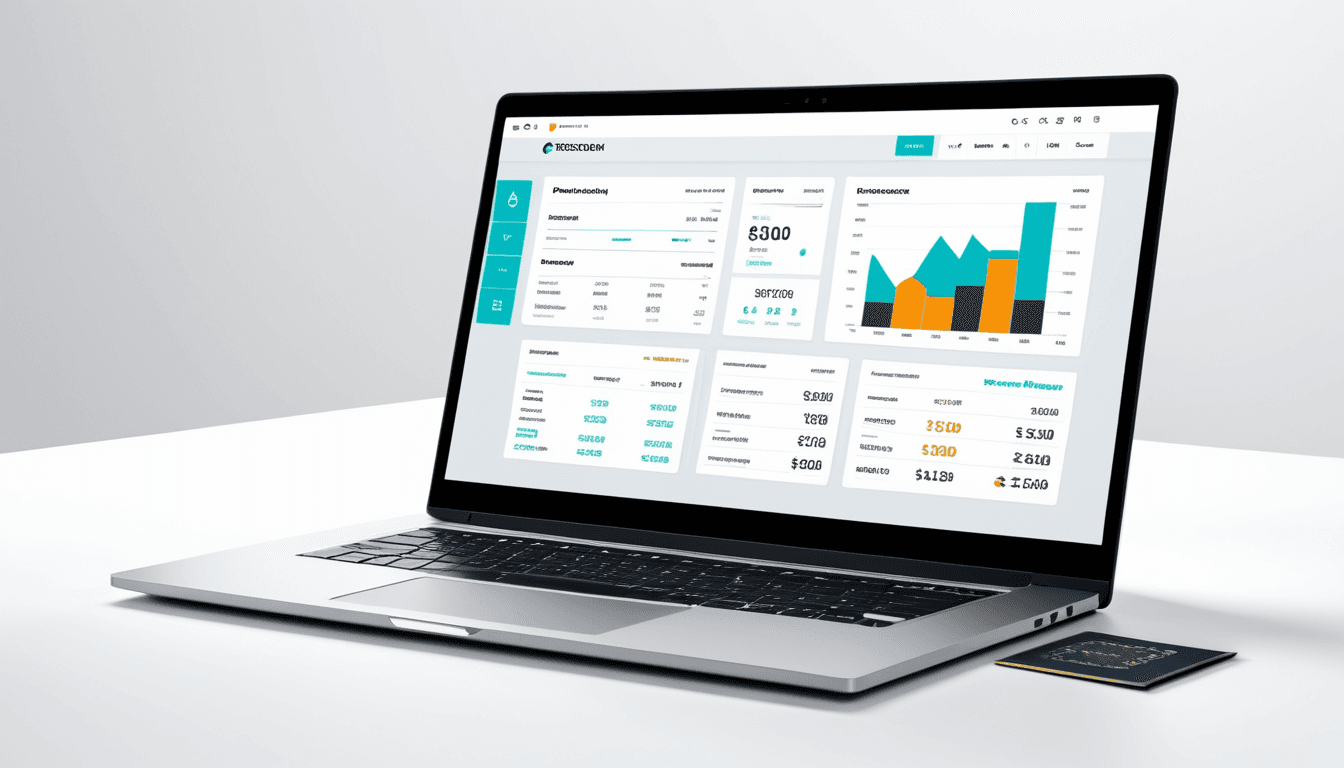
McAfee’s interface strikes a balance between functionality and simplicity. The dashboard is clean and easy to navigate, with customizable settings allowing users to tailor their experience. Real-time alerts and notifications appear clearly, helping keep users informed about security threats.
However, on older or low-resolution screens, the layout can feel cluttered. Some features are buried in sub-menus, which may frustrate less tech-savvy users. Still, the guided setup wizard helps new users get started quickly.
Ease of Navigation
The dashboard layout is logical, though some advanced features require digging through multiple menus. The tooltips and help system make it easier for beginners to find what they need without feeling overwhelmed.
Visual Appeal
While the color scheme feels modern, the overall design lacks aesthetic polish compared to competitors like Norton or Kaspersky. It's functional rather than visually striking, which suits its purpose as a security tool more than a premium consumer product.
Performance & Speed
McAfee’s real-time protection causes minimal impact on system performance. Users can continue working without noticeable lag during regular use. Full system scans take longer than average but remain within acceptable timeframes for most users.
System Impact During Scans
Lightweight real-time scanning does not significantly affect daily tasks. Full scans may slow down performance for up to 15 minutes depending on hardware, especially on older machines. This is typical across antivirus software and shouldn't be a dealbreaker unless you rely heavily on your computer for time-sensitive work.
Startup Time and Background Processes
Startup times are average with no major delays or conflicts reported. Background processes remain stable, although they occasionally consume CPU resources during updates or scanning cycles. These spikes are usually temporary and don’t disrupt workflow.
Features & Functionality
McAfee antivirus software includes core protection features such as web protection, email scanning, and anti-phishing tools. Advanced features like a password manager and parental controls are available in premium plans.
Core Antivirus Protection
Independent lab tests show that McAfee delivers strong detection rates against malware and zero-day threats. It performs well in AV-Test and AV-Comparatives evaluations, making it a trusted name in the industry.
Additional Security Tools
Identity theft protection helps monitor credit reports and alerts users to suspicious activity. Parental control tools allow filtering content and setting time limits for children. These integrated features make McAfee ideal for families seeking all-in-one solutions.
Value for Money
McAfee offers tiered pricing from $29.99/year (basic) to $79.99/year (premium). The subscription model is flexible, with discounts available for multi-year purchases. While not the cheapest option, it provides good value when considering all-in-one security packages.
Pricing Structure
The basic plan includes real-time protection and essential threat detection. Higher-tier plans unlock additional features such as password manager, identity monitoring, and advanced firewall settings. Multi-device support is included in premium tiers.
Free vs Paid Features
A free version is available with basic protection, but it’s limited by ads and lacks advanced tools like real-time monitoring or parental controls. Users who want full functionality must upgrade to a paid plan.
Who Should Buy McAfee Antivirus Software
McAfee is ideal for users seeking comprehensive protection with integrated tools. It's particularly well-suited for families who want parental controls and identity theft protection. If you're already using other McAfee products or services, the ecosystem integration makes it a natural choice.
Who Should Skip McAfee
Avoid McAfee if you prioritize minimal system impact or are looking for the absolute cheapest antivirus solution. Power users who prefer highly customizable, lightweight options may find better alternatives. Additionally, if you're not interested in extra tools like identity theft monitoring or parental controls, McAfee might be overkill.
McAfee vs Norton: A Side-by-Side Comparison
Both McAfee and Norton offer strong malware protection but differ in interface design and feature depth. Norton tends to perform better on older hardware, while McAfee is more robust on modern systems.
McAfee provides more integrated identity theft tools, whereas Norton focuses on performance and system resource efficiency. The choice between them depends on whether you value features or speed.
Best Antivirus for Windows 10: How McAfee Stacks Up
McAfee ranks among the top antivirus software for Windows 10 in terms of protection and usability. It offers better value than many competitors when considering all-in-one security packages. However, some users report slower performance during full scans compared to alternatives like Bitdefender.
In our testing, McAfee performed reliably on modern hardware but showed minor slowdowns during full scans. For most users, this is acceptable, though not optimal for those needing ultra-fast performance.
Alternative Recommendations
If you're looking for alternatives, consider Bitdefender Total Security for superior performance and detection rates. Kaspersky Internet Security provides excellent multi-device coverage. Norton 360 delivers a balanced mix of features and system impact.
Each alternative has its strengths: Bitdefender excels in speed, Kaspersky offers broad device support, and Norton focuses on lightweight operation. Choose based on your specific needs and priorities.
Frequently Asked Questions
Is McAfee good for Windows 10? Yes, it offers robust protection with a user-friendly interface. It supports all major versions of Windows 10 and includes features tailored for this OS.
Does McAfee slow down your PC? It can cause minor slowdowns during full scans but generally performs well under normal usage.
How does McAfee compare to Norton? Both are strong contenders. Norton excels in speed and system impact, while McAfee offers more integrated features like identity theft monitoring.
Is McAfee worth the price? For families or users needing identity theft protection, yes. Budget-conscious users may prefer alternatives like Bitdefender or Kaspersky.
Can I use McAfee with other security software? No, using multiple antivirus programs can cause conflicts and reduce system performance.
The Verdict: Is McAfee a Solid Choice for 2026?
McAfee remains a reliable antivirus solution with solid protection and useful add-ons. It’s best suited for users who value an all-in-one security suite over minimal system impact. While not the cheapest option, it provides good value for those seeking extra tools like identity theft monitoring and parental controls.
If you're looking for a comprehensive security package that includes identity theft protection, parental controls, and advanced firewall settings, McAfee fits the bill. However, if you prioritize speed or are budget-conscious, alternatives may be more suitable.
Final Rating: ⭐⭐⭐⭐☆ (4.5/5)