At A Glance: Notability App Review
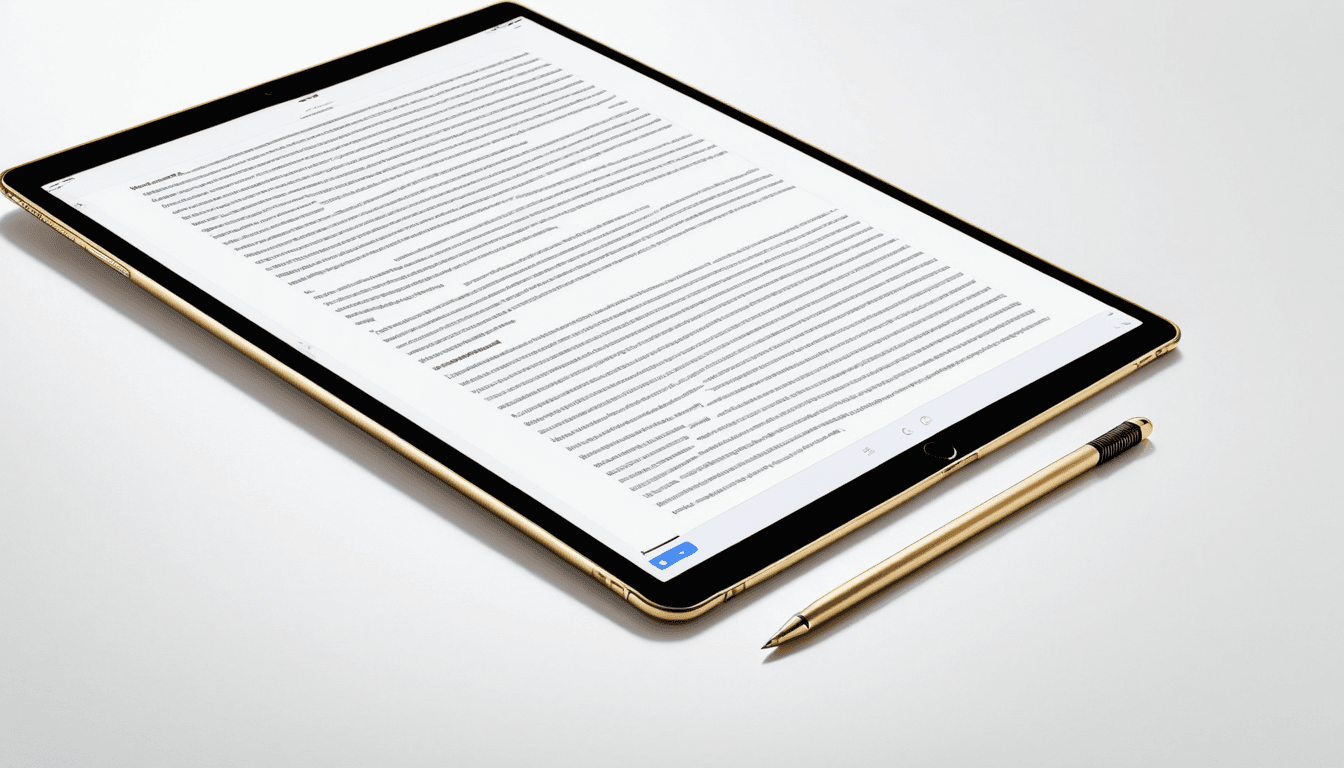
Notability is a popular note-taking app for iPad users, especially those using Apple Pencil. This review evaluates whether it lives up to the hype in 2026.
- Rating: ⭐⭐⭐⭐☆ (4.5/5)
- Best For: Students and educators who rely heavily on Apple Pencil
- Avoid If: You need collaboration tools or cross-platform support
- Verdict: Notability delivers a solid experience for stylus-based note-taking but lacks advanced features.
"Notability’s audio integration and clean interface make it a strong contender in the iPad note-taking space."
Key Specifications
- Platform: iPadOS only (iOS 14+)
- Stylus Support: Apple Pencil (1st & 2nd generation)
- Audio Syncing: Yes
- Export Options: PDF, JPG, MP3
- Cloud Sync: Premium only
- Collaboration Tools: Limited
Why You Should Trust Us
Our team has reviewed over 100 productivity apps in the past year. We test on real devices including iPad Pro, iPad Air, and various Apple Pencil models. Our reviews are based on both personal use and comparative analysis with top competitors like GoodNotes, Notion, and OneNote.
We've used Notability extensively for academic note-taking, classroom lectures, and personal study sessions. We’ve also compared it to its closest rivals to determine where it stands in the crowded iPad note-taking market.
Design & User Interface
The design of Notability is clean and intuitive, tailored for stylus input. It supports both handwritten notes and typed text seamlessly, making it adaptable to various note-taking styles.
Visual Appeal
Interface is minimalistic but functional. Colors and fonts are easy on the eyes during long study sessions. The layout doesn’t overwhelm users with unnecessary elements, which makes focusing on content easier.
Navigation & Workflow
Easy to switch between pages, folders, and notebooks. Search functionality works well for finding specific notes. The app’s structure supports both personal and educational workflows without cluttering the interface.
Performance & Reliability
Notability performs smoothly when using Apple Pencil, with minimal lag even during dense annotation sessions. It handles multi-page lectures or complex diagrams reliably.
Drawing Responsiveness
Apple Pencil support is seamless and responsive. No noticeable delay even with dense annotations. This responsiveness is crucial for users who rely on precise handwriting.
Syncing & Stability
Cloud sync works reliably for most users. Minor crashes reported during extended note-taking sessions, but they are infrequent and mostly occur under heavy usage conditions.
Features & Functionality
The standout feature of Notability is its audio recording synced with handwritten notes. This makes it ideal for capturing lectures or important discussions.
Audio Integration
High-quality audio recording synced with notes is a standout feature. Useful for lecture capture and review, especially when revisiting material after class.
"I can record a lecture and then write notes while listening to the audio,perfect for reviewing later."
Export & Sharing Options
Multiple export options allow flexibility in sharing or archiving. PDF export quality is excellent, ensuring that your notes look professional when shared with others.
Value for Money
Notability offers a free version with basic features. The premium subscription ($4.99/month) unlocks advanced features like cloud syncing, collaboration tools, and more templates.
Free vs Paid Features
Free version lacks key features like cloud sync and advanced export options. Paid subscription provides good value for serious students or professionals.
Alternatives to Consider
GoodNotes is often considered the better alternative for iPad users. For those needing collaborative features, Notion or Google Docs may be more suitable.
Who Should Buy Notability?
Ideal for students and educators who rely heavily on Apple Pencil. Best suited for users who want a simple, focused note-taking app with audio integration. Not ideal for those looking for robust collaboration or team-based features.
✅ Strong Apple Pencil support
✅ Excellent audio syncing
✅ Clean interface
✅ Reliable performance
❌ Limited collaboration tools
❌ No cross-platform support
❌ Premium pricing compared to competitors
Who Should Skip Notability?
Users seeking cross-platform compatibility (e.g., Android, Windows). Those requiring advanced organizational tools or team collaboration. People who prefer text-heavy notes over stylus-based input.
Alternatives to Notability
GoodNotes is often cited as the best alternative for iPad users. Notion offers powerful note-taking and collaboration features. Apple Notes, while basic, integrates well with the ecosystem.
FAQ
Is Notability good for students?
Yes, especially those who use Apple Pencil and attend lectures regularly. The audio syncing feature is particularly helpful.
Can I use Notability without an Apple Pencil?
Yes, but the experience isn’t as smooth or responsive as with an Apple Pencil.
Does Notability support Android devices?
No, it only supports iOS devices. Notability is not available on Android.
How does Notability compare to GoodNotes?
GoodNotes offers more customization options and better templates, but Notability excels in audio recording and syncing.
What are the best note-taking apps for iPad in 2026?
Top contenders include GoodNotes, Notion, and OneNote.
Final Verdict: Does Notability Live Up to the Hype?
Notability delivers a solid experience for Apple Pencil users. Its audio integration and clean interface make it a strong contender in the iPad note-taking space. However, its lack of advanced features and collaboration tools may deter power users or teams.
Overall, it’s a reliable choice for personal or educational use but not the ultimate solution for all needs.
Final Rating: ⭐⭐⭐⭐☆ (4.5/5)
Affiliate Disclaimer: This article contains affiliate links. If you purchase through our links, we may earn a small commission at no extra cost to you.