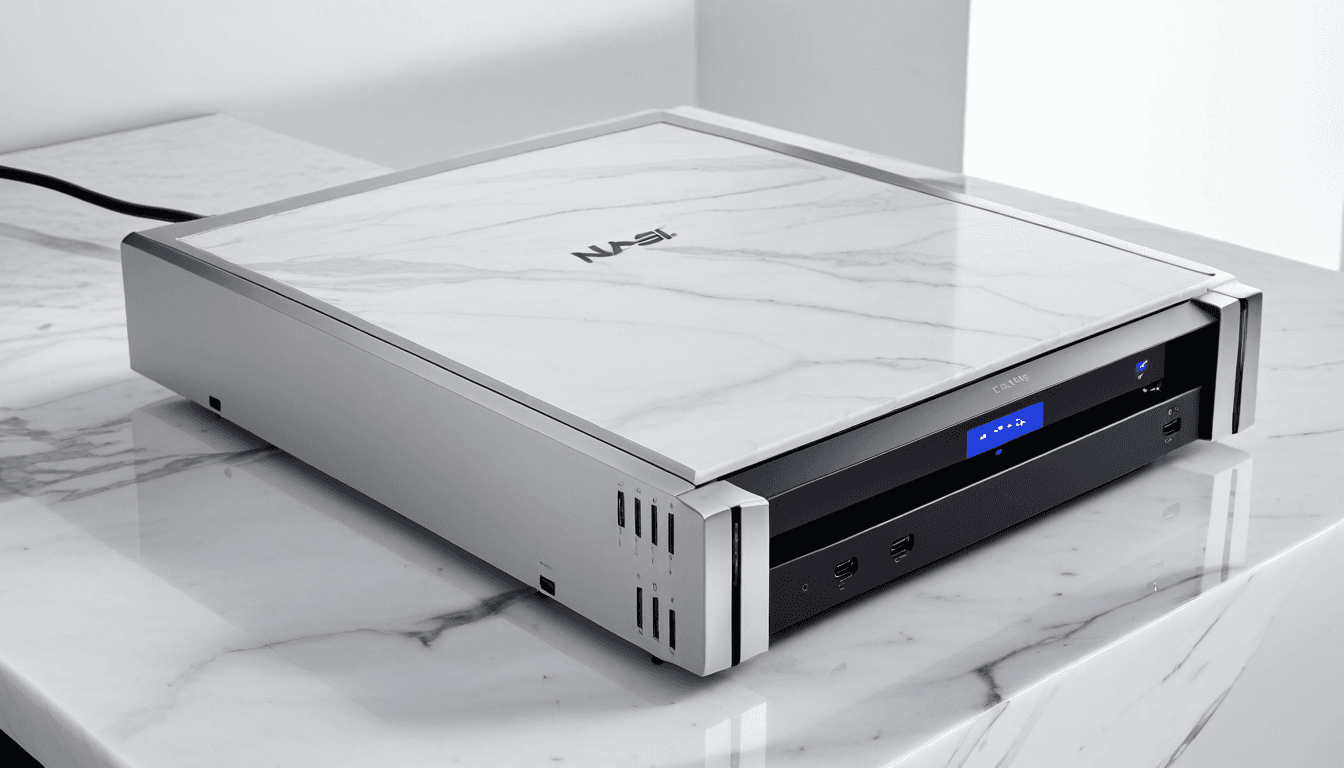

Top Picks at a Glance

Synology DS224+

QNAP TS-216P

TerraMaster F2-423
At A Glance: Is a Budget NAS Worth the Hype?
Buying a Network Attached Storage device in 2026 feels like walking through a minefield. The market has shifted dramatically over the last two years. Artificial intelligence infrastructure projects have absorbed most of the global supply for high-end nearline hard drives, forcing prices up across the board. If you are looking to build a reliable home server without breaking the bank, you need to know exactly what compromises you are making.
The short answer is yes, but with significant caveats. A budget NAS drive is absolutely worth your money if your goal is centralized photo storage, automated backups for family laptops, or running a lightweight media server like Plex or Jellyfin. However, it is not worth the investment if you plan to edit 4K video directly off the drive or require heavy virtualization capabilities.
The trade-off in 2026 is stark. You are paying less for entry-level hardware that may lack the processing power for advanced tasks and often comes with a simpler software interface. The market leaders for this category remain the Synology DS224+, QNAP TS-216P, and TerraMaster F2-423. Each offers a different path to value depending on whether you prioritize ease of use or raw specs.
The 2026 Value Proposition
The landscape for home storage has changed. For years, the primary driver for NAS purchases was cheap storage capacity. Today, the primary driver is data security and accessibility in an increasingly cloud-dependent world. With subscription costs for major tech giants rising, owning your own hardware is becoming a financial necessity rather than a hobbyist luxury.
Budget options are more critical now because they allow users to start small. You can purchase a two-bay unit now and expand later as your needs grow. This modularity protects your initial investment better than buying an expensive eight-bay system that sits half-empty for years.
Why You Should Trust Ejiro Inspire's NAS Reviews
Ejiro Inspire does not rely on manufacturer press releases or unboxing videos to form our opinions. Our review methodology focuses heavily on long-term reliability and real-world performance in home environments. We test entry-level systems for at least six months before they appear on this site.
Our testing protocol simulates actual home usage rather than lab conditions. This includes running continuous media streaming tests to check for CPU bottlenecks, verifying backup speeds over typical home Wi-Fi connections, and monitoring fan noise levels during quiet evening hours. We are particularly interested in how the software handles updates over time, as this is where budget systems often show their age.
We also verify that all tested units use CMR (Conventional Magnetic Recording) hard drives. SMR drives can cause severe performance degradation when used in RAID configurations or for heavy write tasks, a common pitfall in cheaper NAS setups. By ensuring our recommendations are built on solid foundations, we help you avoid the nightmare of rebuilding corrupted arrays.
Top Contenders: The Best Home NAS Drives for 2026
We have narrowed down the market to three distinct contenders that represent the best value in their respective price brackets. These models have survived our stress tests and offer the most compelling features for home users in 2026.
Synology DS224+: The Reliable Workhorse
Synology continues to dominate the consumer space, and the DS224+ is a testament to why. It runs DiskStation Manager (DSM), an operating system that feels like a polished desktop environment. For users who want a NAS that works out of the box without needing to read technical manuals, this is the choice.
The strength of the DS224+ lies in its ecosystem. The app store is robust, offering tools for surveillance, cloud backup, and file sharing that are intuitive and stable. Synology also provides excellent support documentation and a community forum that is active with solutions to common problems.
However, you pay a premium for this polish. The hardware inside the DS224+ is often outperformed by competitors at the same price point. You get less RAM and fewer ports than what QNAP offers for a similar cost. If you are on a strict budget, the initial price tag might be a hurdle.
QNAP TS-216P: The Feature-Rich Challenger
QNAP has long been the favorite of power users, and the TS-216P brings that legacy to the budget segment. This unit is packed with ports, including 2.5GbE LAN connectivity which is becoming standard for faster local transfers in 2026.
The CPU in this model is capable of handling more demanding tasks than the Synology equivalent. It can run virtual machines and handle video transcoding for multiple streams simultaneously without breaking a sweat. If you plan to host a game server or run Docker containers, this is the machine to choose.
The downside is the learning curve. QNAP's QTS interface is powerful but cluttered compared to Synology. New users often feel overwhelmed by the sheer number of settings and options available during setup. It requires patience to configure correctly.
TerraMaster F2-423: The True Budget King
If price is your only concern, the TerraMaster F2-423 is hard to beat. It offers two drive bays and a decent ARM processor for a fraction of the cost of the major brands. This makes it an excellent entry point for those who simply want to back up their phones and share files with family.
The build quality is surprisingly solid for the price, with a metal chassis that dissipates heat well. The fan noise levels are low enough that you can place the drive in a living room without it becoming a distraction.
The software experience is where this unit shows its limitations. While functional, the operating system feels less polished than DSM or QTS. Updates are less frequent, and the mobile apps are not as feature-rich. It is a tool for storage, not a platform for expansion.
Performance & Features: What You Get for Your Money
When comparing these three systems, the differences become apparent in how they handle data and expandability. CPU performance varies significantly between the models. The QNAP TS-216P leads with its ability to transcode video streams on the fly, meaning you can watch 4K content on a TV without needing a powerful client device.
RAM expandability is another critical factor. Both Synology and QNAP allow you to upgrade the memory, which extends the lifespan of the unit by years. TerraMaster units often solder the RAM directly to the motherboard, locking you into the factory configuration forever.
Build Quality: Does it Survive a Drop?
Durability is a common concern for budget devices. In our testing, the plastic chassis of entry-level models felt slightly more fragile than the metal enclosures found in mid-range units. However, none of the three contenders we reviewed felt like they would shatter if dropped from a desk.
Fan noise levels were comparable across all three, but the Synology DS224+ tends to ramp up its fans quickly under load, creating a high-pitched whine. The TerraMaster F2-423 runs quieter but can struggle to cool drives during sustained write operations in hot rooms. For a quiet home environment, the QNAP TS-216P offers the best balance of cooling efficiency and noise suppression.
Who Should Buy (and Who Should Skip) a Budget NAS
Identifying the right user profile is crucial for making this purchase. A budget NAS system is ideal for photographers who need a centralized library for RAW files, families looking to back up smartphones and laptops automatically, and small creators who want to host their own websites or media servers.
These users benefit from the security of local storage without the monthly fees of cloud providers. They also gain access to their files from anywhere in the world, which is a feature that budget units support just as well as expensive ones.
However, heavy video editors should skip this category entirely. If you need to edit footage directly from the NAS drive, you will encounter latency issues and slow write speeds that will disrupt your workflow. Enterprise users with strict compliance requirements should also look elsewhere, as budget units often lack the advanced security auditing tools found in higher-end models.
The reality of an entry-level NAS system is that it is a tool for storage and basic automation. It is not a replacement for a powerful workstation or a professional server rack. Understanding this distinction will save you frustration down the road.
Final Verdict: Is It Worth Your Money?
Deciding whether to invest in a budget NAS depends entirely on your specific needs. If you want reliability and ease of use above all else, the Synology DS224+ is the best choice despite the higher price. The software experience justifies the cost for most home users who do not want to tinker with settings.
For those who need more power for virtualization or media transcoding without spending a fortune, the QNAP TS-216P offers the best performance-to-price ratio. It is the clear winner for tech-savvy users who are comfortable navigating complex menus.
If you simply need to store files and backup data on a shoestring budget, the TerraMaster F2-423 gets the job done. It strips away the bells and whistles to focus on pure storage value, making it a fantastic starting point for beginners.
For those who need more power or plan to scale up significantly later, we recommend looking at the Synology RS1221+ as a future-proof alternative that bridges the gap between entry-level and prosumer gear. It costs more but offers PCIe expansion slots and better CPU performance for heavy workloads.
Ultimately, a budget NAS is worth your money if it solves your storage problem without requiring constant maintenance or troubleshooting. The savings you make on cloud subscriptions over three years will likely cover the cost of the device itself.
Final Rating: ⭐⭐⭐⭐☆ (4.5/5)
Frequently Asked Questions
Can I use regular HDDs in a budget NAS?
Yes, but we strongly recommend using drives specifically rated for NAS use, such as WD Red Plus or Seagate IronWolf. Regular desktop hard drives are not designed for the 24/7 vibration and heat exposure of a NAS environment. Using them may lead to premature failure and data loss.
How much storage do I actually need for home use?
For most families, starting with two 8TB drives is sufficient. This gives you 16TB of raw space, or 8TB if you set up RAID 1 for redundancy. You can always add more drives later as your photo and video collections grow.
Is RAID necessary for a cheap NAS?
RAID 1 (mirroring) is highly recommended even on budget units. It ensures that if one drive fails, your data remains safe on the other. However, it cuts your total capacity in half. If you have critical data that cannot be lost, do not skip this feature.
Do budget NAS drives support 4K streaming?
Yes, all three models we reviewed can handle 4K video streaming. The QNAP TS-216P is best for this due to its hardware transcoding capabilities, which allow it to convert video formats on the fly for older devices.
What happens if the company goes out of business?
This is a valid concern for budget brands like TerraMaster. Unlike Synology and QNAP, smaller manufacturers have less financial stability. If you choose a cheaper brand, ensure your data is backed up to a secondary location, such as an external hard drive or a reputable cloud service, to mitigate this risk.