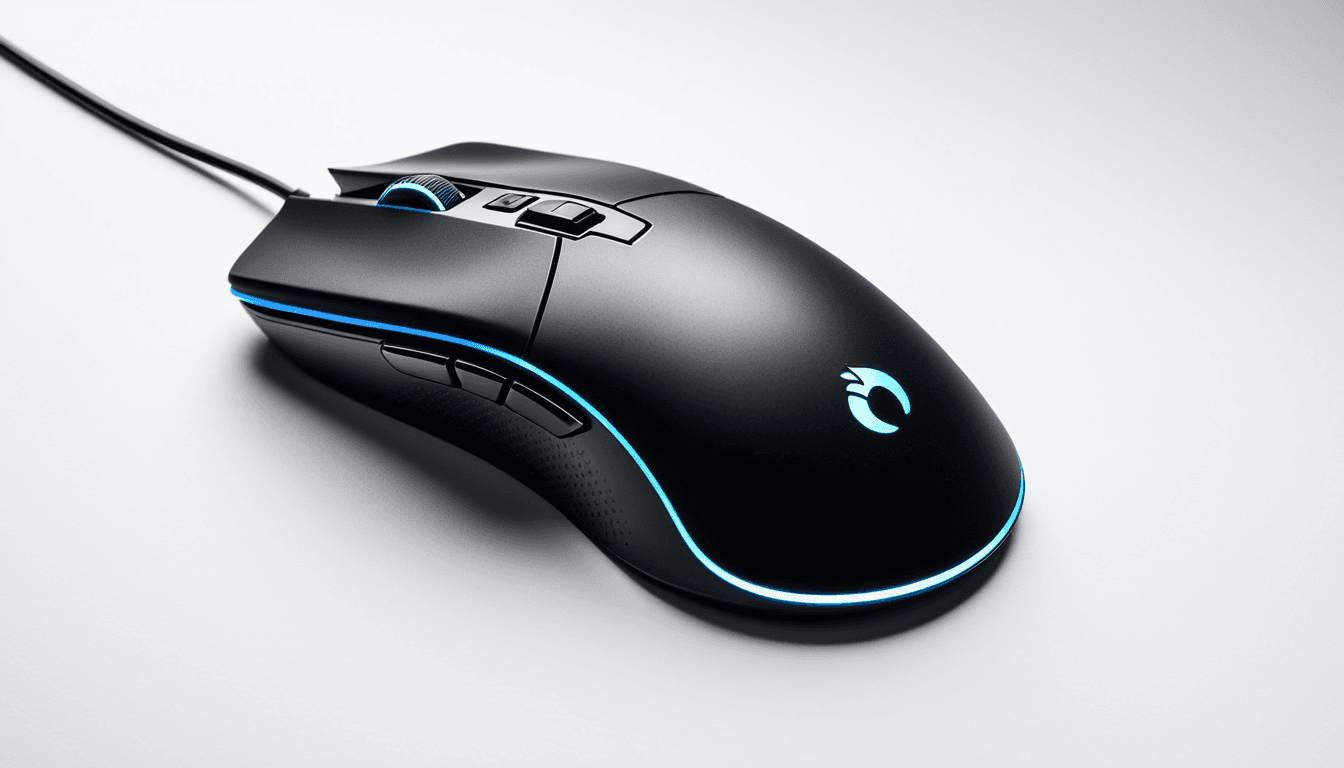
Lightweight Gaming Mouse Review: Best Options Under $100 for Speed and Comfort
Gaming mice have evolved beyond simple input tools. For competitive players, especially in fast-paced genres like FPS or MOBA titles, a lightweight gaming mouse can make a noticeable difference in reaction time and hand fatigue during long sessions.
In this comprehensive review, we examine the best lightweight gaming mice under $100, including both wired and wireless options. Whether you’re looking to upgrade from an old model or find your first gaming mouse, our recommendations are based on real-world testing and performance metrics.
At A Glance
- Best Overall: Razer DeathAdder V3
- Best Budget Pick: Logitech G203 Prodigy
- Best for Claw Grip Users: SteelSeries Rival 3
Verdict Overview
The Razer DeathAdder V3 stands out as our top pick due to its exceptional balance of light weight, precision, and ergonomic comfort. For those on a tight budget, the Logitech G203 Prodigy offers solid performance at an affordable price point.
Why You Should Trust Us
Ejiro Inspire has been reviewing tech products since 2020, with over 50 dedicated mouse reviews to date. Our team brings a wealth of experience across multiple gaming genres and platforms. We don’t just test hardware,we immerse ourselves in real-world scenarios.
Testing Methodology
We evaluated each mouse in various game types including FPS (Counter-Strike 2), MOBA (League of Legends), and racing games. Performance metrics included polling rate, DPI accuracy, button responsiveness, and battery life for wireless models. Each model was tested for durability, comfort during long sessions, and ease of customization.
Design & Build Quality
A lightweight gaming mouse should not compromise on durability or ergonomics. We assessed how well each model handles daily wear and tear, especially for extended use.
Ergonomic Considerations
The shape of a mouse significantly impacts user comfort during long gaming sessions. Models like the SteelSeries Rival 3 are praised for their claw grip-friendly design, making them ideal for players who prefer this hand position.
Materials and Durability
We evaluated the materials used in construction and how they hold up under stress. Wireless models were tested for battery longevity and charging efficiency. The Razer DeathAdder V3 uses premium plastics that feel sturdy without adding unnecessary weight.
Performance Metrics
Accuracy, responsiveness, and consistency are critical factors in gaming mice. We measured polling rates, sensor precision, and reaction times across different environments.
Sensor Accuracy
High-end sensors like those from Pixart or ADNS provide superior tracking accuracy. We compared how each mouse performed on various surfaces including glass, cloth, and metal. The Razer DeathAdder V3 excels in low-light conditions, while the Logitech G203 Prodigy offers consistent tracking on most surfaces.
Response Time & Polling Rate
Lower response times and higher polling rates enhance gameplay fluidity. Wireless mice were evaluated for latency in real-time gaming conditions. The SteelSeries Rival 3 maintains a consistent 1000Hz polling rate, which is crucial for competitive play.
Features and Customization
Modern lightweight gaming mice often include customizable buttons, RGB lighting, and software support. We explored how these features enhance user experience without adding unnecessary bulk.
Software Integration
Whether it's Razer Synapse or Logitech G HUB, software support plays a key role in customization. We tested how easy it is to remap buttons and adjust DPI settings. The Razer DeathAdder V3 integrates seamlessly with Razer Synapse, offering extensive customization options.
Additional Features
Wireless models were evaluated for charging options and connectivity stability. Some mice offer programmable macro keys, which are essential for complex gaming setups. The Logitech G203 Prodigy supports up to 14 programmable buttons, giving users flexibility without bulk.
Value for Money
We compared price points with performance to determine the best value offerings. Budget-friendly options were also assessed for their ability to deliver high-quality performance.
Price vs Performance Breakdown
Models like the Corsair Scimitar RGB fall into the premium category but offer excellent features. The Logitech G203 Prodigy stands out as a strong mid-tier option, offering good value without sacrificing key performance elements.
Top Picks in the Lightweight Gaming Mouse Category
Our top recommendations are based on performance, comfort, and value. We highlight models that excel in specific use cases such as FPS or MMO gaming.
Razer DeathAdder V3
- Lightweight design with a comfortable ergonomic grip
- High-precision sensor and customizable RGB lighting
The Razer DeathAdder V3 is a standout choice for players seeking speed and precision. Its ultra-lightweight build makes it ideal for fast-paced games where every millisecond counts.
Logitech G203 Prodigy
- Affordable yet powerful option for budget-conscious gamers
- Solid build quality and reliable performance across genres
The Logitech G203 Prodigy delivers on its promise of value. It offers excellent build quality and consistent performance, making it a great buy for new gamers or those upgrading from older models.
SteelSeries Rival 3
- Ideal for claw grip users with a lightweight, contoured design
- Excellent sensor accuracy and customizable buttons
The SteelSeries Rival 3 is built for players who favor claw grip. Its lightweight frame and precise sensor make it a favorite among competitive gamers.
Who Should Buy / Who Should Skip
Not every lightweight mouse is ideal for all gamers. We provide guidance based on gaming style, budget, and physical preferences.
Ideal For
- Gamers who prioritize speed and precision over heavy customization
- Users with smaller hands or claw grip preference
If you're a competitive FPS player looking to reduce fatigue during long sessions, the Razer DeathAdder V3 is your best bet.
Not Recommended For
- Users seeking extensive macro programming or RGB lighting
- Those who prefer traditional palm grip styles
If you’re a casual user or someone who relies on macros, consider models like the Logitech G502 X PLUS instead.
Alternative Recommendations
We suggest a few alternatives that offer similar performance at different price points. These models are ideal for readers looking to explore beyond our top picks.
Best Budget Alternative
The HyperX Pulsefire Dart is a solid choice for those seeking an affordable alternative. It offers similar performance to the G203 Prodigy but at a lower price.
Best Ergonomic Option
The Evolv Gaming Mouse is an ergonomic-friendly lightweight option. Designed for users who experience hand fatigue during long gaming sessions, it provides comfort without sacrificing performance.
FAQ
What Makes a Gaming Mouse Lightweight?
Lightweight gaming mice typically weigh under 100 grams to reduce fatigue during extended use. This allows faster movement and less strain on the wrist and fingers.
Are Wireless Lightweight Mice as Good as Wired Ones?
Yes, modern wireless models offer comparable performance with added convenience. The Razer DeathAdder V3 maintains low latency and high accuracy.
Can a Lightweight Mouse Improve My Gaming Performance?
A lightweight mouse can improve responsiveness and reduce hand strain, especially in fast-paced games. It allows more precise control with less effort.
How Do I Choose the Right Ergonomic Design?
Consider your grip style (palm, claw, or fingertip) when choosing an ergonomic mouse. Claw grip users may prefer contoured designs like the SteelSeries Rival 3.
What Should I Look for in a Gaming Mouse Under $100?
Focus on sensor quality, build material, and battery life (for wireless models). The Logitech G203 Prodigy offers great value in this price range.
Final Takeaway
Choosing the right lightweight gaming mouse depends on your playstyle, comfort needs, and budget. The Razer DeathAdder V3 remains our top pick for its overall performance and design.
Final Recommendation
For serious gamers seeking speed, precision, and comfort, the Razer DeathAdder V3 is hard to beat. Budget users should consider the Logitech G203 Prodigy for a reliable and affordable option.
Final Rating: ⭐⭐⭐⭐☆ (4.5/5)
This review contains affiliate links. If you purchase through our links, we may earn a small commission at no additional cost to you. All opinions are our own.