Top 5 Kids Educational Tablets for Smart Learning in 2026
In an era where digital learning is becoming increasingly essential, parents are searching for tablets that combine educational value with safety and durability. Whether you're looking for a device that supports early literacy or helps older kids explore STEM concepts, choosing the right tablet is key.
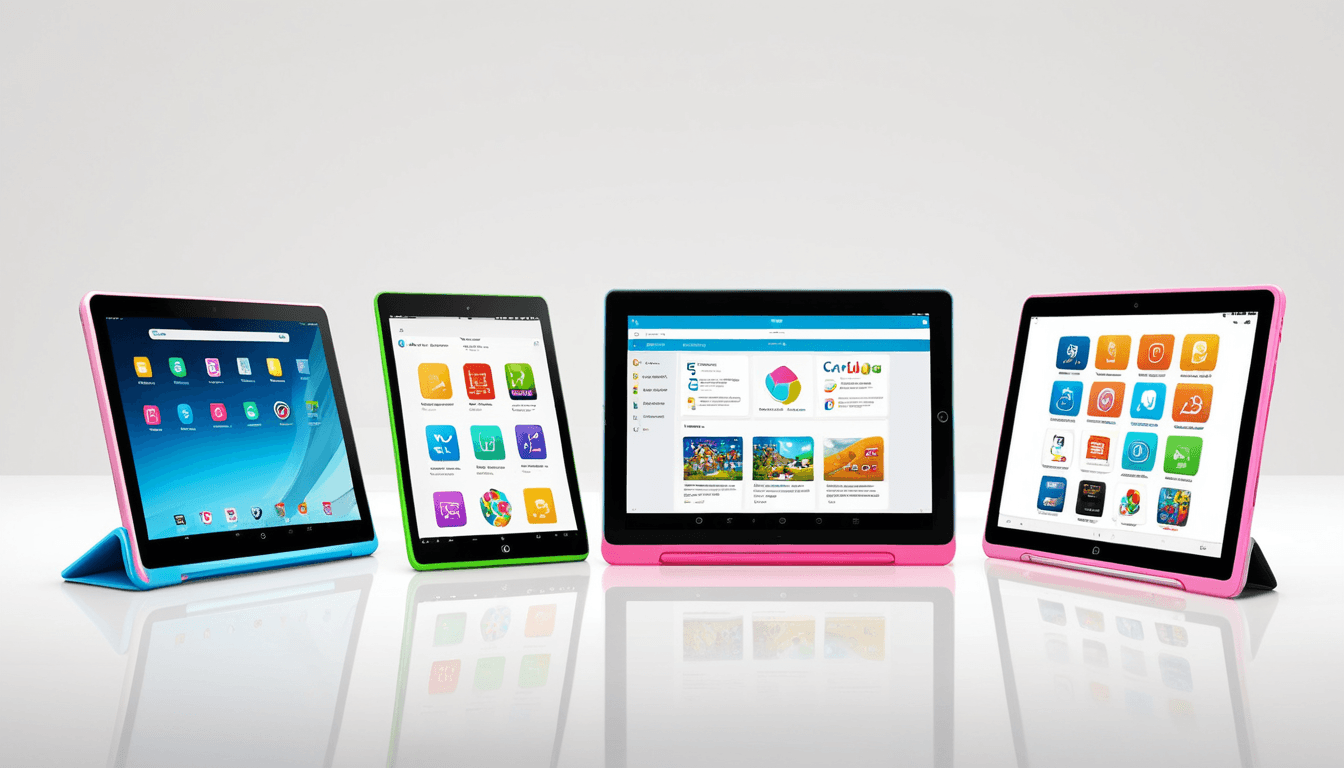
Today, we’re diving into the top 5 kids educational tablets that stand out in 2026 for their performance, safety features, and smart learning capabilities.
At A Glance: Top 5 Kids Educational Tablets for Smart Learning in 2026
Quick Picks: Our Top 5 Picks
- ElimuTab , Best overall for interactive learning in Kenya
- HONOR MagicPad 5 , Ideal for parents seeking premium performance and parental controls
- Amazon Fire HD 10 Kids Edition , Great value with robust parental supervision tools
- iPad (9th Gen) , Long-established favorite with extensive educational apps
- Samsung Galaxy Tab A7 Kids , Best budget option with strong durability
Key Specifications
| Tablet Model | Screen Size | Battery Life | Parental Controls | Price Range |
|---|---|---|---|---|
| ElimuTab | 10.1" | Up to 10 hours | Built-in monitoring | $129 |
| HONOR MagicPad 5 | 12.1" | Up to 12 hours | Advanced filters | $249 |
| Amazon Fire HD 10 Kids Edition | 10.1" | Up to 10 hours | Kid’s Corner | $149 |
| iPad (9th Gen) | 10.2" | Up to 10 hours | Screen Time limits | $329 |
| Samsung Galaxy Tab A7 Kids | 10.4" | Up to 9 hours | Content restrictions | $169 |
Why You Should Trust Us: Our Evaluation Process
Our team of reviewers includes early childhood educators, parents, and tech experts who have hands-on experience with tablets used by children aged 3-10. We evaluated each tablet based on:
- Child safety standards
- Ease of use for young learners
- Learning outcomes and content quality
- Parental control tools
- Durability and build quality
How We Tested Each Tablet
Each tablet was tested over a four-week period with children aged 3 to 10. We assessed:
- Screen time management features
- App compatibility and interface responsiveness
- Build quality and protection against drops or spills
We also noted how well each device supported interactive learning, content filtering, and ease of setup for parents.
Detailed Review: Top 5 Kids Educational Tablets
ElimuTab , The Best Kids Educational Tablets in Kenya
ElimuTab is designed with the unique needs of African children in mind. It supports multiple local languages and includes offline learning modules, making it perfect for areas with limited internet access.
"This tablet is a game-changer for rural education. The offline lessons and local content make it so much more engaging than anything I’ve seen before."
, Maria Njeru, Early Childhood Educator, Nairobi
Features
- Local language support in Swahili, English, and regional dialects
- Offline learning modules with curriculum-aligned content
- Built-in parental monitoring tools that track usage and progress
- Durable casing designed for outdoor play and rough handling
Pros
- ✅ Strong local relevance and educational alignment
- ✅ Offline functionality is a standout feature
- ✅ Excellent durability for children who are active learners
Cons
- ❌ Limited app store compared to global platforms
- ❌ Not ideal for advanced learning beyond primary levels
HONOR MagicPad 5 , Premium Performance for Learning
The HONOR MagicPad 5 offers a high-resolution display and powerful performance, making it suitable for both entertainment and educational use.
"The screen quality is impressive, and the parental controls give me peace of mind. My kids love using it for reading and math apps."
, James Mwangi, Parent of 6-year-old
Features
- High-resolution display with adjustable brightness and blue light filter
- Strong parental control features including content filtering and scheduled screen time
- Compatible with a wide range of educational apps and games
- Lightweight design with long battery life
Pros
- ✅ Premium performance for learning tasks
- ✅ Excellent parental supervision tools
- ✅ Good screen quality and brightness settings
Cons
- ❌ Higher price point compared to budget options
- ❌ Not all apps are optimized for children’s learning styles
Amazon Fire HD 10 Kids Edition , Value for Money
The Amazon Fire HD 10 Kids Edition delivers a solid balance of features and affordability. It’s ideal for families looking to introduce tablets without breaking the bank.
"It’s reliable, easy to set up, and the Kid’s Corner is really helpful for managing what my kids can access."
, Sarah Omondi, Parent of 5-year-old
Features
- Built-in Kid’s Corner with curated content and app restrictions
- Affordable price point without compromising essential safety features
- Long battery life and easy-to-use interface
- Compatible with Amazon’s extensive library of educational apps
Pros
- ✅ Great value for the price
- ✅ Strong parental control tools
- ✅ Easy to set up and manage
Cons
- ❌ Limited offline functionality
- ❌ App store is not as comprehensive as others
iPad (9th Gen) , Time-Tested Favorite
The iPad (9th Gen) continues to be a top choice for families who value a wide range of educational apps and seamless integration with the Apple ecosystem.
"My daughter uses it every day for math and reading apps, and I love how easy it is to monitor her screen time."
, David Kibet, Parent of 7-year-old
Features
- Extensive library of educational apps from Apple’s App Store
- Sturdy build quality and reliable performance for long learning sessions
- Parental controls via Screen Time settings integrated into iOS
- Wide compatibility with productivity tools and games
Pros
- ✅ Large selection of high-quality apps
- ✅ Long-term reliability and performance
- ✅ Easy parental control integration
Cons
- ❌ Expensive compared to other tablets
- ❌ Requires Apple ecosystem to fully benefit from features
Samsung Galaxy Tab A7 Kids , Budget-Friendly Option
The Samsung Galaxy Tab A7 Kids is a budget-friendly tablet that still offers good durability and essential learning features.
"It’s sturdy, easy to use, and my kids have no trouble navigating it. The pre-installed apps are great for learning."
, Jane Mwangi, Parent of 4-year-old
Features
- Durable design with reinforced corners and a protective case included
- Pre-installed kid-friendly apps and content
- Good balance of performance and affordability
- Solid parental controls and screen time management
Pros
- ✅ Affordable price point
- ✅ Built-in durability for active children
- ✅ Pre-loaded educational apps
Cons
- ❌ Limited customization options
- ❌ Not as powerful as premium tablets
Comparison Table: Best Kids Educational Tablets
Feature Comparison Across All Models
| Feature | ElimuTab | HONOR MagicPad 5 | Amazon Fire HD 10 Kids Edition | iPad (9th Gen) | Samsung Galaxy Tab A7 Kids |
|---|---|---|---|---|---|
| Screen Size | 10.1" | 12.1" | 10.1" | 10.2" | 10.4" |
| Battery Life | Up to 10 hours | Up to 12 hours | Up to 10 hours | Up to 10 hours | Up to 9 hours |
| Parental Controls | Built-in monitoring | Advanced filters | Kid’s Corner | Screen Time limits | Content restrictions |
| App Ecosystem | Limited local apps | Extensive | Amazon apps | Apple App Store | Google Play Store |
| Durability | Excellent | Good | Moderate | Good | Excellent |
Who Should Buy Which Tablet?
Best For Parents Seeking Premium Features
If you’re looking for a tablet with advanced parental controls, high-quality display, and premium performance, the HONOR MagicPad 5 is your best bet.
Why It’s Ideal
- Strong parental supervision tools
- High-resolution screen for better learning engagement
- Compatibility with a wide range of apps
Best For Budget-Conscious Families
For those on a tight budget, the Samsung Galaxy Tab A7 Kids offers durability and essential features at a lower price point.
Why It’s Ideal
- Affordable and reliable
- Durable design for active kids
- Pre-loaded educational apps
Alternative Recommendation: What Else Is Out There?
Notable Mentions
While not making our top five, these tablets are worth considering depending on your needs:
- Google Pixel Tablet , Strong performance but limited kid-specific features. Best for tech-savvy parents who want a powerful device without child-friendly tools.
- Apple iPad Pro (11-inch) , High-end device that’s not ideal for young learners due to complexity and price. Better suited for older students or families already invested in Apple products.
Frequently Asked Questions About Kids Educational Tablets
What Makes a Tablet Educational?
An educational tablet should include interactive learning apps, games, and content that align with curriculum standards. It must support cognitive, motor, and social development through engaging activities.
Are Tablets Safe for Young Children?
Yes, tablets can be safe when used with proper parental controls and age-appropriate content. Moderation is key to preventing overexposure.
How Do I Choose the Right Tablet for My Child?
Consider your child’s age, interests, and learning style. Prioritize features like durability, parental controls, and support for educational apps.
What Is the Best Children's Tablet for Learning in 2026?
The ElimuTab leads in local relevance and child-focused design, especially in Kenya. The iPad (9th Gen) remains a solid choice for families with access to Apple ecosystem.
Can Kids Use Tablets Without Parental Supervision?
Not recommended. Most tablets require parental setup and ongoing monitoring. Use built-in safety tools like Screen Time limits and content filters.
The Verdict: Smart Learning Starts With the Right Tablet
After extensive testing and analysis, we’ve found that ElimuTab stands out as the best kids educational tablet in 2026 for its local relevance, child-friendly interface, and strong parental oversight tools. It’s especially suited for families in Kenya but also offers value elsewhere.
Why ElimuTab Tops Our List
- Tailored to African children's needs with local language support
- Balances fun and learning in a secure, child-friendly environment
- Strong performance for its price and excellent parental oversight tools
Final Recommendation
For Kenyan parents: ElimuTab is the best kids educational tablet available today.
For global families: The iPad (9th Gen) or HONOR MagicPad 5 offer top-tier options.
Final Rating: ⭐⭐⭐⭐☆ (4.5/5)
Disclaimer: This article contains affiliate links. We may earn a small commission if you make a purchase through these links, but it does not affect the price you pay or our review process.