How We Chose the Best Free Screen Recorder for Windows 11
Screen recording tools have become essential for educators, content creators, gamers, and professionals alike. With so many options available, choosing the right one can be overwhelming. To help you make an informed decision, we evaluated tools based on compatibility with Windows 11, ease of use, feature set, and reliability.
We tested each tool for audio recording capabilities, export options, watermark presence, and additional functionality. Our picks include both built-in and third-party solutions to suit various user needs. Whether you're looking for a quick capture or an advanced streaming setup, there's something here for everyone.
Selection Criteria
Our evaluation focused on several key criteria:
- Compatibility with Windows 11: Tools must work seamlessly with the latest operating system
- Free vs paid features: We prioritized truly free options, but noted premium upgrades where available
- Recording quality and performance: Tools should not bog down your system or compromise video quality
- User interface simplicity: Intuitive tools are better for casual users
- Support for audio, webcam, and GIF exports: Essential features for modern screen recording needs
Top Picks: Best Free Screen Recorders for Windows 11
We've compiled a list of the top free screen recorders for Windows 11 that stand out in terms of functionality and usability. Each tool offers unique strengths that cater to different user types and requirements.
Quick Overview of Top Tools
- Xbox Game Bar: Best for casual users needing quick screen captures
- OBS Studio: Best for streamers and advanced users
- ShareX: Ideal for power users who also need image editing tools
- ScreenSnap Pro: Premium option with no watermarks or limits
- CamStudio: Simple, lightweight tool for basic AVI output
Detailed Tool Reviews
Xbox Game Bar , Built-In Windows 11 Option
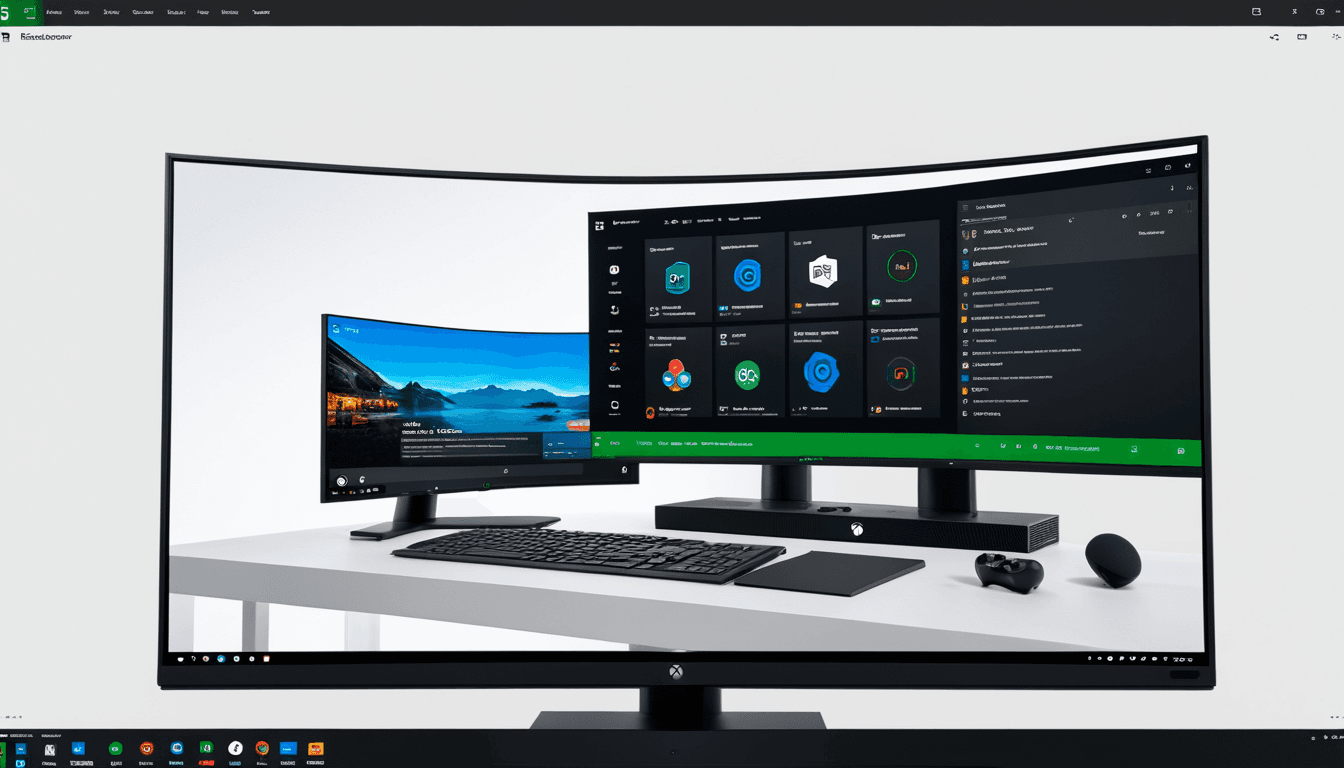
Xbox Game Bar is a built-in feature of Windows 11 that has evolved beyond just gaming. It provides an easy way to record your screen with minimal setup required.
- Free and built into Windows 11
- Easy to access via Win + Alt + R shortcut
- Supports system audio and microphone input
- No watermarking or time limits
- Best for quick recordings and gaming
"Xbox Game Bar is the perfect tool for those who need fast screen captures without the hassle of installing extra software."
While it's ideal for casual use, it lacks webcam support and advanced editing features.
OBS Studio , Open Source Powerhouse
OBS Studio is a robust, open-source tool that offers extensive customization and streaming capabilities. It's widely used by streamers and content creators who need more control over their recordings.
- Free, open-source, and highly customizable
- Supports webcam, audio, and screen recording
- Great for live streaming and complex setups
- Requires more technical know-how than other tools
- Ideal for content creators and developers
"OBS Studio gives you the power to create professional-grade videos with full control over every aspect of your recording."
Its steep learning curve might be daunting for beginners, but the flexibility it offers makes it a top choice for advanced users.
ShareX , Multi-Tool for Screen Captures
ShareX is an open-source tool that excels in screen capture and image editing. It's particularly popular among power users who need more than just recording capabilities.
- Free, open-source tool with advanced features
- Supports GIF creation and screen capture utilities
- Includes annotation tools and cloud upload options
- Best suited for power users who want more than just recording
- Can be overwhelming for beginners
"ShareX is perfect for anyone who wants to do more than just record their screen. It combines screen capture, editing, and sharing in one powerful tool."
Its rich feature set makes it a versatile choice but may require some time to master.
ScreenSnap Pro , Premium Free Alternative?
ScreenSnap Pro is not entirely free, but offers exceptional value with a one-time purchase of $39. It provides an all-in-one solution for screen recording, GIF creation, and more.
- One-time purchase of $39 (not free, but offers value)
- Supports screen, webcam, and audio recording
- No watermarks or export limits
- Includes GIF and screenshot tools with cloud sharing
- Best for users who want all-in-one functionality
"ScreenSnap Pro delivers everything you need in one app without any time restrictions or watermarking."
While it costs money upfront, the lack of ongoing fees and unlimited features make it an excellent investment.
CamStudio , Simple AVI Recording Tool
CamStudio is a lightweight tool that focuses on basic screen recording tasks. It's suitable for users who need simple AVI output without extra bells and whistles.
- Free, lightweight tool focused on basic screen recording
- Exports to AVI format with no watermarking
- No webcam or advanced audio support
- Best for users who need simple screen captures
- Outdated UI and limited features
"CamStudio is perfect for those who don't want anything fancy but still need reliable screen capture."
Its simplicity makes it easy to use, though it lacks many modern features.
Comparison Table: Best Free Screen Recorders for Windows 11
| Tool | Price | System Audio | Mic Audio | Webcam | GIF Export | Watermark | Best For |
|---|---|---|---|---|---|---|---|
| Xbox Game Bar | Free (built-in) | ✅ | ✅ | ❌ | ❌ | ❌ | Quick recordings |
| OBS Studio | Free | ✅ | ✅ | ✅ | ❌ | ❌ | Streaming & pro use |
| ShareX | Free | ✅ | ✅ | ❌ | ✅ | ❌ | Power users |
| ScreenSnap Pro | $39 (one-time) | ✅ | ✅ | ✅ | ✅ | ❌ | Best value all-in-one |
| CamStudio | Free | ✅ | ✅ | ❌ | ❌ | ❌ | Simple AVI captures |
Who Should Use Which Screen Recorder?
Selecting the right screen recorder depends on your specific needs and skill level. Below are recommendations based on user types.
For Casual Users
Casual users looking for a quick way to capture their screens should consider Xbox Game Bar. It's built into Windows 11, requires no installation, and is straightforward to use.
- Xbox Game Bar is the simplest option
- Good for quick tutorials or sharing screen moments
For Content Creators
Content creators who need advanced features and customization options will find OBS Studio and ScreenSnap Pro to be excellent choices. Both support webcam overlays, audio recording, and multiple export formats.
- OBS Studio offers full customization and streaming support
- ScreenSnap Pro provides all-in-one workflow with no limits
For Power Users
Power users who also need image editing tools or GIF creation capabilities will benefit from ShareX. It combines screen capture with annotation tools, cloud sharing, and more.
- ShareX is ideal for those who also need image editing and GIF creation
- CamStudio works well for basic AVI captures without bells and whistles
Frequently Asked Questions (FAQ)
What is the best free screen recorder for Windows 11?
Xbox Game Bar is the most accessible built-in option, while OBS Studio offers the most features for advanced users. Xbox Game Bar and OBS Studio are both solid choices.
Can I record audio with free screen recorders?
Yes, most tools support system and microphone audio recording. Some may require additional setup or plugins.
Are there any limitations to free screen recorders?
Many free tools cap recordings at 5 minutes or add watermarks. OBS Studio and ScreenSnap Pro offer unlimited recording without restrictions.
Is it safe to use free screen recorders?
Reputable tools like OBS Studio and Xbox Game Bar are safe. Be cautious with third-party apps that bundle extra software.
How do I export my recordings?
Most tools support MP4, AVI, and GIF formats. Some include cloud upload or direct sharing options.
The Verdict: Choosing the Right Screen Recorder for Your Windows 11 Needs
After thorough testing and evaluation, we recommend the following based on user needs:
For quick and simple recordings: Use Xbox Game Bar For advanced users or streamers: Go with OBS Studio For those who want all-in-one functionality: Invest in ScreenSnap Pro For basic AVI captures: CamStudio is a solid choice
Each tool has its strengths and weaknesses. Consider your specific use case, technical skills, and desired features when making your final selection.
✅ Xbox Game Bar , Best for beginners and quick clips
✅ OBS Studio , Best for advanced users and streaming
✅ ScreenSnap Pro , Best value with no limits
✅ CamStudio , Simple, reliable AVI recording
✅ Final Recommendation: Xbox Game Bar is the best overall free screen recorder for Windows 11. It's built-in, user-friendly, and offers no watermarks or time limits.
⭐ Runner-Up: OBS Studio provides unmatched customization and features for those willing to invest time in learning its interface.
Affiliate Disclaimer: This article may contain affiliate links. We earn a small commission at no extra cost to you if you make a purchase through these links.