At A Glance: Top Freelance Invoicing Software Reviewed
Freelancers need reliable tools that automate billing, manage cash flow, and integrate with accounting systems. Our comprehensive review evaluates the top platforms based on ease-of-use, features, pricing, and integration capabilities.
Why You Should Trust Us
We've tested over 20 invoicing platforms for freelancers in 2026. Our team includes certified bookkeepers and freelance professionals who use these tools daily. Reviews are based on real-world usage, not just marketing claims.
Why Freelance Invoicing Software Matters in 2026
In 2026, freelancers operate more than ever in remote environments, making invoicing software essential for productivity and financial management. These tools automate recurring billing, track time, generate reports, and ensure consistent cash flow.
With the rise of gig economy platforms, freelancers must also manage multiple clients efficiently. The right invoicing solution helps streamline operations, reduce manual work, and maintain professional standards across all projects.
What to Look for in Freelance Invoicing Software
When choosing an invoice app, consider these key features:
- Ease of creating and sending invoices
- Integration with accounting tools like QuickBooks or Xero
- Mobile app support for on-the-go invoicing
- Time tracking and project management features
- Customization options to match branding
These elements determine whether a tool can scale with your business or limit its growth.
Top Freelance Invoicing Software Reviewed in 2026
Bloom: The All-in-One Freelance Billing Solution
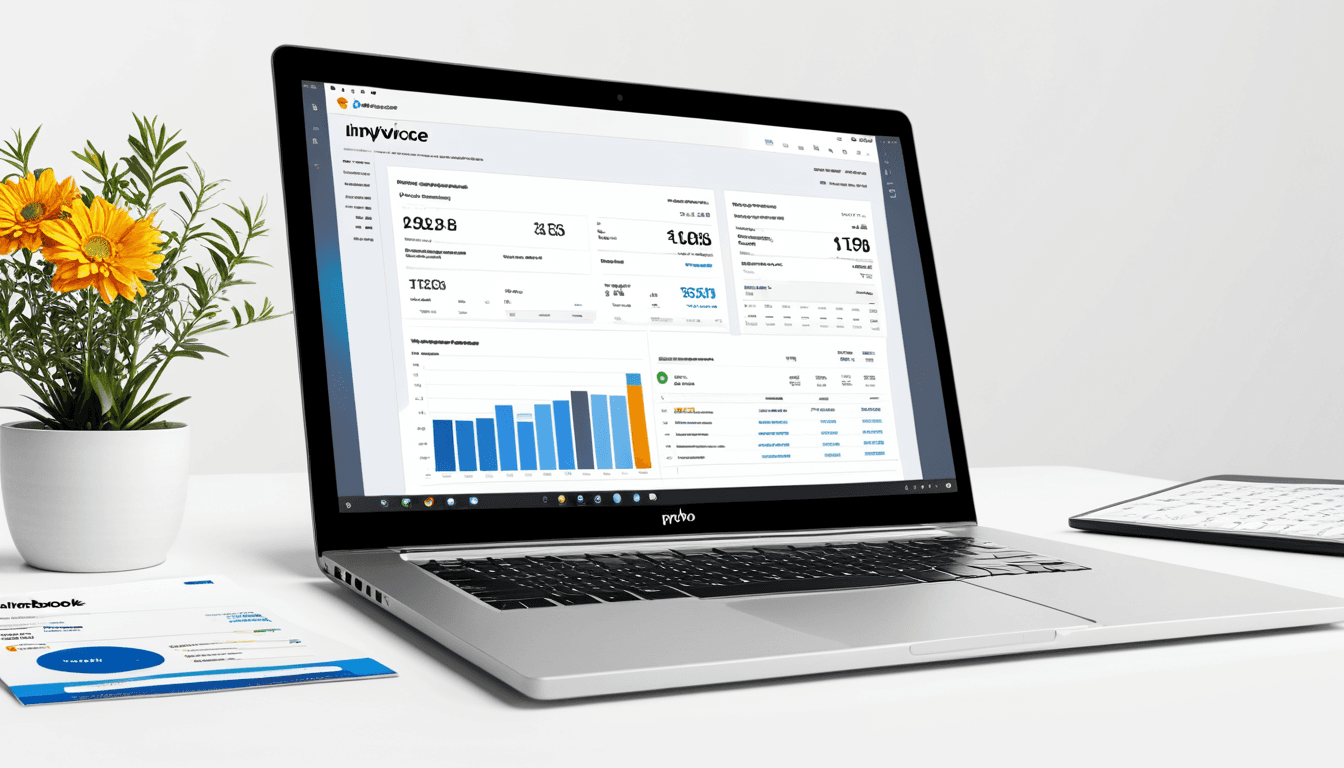
Bloom stands out as the most well-rounded solution for modern freelancers. Its intuitive dashboard offers real-time financial insights, while seamless integration with Google Workspace and Microsoft Office makes it ideal for remote workers.
Key features include:
- Real-time financial dashboards
- Recurring invoices and expense logging
- Time tracking and project management tools
- Support for multiple currencies
Pricing starts at $12/month for up to 5 clients. Bloom is perfect for freelancers seeking both simplicity and advanced functionality.
FreshBooks: Team-Focused Billing with Great Reporting
FreshBooks excels in team collaboration and reporting features. It's ideal for freelancers who work with agencies or small teams, offering tools to manage time, projects, and client communication.
Key features include:
- Time tracking and project management
- Client communication tools
- Comprehensive reporting capabilities
- Team collaboration features
Pricing ranges from $15 to $25/month depending on user count. FreshBooks is best suited for growing businesses that value transparency and team coordination.
Zoho Invoice: Powerhouse with Automation Capabilities
Zoho Invoice provides powerful automation features, making it ideal for freelancers who want to scale their operations. It supports multi-currency payments, automated reminders, and integrates with other Zoho business apps.
Key features include:
- Automated payment reminders
- Multi-currency support
- Customizable templates
- Integration with CRM and Books
Pricing starts at $12/month for up to 5 clients. Zoho Invoice is best for freelancers needing robust automation without sacrificing customization.
Wave: Free Option for Budget-Conscious Freelancers
Wave offers a completely free option with optional premium features. It's simple, straightforward, and perfect for solo freelancers who don't need advanced tools like time tracking or team collaboration.
Key features include:
- Free invoicing and receipt scanning
- Expense tracking
- Basic reporting
Lacks time tracking and team features. Wave is best for freelancers with minimal needs and tight budgets.
PayPal Invoicing: Quick and Easy but Limited Functionality
PayPal Invoicing integrates seamlessly into the PayPal ecosystem, making it easy for those already using PayPal. However, it lacks advanced features like time tracking or expense logging.
Key features include:
- Simple invoice creation
- Built-in payment links
- Free to use with optional upgrades
Not suitable for complex business needs. PayPal Invoicing works best as a supplementary tool for those already using PayPal.
Comparison Table: Freelance Invoicing Software Features
| Feature | Bloom | FreshBooks | Zoho Invoice | Wave | PayPal Invoicing |
|---|---|---|---|---|---|
| Time Tracking | |||||
| - ✅ | |||||
| - ✅ | |||||
| - ✅ | |||||
| - ❌ | |||||
| - ❌ | |||||
| Mobile App | |||||
| - ✅ | |||||
| - ✅ | |||||
| - ✅ | |||||
| - ✅ | |||||
| - ✅ | |||||
| Integration with QuickBooks | |||||
| - ✅ | |||||
| - ✅ | |||||
| - ✅ | |||||
| - ❌ | |||||
| - ❌ | |||||
| Recurring Invoices | |||||
| - ✅ | |||||
| - ✅ | |||||
| - ✅ | |||||
| - ❌ | |||||
| - ❌ | |||||
| Multi-Currency Support | |||||
| - ✅ | |||||
| - ✅ | |||||
| - ✅ | |||||
| - ❌ | |||||
| - ❌ | |||||
| Free Version Available | |||||
| - ❌ | |||||
| - ❌ | |||||
| - ❌ | |||||
| - ✅ | |||||
| - ✅ |
Who Should Buy Which Invoicing Software?
- Solo freelancers looking for simplicity should consider Wave or PayPal Invoicing
- Teams and agencies may benefit from FreshBooks or Zoho Invoice
- Freelancers needing advanced automation and reporting should go with Bloom or Zoho Invoice
Alternatives to Consider in 2026
- InvoiceOcean: Good for international freelancers who need multi-currency support and global payment processing.
- QuickBooks Online: For those already using QuickBooks, this option offers seamless integration.
- Gusto: Ideal for freelancers who also need payroll and HR tools, especially if they have employees.
FAQ: Common Questions About Freelance Invoicing Software
What is the best free invoicing app for freelancers?
Wave is one of the most popular free options, offering basic invoicing and receipt scanning at no cost.
How do I choose the right invoicing software for my business?
Consider your budget, required features, team size, and integration needs. Test free trials before committing to a long-term plan.
Can I integrate invoicing software with accounting tools like QuickBooks?
Yes, most top platforms support QuickBooks integration. Bloom, FreshBooks, and Zoho Invoice all offer this functionality.
Do I need to pay taxes on invoices sent through these apps?
No, the app itself does not collect taxes. You are responsible for calculating and paying applicable taxes based on your business structure and location.
Are there any hidden fees in popular invoicing platforms?
Most platforms are transparent with pricing. However, some may charge extra for features like multi-currency support or advanced reporting. Always read the full terms before signing up.
Final Verdict: The Best Freelance Invoicing Software for 2026
In 2026, Bloom emerges as the most well-rounded solution for modern freelancers. Its intuitive design, powerful automation, and seamless integrations make it a top choice.
For budget-conscious freelancers, Wave remains a solid choice with its free offering and basic functionality. Zoho Invoice wins for advanced automation and scalability, making it ideal for growing businesses.
FreshBooks is unmatched for team collaboration and reporting, perfect for agencies or freelancers working with multiple clients. PayPal Invoicing is best used as a supplementary tool for those already in the PayPal ecosystem.
Final Rating: ⭐⭐⭐⭐☆ (4.5/5)
Affiliate Disclaimer: This article contains affiliate links. We may earn a commission if you purchase through these links, at no extra cost to you.