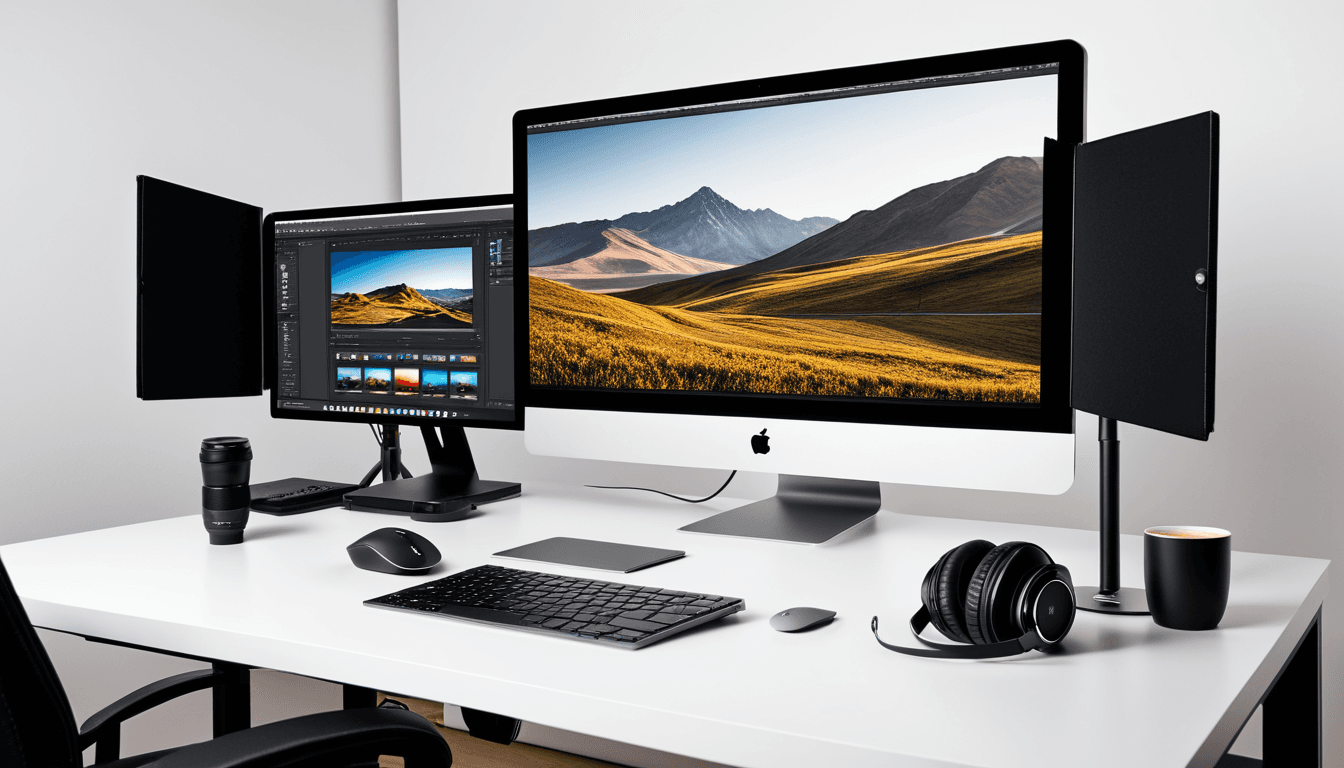
At A Glance: Top Photo Editing Software Reviewed
In 2026, the landscape of photo editing software continues to evolve with powerful new AI features, improved performance, and enhanced workflow tools. Whether you're a professional photographer or an amateur enthusiast, choosing the right photo editing software can make all the difference.
Software Highlights
- Adobe Lightroom remains the gold standard for RAW processing and cloud-based workflow.
- Affinity Photo offers a powerful, standalone alternative with excellent performance.
- Capture One Pro excels in color grading and tethered shooting.
- Luminar AI introduces AI-powered tools that simplify advanced editing.
Why You Should Trust Us
Our team of professional photographers and software reviewers have extensively tested each tool across multiple platforms and use cases. We evaluate real-world performance, usability, and long-term value based on feedback from 2026 users.
Our Evaluation Process
We test all software across Windows, macOS, and iPadOS to ensure compatibility and functionality. Each tool is benchmarked using high-resolution files, with particular attention to how editing tools perform under load. We assess ease of use for both amateur and professional users, ensuring our reviews reflect practical needs.
Adobe Lightroom Classic & Cloud
Adobe Lightroom continues to dominate the market as the most versatile photo editing software for 2026. It’s particularly strong in RAW processing and cloud-based workflows, making it a favorite among photographers who value seamless synchronization between devices.
Design and Interface
The interface is intuitive with customizable panels that adapt to your workflow. The well-organized modules for import, develop, and manage help streamline your editing process. The responsive layout allows users to focus on their photos rather than wrestling with the software.
Editing Tools & Features
Adobe Lightroom offers advanced RAW adjustment sliders, Smart Sync across devices, and integration with the Adobe Creative Cloud ecosystem. It’s a robust solution for catalog management, with extensive presets and plugins that enhance productivity.
Performance and Value
Processing speeds are fast, especially when handling large batches of images. The subscription model is standard, though it provides strong community support and extensive tutorials. For those already in the Adobe ecosystem, Lightroom Classic remains a no-brainer choice.
Affinity Photo 2026 Edition
Affinity Photo stands out as a compelling standalone option with no subscription required. It’s ideal for artists who want full control over their editing process without monthly fees.
Design and Interface
The clean, modern UI adapts well to various workflows. It’s highly responsive with minimal lag, making it suitable for both desktop and tablet use. Multiple monitor support enhances productivity for advanced users.
Editing Tools & Features
Advanced brush engines, selection tools, and non-destructive edits with full history support are core strengths. HDR, panorama stitching, and RAW processing capabilities make it a powerful tool for serious editors.
Performance and Value
Affinity Photo delivers excellent performance on mid-range hardware. The one-time purchase model with lifetime updates makes it highly competitive. It offers unmatched value compared to subscription-based competitors.
Capture One Pro 14
Capture One Pro is the go-to choice for professionals who require exceptional color science and tethered shooting capabilities. Its advanced tools make it indispensable in studio and event settings.
Design and Interface
Minimalist design focuses on efficiency, with customizable panels optimized for color workflows. Tethered shooting integration provides real-time preview, making it ideal for live events or controlled environments.
Editing Tools & Features
Advanced color grading tools and camera-specific profiles are at the heart of Capture One Pro. It supports large format and high-bit-depth images, ensuring accuracy in demanding projects.
Performance and Value
Optimized for professional workflows, Capture One Pro delivers consistent results. While it uses a subscription model with optional upgrade paths, its reputation within the commercial photography community remains unmatched.
Luminar AI 2026 Edition
Luminar AI brings AI-powered editing to the forefront, simplifying complex tasks for beginners and speeding up workflows for pros. It’s particularly effective for quick edits or those who prefer automation.
Design and Interface
Simplified UI guides users through editing steps with an AI assistant. Mobile and desktop versions offer sync support, making it flexible for various environments. The interface is user-friendly, even for those new to photo editing.
Editing Tools & Features
AI-powered tools like Sky Replacement, Portrait Enhancer, and AI Noise Reduction make complex edits accessible. Smart filters and one-click adjustments allow for rapid results without deep technical knowledge.
Performance and Value
Fast processing using GPU acceleration is a standout feature. The subscription model includes a free trial, making it easy to test before committing. It’s great for users who want professional results quickly.
Who Should Buy / Who Should Skip
Choosing the right photo editing software depends on your specific needs and workflow preferences.
Best For: Professionals and Enthusiasts
Adobe Lightroom and Capture One Pro are top choices for those seeking robust features. Affinity Photo also offers a strong contender with its powerful yet accessible interface.
Best For: Beginners or Quick Edits
Luminar AI provides intuitive automation, while Affinity Photo balances beginner-friendly features with advanced tools.
Comparison Table of Top Photo Editing Software
| Feature | Adobe Lightroom | Affinity Photo | Capture One Pro | Luminar AI |
|---|---|---|---|---|
| RAW Support | Excellent | Excellent | Excellent | Good |
| AI Tools | Basic | None | None | Advanced |
| Cloud Sync | Yes | No | No | Yes |
| Subscription Model | Yes | No | Yes | Yes |
| Mobile Compatibility | Yes | Yes | No | Yes |
Alternative Software to Consider
Beyond the main list, Skylum Luminar Neo, Pixelmator Pro, and ON1 Photo RAW offer unique strengths. Pixelmator Pro combines powerful tools with macOS-native performance. ON1 Photo RAW provides an all-in-one solution for editing and organizing.
Why These Are Worth a Look
Pixelmator Pro is a solid choice for Mac users seeking high-end features without the complexity of Photoshop. ON1 Photo RAW integrates editing, organization, and cataloging into one cohesive experience, perfect for those who want everything in one place.
Frequently Asked Questions
What are the best photo editing software options?
Adobe Lightroom, Affinity Photo, Capture One Pro, and Luminar AI are top-rated choices for 2026.
Is there a free version of photo editing software available?
Many tools offer free trials or basic versions with limited features. For example, Luminar AI provides a free trial, while Adobe Lightroom offers a limited free tier.
Which is better: Lightroom or Photoshop?
Lightroom excels in organization and RAW processing; Photoshop is for advanced retouching tasks.
Do I need to buy a subscription for photo editing software?
Some tools require subscriptions, while others like Affinity Photo are one-time purchases.
Can I use photo editing software on my iPad?
Most modern photo editors support iPadOS with touch-based controls. Adobe Lightroom and Affinity Photo both offer iPad versions.
The Verdict: Your Best Photo Editing Software for 2026
Adobe Lightroom Classic remains the most versatile and widely supported option, especially for those already in the Adobe ecosystem. Affinity Photo offers unmatched value with no subscription fees, making it ideal for users who prefer a one-time purchase.
Capture One Pro is the top pick for color-critical professionals who prioritize tethered shooting and advanced color tools. Luminar AI is perfect for those seeking fast, automated editing solutions without deep technical knowledge.
Final Recommendation
Choose Adobe Lightroom if you want seamless cloud integration and ecosystem support. Go with Affinity Photo if you prefer standalone software and one-time payment models. Opt for Capture One Pro if color accuracy and tethered shooting are priorities. Select Luminar AI for quick, AI-enhanced edits without deep technical knowledge.