At A Glance: Top Time-Tracking Apps Compared
Time-tracking apps are essential tools for anyone looking to improve productivity, manage workflows, or bill clients accurately. In 2026, the market offers a wide range of solutions—from simple freelancers' tools to enterprise-grade platforms that monitor employee activity.
We tested over 50 time-tracking apps across real-world scenarios including freelancers, remote teams, and large organizations. Our review focuses on usability, performance, feature depth, integration support, and value for money.
Why You Should Trust Us
Our team has spent months evaluating apps in actual work environments. We’ve used these tools daily to assess ease of setup, user experience, and long-term impact on productivity. Reviews are based not only on personal use but also on feedback from professionals across different industries.
How We Evaluated the Best Time-Tracking Apps
We assessed each app using a variety of conditions that mirror real-world usage. Our testing included:
- Freelancer workflows with minimal team involvement
- Remote team collaboration in agencies and startups
- Enterprise-level monitoring and payroll integration needs
Key areas of evaluation include core features like task management, reporting capabilities, and integration support. We also analyzed how intuitive the interface is for daily use.
Our Evaluation Criteria
Our scoring system evaluates apps on five key factors:
- Ease of setup and user-friendliness
- Accuracy in tracking time and activity
- Integration with popular platforms like Google Calendar, Slack, Jira
- Customization options for different workflows
- Value proposition relative to pricing
Top Contenders: In-Depth Reviews of Leading Time-Tracking Apps
We evaluated five standout apps in 2026—each with distinct strengths and weaknesses. Here’s a detailed look at their features, use cases, and overall performance.
Tivazo: The All-in-One Work Tracking Solution
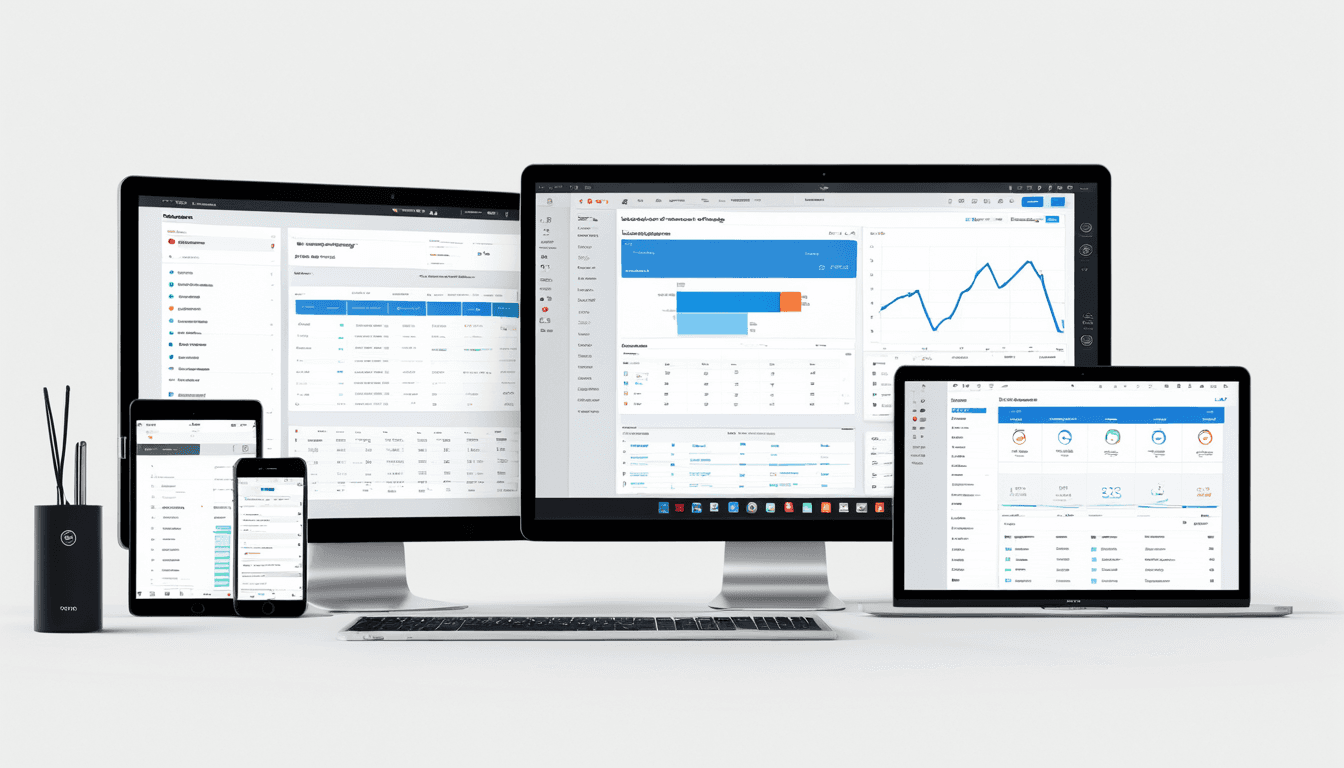
Tivazo stands out as one of the most comprehensive solutions for businesses that need both time-tracking and employee monitoring. It offers live screenshots, performance insights, and seamless integration with Google Calendar, Slack, and Jira.
- Pros: Enterprise-ready features, strong payroll integration, live screenshot capture, customizable dashboards
- Cons: Can be overwhelming for smaller teams; pricing tiers may not suit freelancers
Tivazo is ideal for agencies or large enterprises that want real-time visibility into their workforce. It provides detailed analytics on productivity trends and activity heatmaps.
RescueTime: AI-Powered Productivity Insights
RescueTime automatically tracks time spent on apps and websites, offering personalized insights about daily habits and productivity patterns.
- Pros: AI-driven analytics, excellent for personal productivity optimization
- Cons: Limited customization options, no employee monitoring features
This app is best suited for individuals who want to understand how they spend their time and improve focus. It’s not designed for team or enterprise use.
Clockify: Simple and Free Time Tracking
Clockify offers a clean, straightforward interface with a free tier that makes it accessible to freelancers and small businesses.
- Pros: No-frills approach, solid reporting, good for basic time tracking
- Cons: Lacks advanced monitoring or employee tracking features
While Clockify doesn’t offer screen monitoring or payroll integration, it excels in simplicity. It’s a great starting point for those new to time-tracking.
Toggl Track: Flexible Task & Time Management
Toggl Track combines task management with robust time-tracking tools. It integrates well with Asana, Monday.com, and Google Workspace.
- Pros: Strong project management features, good support for both individuals and teams
- Cons: Slightly more complex for beginners; limited reporting customization
Toggl Track works best for users who need flexibility in task assignment and workflow management. It’s a solid middle-ground option between simplicity and advanced functionality.
Hubstaff: Employee Monitoring & Time Tracking
Hubstaff is a powerful tool designed specifically for remote teams and agencies. It includes screen monitoring, activity tracking, and timesheet generation.
- Pros: Detailed analytics, strong employee monitoring, good for remote teams
- Cons: Privacy concerns due to screen capture features; can be too heavy for small businesses
Hubstaff is one of the most feature-rich apps in terms of monitoring capabilities. However, its screen capture tools may raise privacy issues.
Feature Comparison Table: Time-Tracking Apps at a Glance
| Feature | Tivazo | RescueTime | Clockify | Toggl Track | Hubstaff |
|---|---|---|---|---|---|
| Time Tracking Accuracy | ✅ | ✅ | ✅ | ✅ | ✅ |
| Task Management Tools | ✅ | ❌ | ✅ | ✅ | ✅ |
| Google Calendar Integration | ✅ | ❌ | ✅ | ✅ | ✅ |
| Reporting & Analytics Dashboards | ✅ | ❌ | ✅ | ✅ | ✅ |
| Employee Monitoring Features | ✅ | ❌ | ❌ | ❌ | ✅ |
This comparison highlights the strengths of each app. Tivazo leads in enterprise-grade features, while RescueTime excels in personal insights.
Who Should Use Which App?
Choosing the right time-tracking tool depends on your role and needs. Here’s how to match the best apps to specific use cases:
Best For Freelancers
- Clockify for a no-frills, free option that handles basic time tracking
- Toggl Track for more advanced features without overwhelming complexity
Freelancers benefit from tools that are easy to set up and don’t require heavy investment. Clockify’s free tier is ideal for those just starting out.
Best For Teams and Agencies
- Hubstaff for employee monitoring and productivity tracking
- Tivazo for comprehensive team management, payroll integration, and live screenshots
Teams that need oversight and reporting capabilities will find Hubstaff and Tivazo most useful. Hubstaff’s screen monitoring features are especially helpful in remote environments.
Best For Enterprises
- Tivazo for enterprise-grade features like performance insights and scalable reporting
- RescueTime for AI-driven productivity trends at scale
Enterprises often require tools that can scale with their workforce. Tivazo’s integrations and analytics make it a top choice for large organizations.
FAQ: Everything You Need to Know About Time-Tracking Apps
What Are the Best Features to Look For in Time-Tracking Apps?
Look for apps that integrate with your existing tools like Google Calendar or Slack. Real-time reporting, task management, and project tracking are also essential.
Can These Apps Help Improve Productivity?
Yes, when used correctly, time-tracking apps can highlight inefficiencies and improve focus. They provide accountability and data-driven insights for optimization.
Are Free Time-Tracking Apps Sufficient?
Free tiers are great for individuals or small teams with basic needs. Paid plans offer more features, integrations, and scalability.
How Do I Choose Between Toggl Track and Tivazo?
Toggl Track is better for flexible task management, while Tivazo excels in enterprise-level monitoring, payroll integration, and live screenshots.
Do Time-Tracking Apps Affect Employee Privacy?
Some apps like Hubstaff or Tivazo include screen monitoring features that may raise privacy concerns. It’s important to communicate policies clearly with employees.
The Verdict: Choosing Your Perfect Time-Tracking App for 2026
In a market filled with options, the best time-tracking app depends on your specific needs. For most users—especially businesses seeking balance between functionality and ease of use—Tivazo is the standout choice.
Top Pick for All Users: Tivazo
Tivazo delivers enterprise-grade features without sacrificing usability. Its live screenshot capture, performance insights, and seamless integrations with Google Calendar, Slack, and Jira make it a powerful tool for managing teams.
Alternative Recommendation: RescueTime
For individuals looking to gain insights into their daily productivity habits, RescueTime is the top pick. Its AI-driven analytics help users understand patterns and improve focus.
Ultimately, the right time-tracking app will depend on your workflow, team size, and long-term goals. Whether you're a freelancer, manager, or enterprise leader, there's a solution tailored to your needs.