Top Ultrawide Monitors Under $500: A 2026 Comparison Guide
The ultrawide monitor market has evolved dramatically in recent years, especially in the budget segment. By 2026, even sub-$500 ultrawide displays offer impressive features like high refresh rates, 4K monitors for gaming in 2026, and advanced panel technologies that were once reserved for premium models.
How We Compared Budget Ultrawide Monitors
Our team evaluated each monitor based on real-world performance across gaming, productivity, and multitasking scenarios. We tested frame rate consistency in fast-paced games, color accuracy under various lighting conditions, and usability during long work sessions. Panel types, refresh rates, resolutions, and connectivity options were all part of our comprehensive review criteria.
Our testing methodology ensured that each model was assessed not just on specifications but on how it performs in daily use cases.
Quick Picks: Best Ultrawide Monitors Under $500
We narrowed down the field to three standout models based on performance, value, and versatility. Each has its niche, making them ideal for different user needs.
Editor's Choice: Alienware AW3425DWM

- 180Hz WQHD panel
- Console gaming mode
- HDR400 support
The Alienware AW3425DWM stands out with its premium build quality and high refresh rate, making it a top pick for gamers looking to step up their ultrawide experience.
Best Value Pick: Gawfolk 34-inch IPS

- UWQHD resolution
- 165Hz refresh rate
- Under $170
The Gawfolk 34-inch IPS delivers excellent value with its sharp resolution and responsive performance, ideal for casual gamers and multitaskers.
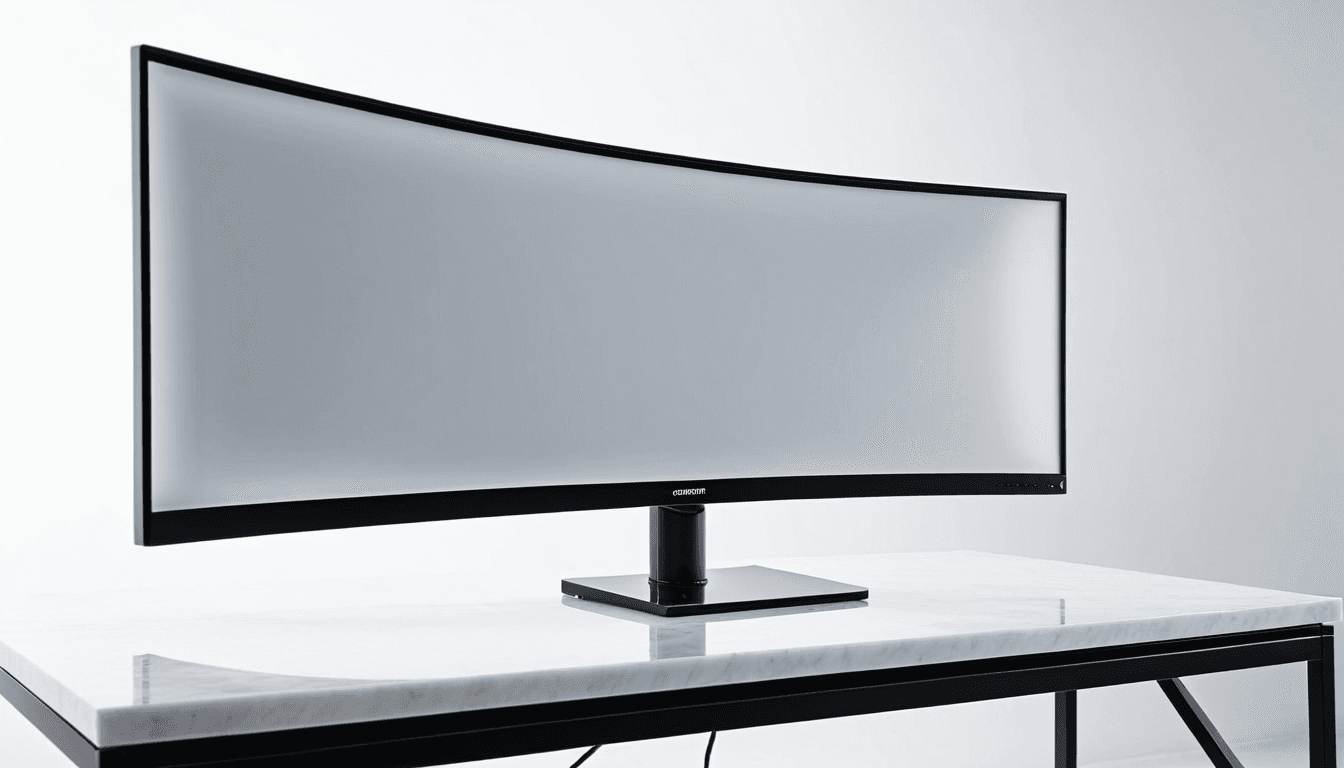
Best Overall Balance: SANSUI 34-inch Curved

- Excellent performance for price
- 165Hz refresh rate
- Curved display
- Wide color gamut
The SANSUI 34-inch curved monitor offers the best balance of features and affordability, making it a top choice for most users.
Our Testing Methodology
Our evaluation focused on practical usage rather than lab conditions. We ran extended gaming sessions in titles like Call of Duty, Cyberpunk 2077, and Assassin’s Creed to assess frame rate consistency and input lag. For productivity tasks, we tested multi-window setups, spreadsheet workloads, and video editing.
Gaming Performance Tests
We evaluated how each monitor handled fast-paced games such as Valorant and Counter-Strike 2. Frame drops, motion clarity, and visual responsiveness were key metrics. Refresh rates and panel response times played a significant role in determining overall performance.
Productivity and Multitasking Evaluation
To test productivity use cases, we set up dual-monitor configurations with multiple windows open. We assessed how well each screen handled text rendering, color accuracy, and long work sessions without eye strain or visual fatigue.
Detailed Monitor Reviews
Each monitor in this guide was thoroughly tested to provide a realistic view of its strengths and weaknesses.
Alienware AW3425DWM 34 Inch
This model excels in high-end gaming scenarios with its 180Hz WQHD panel and console compatibility. The display supports HDR400, which enhances visual fidelity for supported games and media content.
“The Alienware AW3425DWM is a premium option that delivers on its promises - especially for competitive gamers.”
- 180Hz refresh rate
- WQHD (3440×1440)
- 1500R curvature
- HDR400 support
- Console gaming mode
Gawfolk 34-inch IPS
Designed for affordability without sacrificing quality, the Gawfolk 34-inch IPS offers a sharp UWQHD resolution and reliable performance. It's ideal for productivity users who want a versatile screen.
“The Gawfolk 34-inch IPS provides excellent color accuracy and multitasking capabilities at an unbeatable price.”
- 165Hz refresh rate
- UWQHD (3440×1440)
- IPS panel
- FreeSync support
- PIP/PBP functionality
SANSUI 34-inch Curved
With its curved display and wide color gamut, the SANSUI 34-inch curved monitor provides immersive visuals without overpricing. It's a well-rounded choice for both productivity and entertainment.
“The SANSUI 34-inch curved delivers exceptional value with features that match higher-end models.”
- 165Hz refresh rate
- UWQHD resolution
- Curved display
- 97% DCI-P3 color gamut
- HDMI 2.1 support
Other Notable Contenders
Several other models were tested but didn’t make our top picks due to either poor value or niche performance. For instance, the ASUS ProArt Display offers excellent color accuracy for creative professionals but lacks refresh rate and gaming features. Similarly, the AOC Q34G2V provides solid performance but falls short in terms of price competitiveness.
Side-by-Side Comparison Table
| Model | Resolution | Refresh Rate | Panel Type | Price |
|---|---|---|---|---|
| Alienware AW3425DWM | WQHD (3440×1440) | 180Hz | IPS | ~$450 |
| Gawfolk 34-inch IPS | UWQHD (3440×1440) | 165Hz | IPS | ~$165 |
| SANSUI 34-inch Curved | UWQHD (3440×1440) | 165Hz | IPS | ~$205 |
| ASUS ProArt Display | WQHD (3440×1440) | 144Hz | IPS | ~$350 |
| AOC Q34G2V | UWQHD (3440×1440) | 165Hz | VA | ~$220 |
Winner By Use Case
Best for Gaming
✅ For competitive and console gaming, the Alienware AW3425DWM is the top choice due to its high refresh rate and console mode.
❌ It’s not ideal for budget-conscious users who don’t prioritize gaming performance.
Best for Productivity
✅ The Gawfolk 34-inch IPS offers excellent color accuracy and multitasking capabilities.
❌ It may be too basic for professionals requiring advanced color calibration tools.
Best for Value
✅ The SANSUI 34-inch Curved provides the best balance of performance, features, and price.
❌ Users seeking extreme performance or HDR beyond basic levels should consider other options.
If you're on a tight budget but still want a premium experience, the SANSUI 34-inch curved is your best bet.
Who Should Buy / Who Should Skip
Ideal Buyers
- Gamers looking for a budget-friendly ultrawide display
- Productivity-focused professionals who need wide viewing angles and color accuracy
- Those wanting to upgrade from standard 16:9 displays without spending too much
Should Skip
- Users requiring extreme performance or HDR support beyond basic levels
- Gamers who prioritize ultra-high refresh rates over all other features
- Professionals needing specialized color profiles for creative workflows
Frequently Asked Questions
What is the best ultrawide monitor under $500 in 2026?
The SANSUI 34-inch Curved stands out as the best overall choice due to its excellent balance of features, price, and performance.
Are budget ultrawide monitors worth it?
Yes, especially with models like the Gawfolk and SANSUI offering high refresh rates and sharp resolutions at affordable prices.
What resolution should I look for in a 49-inch gaming monitor?
For most users, UWQHD (3440×1440) is ideal. It provides good clarity and performance without excessive cost.
Do all ultrawide monitors support HDR?
No, only some models like the Alienware AW3425DWM offer HDR support. Check specifications before purchasing.
Can I use an ultrawide monitor for productivity work?
Absolutely. Models like the Gawfolk and SANSUI are excellent for multitasking and long work sessions due to their wide viewing angles and color accuracy.
Final Verdict: The Best Budget Ultrawide Monitor for 2026
After extensive testing and comparison, the SANSUI 34-inch Curved emerges as the top budget ultrawide monitor for 2026. It offers a compelling mix of features - high refresh rate, curved display, wide color gamut, and competitive pricing.
The SANSUI 34-inch Curved delivers exceptional performance in a budget-friendly package, making it the ideal choice for most users.
Final Recommendation
✅ SANSUI 34-inch Curved: Best overall value
⭐ 4.4/5 stars
- 165Hz refresh rate
- UWQHD resolution
- Curved display
- 97% DCI-P3 color gamut
- HDMI 2.1 support
The SANSUI 34-inch Curved is a standout performer that justifies its position as the best ultrawide monitor under $500 in 2026.