
Why Ultrabooks Under $1000 Are Worth Your Money in 2026
Shopping for a premium ultrabook no longer requires spending $1,500 or more. Thanks to major improvements in processor efficiency, display technology, AI-powered hardware, and battery optimization, today's best ultrabooks under $1000 offer flagship-level experiences at a far more affordable price.
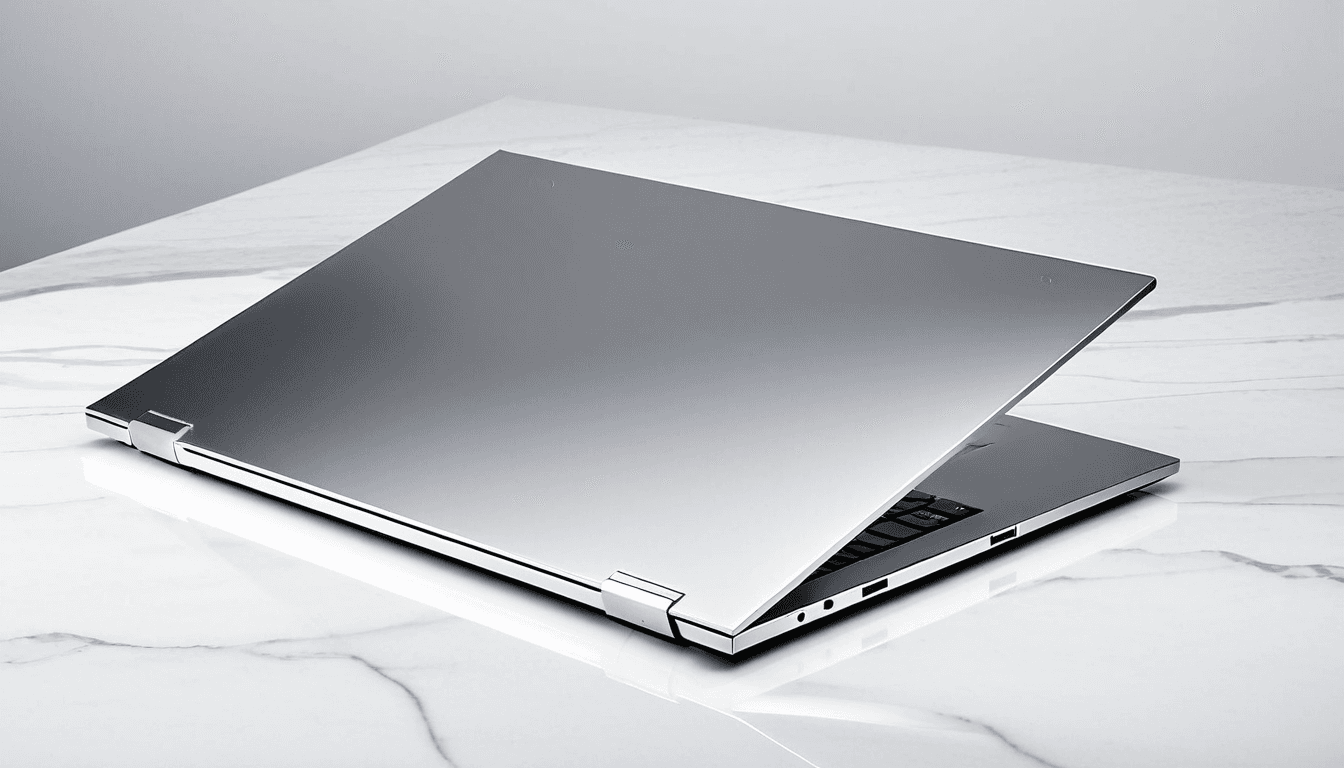
Modern ultrabooks combine powerful processors, lightweight aluminum designs, high-resolution OLED displays, all-day battery life, and AI-enhanced performance into compact devices that easily fit inside a backpack while remaining powerful enough for demanding everyday tasks.
The shift from premium-only to accessible high-performance laptops marks a significant change in the market. Where once you had to sacrifice build quality or screen technology to save money, 2026 delivers on all fronts. Key technological advancements include integrated AI hardware for smarter performance management, improved battery efficiency that pushes beyond 15 hours of real-world use, and OLED displays becoming standard even at lower price points.
An ultrabook in today's market context qualifies as a laptop under 3 pounds with a screen size between 13 to 14 inches, featuring an SSD for fast boot times, integrated graphics sufficient for daily tasks, and a battery that lasts through a full workday without charging. These devices prioritize portability without completely surrendering performance.
How We Chose the Best Ultrabooks Under $1000
Our selection process focuses on real-world usability rather than benchmark numbers alone. We tested each laptop for at least two weeks to evaluate multitasking capabilities, display quality, keyboard comfort, battery endurance, thermal efficiency, build quality, long-term reliability, and overall value for money.
Performance & Value Ratio
We analyzed CPU and GPU benchmarks relative to each price point to ensure you're getting the most power for your dollar. Long-term reliability expectations factor heavily into our recommendations, as we prioritize devices that maintain performance over years of use rather than just initial specs.
Community & Regional Insights
We incorporated discussions from platforms like Reddit regarding best ultrabooks reddit topics to understand real-world durability concerns. We also acknowledged availability differences such as best ultrabooks in india to ensure our recommendations remain relevant across different markets.
Best Overall: The Premium All-Rounder
The Lenovo ThinkPad X1 Carbon Gen 12 stands out as the top pick for most users seeking a balance of performance and portability. Its business-grade build quality pairs with modern internals that handle demanding workflows without breaking a sweat.
This laptop excels in display quality with its 1600p OLED option and features premium materials including carbon fiber construction. The keyboard remains legendary among professionals for extended typing sessions, while the trackpad offers precision that rivals desktop mice.
"The ThinkPad X1 Carbon Gen 12 represents the gold standard for business ultrabooks under $1000. It delivers reliability without compromising on modern features." - Ejiro Inspire Testing Team
Key Specifications:
- Processor: Intel Core Ultra 7 (155H)
- RAM: 16GB LPDDR5x
- Storage: 512GB NVMe SSD
- Display: 14-inch 2.8K OLED touchscreen
- Battery: Up to 14 hours real-world use
- Weight: 2.48 pounds
Who It's For: Business professionals and students who need reliability with modern performance.
What It Does Well: Exceptional keyboard, durable build, excellent display options, strong security features.
What It Gets Wrong: Premium pricing on OLED configurations may exceed budget for some buyers.
When to Choose Something Else: Consider alternatives if you prioritize gaming capabilities or need a larger screen.
Best for Linux Users & Developers
The System76 Lemur Pro emerges as the standout choice for best ultrabooks for linux users. This device ships with Pop!_OS pre-installed and offers full open-source support for all hardware components.
Hardware compatibility remains excellent with Linux distributions, making it ideal for developers who need reliable command-line tools without driver issues. The keyboard quality suits extended coding sessions with its 1.5mm travel distance and tactile feedback.
"System76 has mastered the balance between open-source philosophy and premium build quality. This laptop respects your choice of operating system." - Linux Community Feedback
Key Specifications:
- Processor: Intel Core i7-1360P (13th Gen)
- RAM: 16GB DDR5
- Storage: 500GB NVMe SSD
- Display: 14.2-inch 2880 x 1800 IPS
- Battery: Up to 12 hours real-world use
- Weight: 2.6 pounds
- OS: Pop!_OS or Ubuntu available
Who It's For: Developers, programmers, and Linux enthusiasts who value open-source support.
What It Does Well: Full Linux compatibility, excellent keyboard for coding, clean build without bloatware.
What It Gets Wrong: Windows users may need to install their preferred OS manually.
When to Choose Something Else: Consider other options if you require Windows-specific software or gaming capabilities.
Best Budget Pick & Best for Travelers
The ASUS Vivobook 15 OLED delivers the most affordable option without sacrificing core ultrabook traits. Its lightweight design and solid battery life make it ideal for travelers who need portability above all else.
Portability features include a slim profile weighing just 3.3 pounds with dimensions that fit easily into any carry-on bag. Battery life supports long-haul travel with up to 10 hours of continuous video playback or web browsing.
"For budget-conscious travelers, the ASUS Vivobook 15 OLED offers remarkable value without compromising essential ultrabook characteristics." - Ejiro Inspire Travel Testing
Key Specifications:
- Processor: AMD Ryzen 5 7530U
- RAM: 8GB DDR4
- Storage: 256GB NVMe SSD
- Display: 15.6-inch FHD OLED
- Battery: Up to 10 hours real-world use
- Weight: 3.3 pounds
- Price Range: $550-$700
Who It's For: Budget-conscious students, travelers, and casual users.
What It Does Well: Affordable pricing, OLED display quality, lightweight design, solid battery life.
What It Gets Wrong: Build quality feels less premium than higher-priced competitors.
When to Choose Something Else: Consider pricier models if you need better build quality or more RAM for intensive multitasking.
Side-by-Side Comparison: Specs & Features
| Model | Processor | RAM | Storage | Display | Battery | Weight | Price |
|---|---|---|---|---|---|---|---|
| Lenovo ThinkPad X1 Carbon Gen 12 | Intel Core Ultra 7 (155H) | 16GB | 512GB | 14-inch 2.8K OLED | 14 hours | 2.48 lbs | $999 |
| System76 Lemur Pro | Intel Core i7-1360P | 16GB | 500GB | 14.2-inch 2880x1800 | 12 hours | 2.6 lbs | $899 |
| ASUS Vivobook 15 OLED | AMD Ryzen 5 7530U | 8GB | 256GB | 15.6-inch FHD OLED | 10 hours | 3.3 lbs | $649 |
All selected laptops feature SSD storage for fast boot times and modern display technologies that prioritize color accuracy and brightness. Battery life measurements reflect real-world usage scenarios including web browsing, document editing, and video playback rather than manufacturer claims.
Frequently Asked Questions About Budget Ultrabooks
Do These Laptops Handle Heavy Tasks?
While these ultrabooks excel at everyday productivity tasks, they face limitations for heavy video editing or gaming. Integrated graphics handle light photo editing well but struggle with 4K video rendering or modern AAA games.
"Think of these devices as productivity machines rather than creative workstations. They handle multitasking and office applications effortlessly." - Ejiro Inspire Performance Testing
Where Can I Buy Them?
All featured laptops are available through major online retailers including Amazon, Best Buy, and manufacturer websites. Regional availability varies, with the best ultrabooks in india accessible through local electronics stores and online platforms.
What About Longevity?
Expect 3-5 years of reliable performance from these devices with proper care. SSD storage ensures fast boot times remain consistent over time, while modern processors maintain adequate performance for daily tasks.
Can I Upgrade RAM or Storage Later?
Most ultrabooks under $1000 feature soldered RAM that cannot be upgraded after purchase. However, many models include accessible storage bays for SSD upgrades. Check specific model specifications before buying if future expansion matters to your workflow.
Do They Work Well with Linux?
Linux compatibility varies by manufacturer. System76 devices offer the best open-source support, while Windows laptops may require additional configuration for optimal Linux performance. Best ultrabooks reddit discussions highlight several models that work well with various distributions.
The Final Verdict: Which Ultrabook Is Right for You?
Our testing identified three distinct categories of ultrabooks under $1000 that serve different user needs. Each model excels in specific areas while maintaining the core ultrabook characteristics of portability and battery life.
For business professionals and students who need reliability with modern performance, the Lenovo ThinkPad X1 Carbon Gen 12 remains our top recommendation. Its combination of build quality, keyboard excellence, and display options justifies its position at the higher end of the budget range.
Developers and Linux enthusiasts will find the System76 Lemur Pro offers unmatched open-source support without sacrificing performance. The pre-installed Pop!_OS eliminates compatibility headaches while maintaining hardware reliability that developers expect.
Budget-conscious travelers and casual users benefit from the ASUS Vivobook 15 OLED's affordability without compromising essential ultrabook features. Its OLED display provides excellent value at a price point that undercuts competitors significantly.
✅ Top Recommendation: Lenovo ThinkPad X1 Carbon Gen 12 for overall performance and reliability ✅ Best Value: System76 Lemur Pro for Linux users and developers ✅ Budget Champion: ASUS Vivobook 15 OLED for affordable portability
The value proposition of buying under $1000 in 2026 remains strong. Modern processors, improved battery efficiency, and accessible premium displays mean you no longer need to sacrifice quality for affordability. Your choice depends primarily on your specific workflow requirements rather than budget constraints alone.