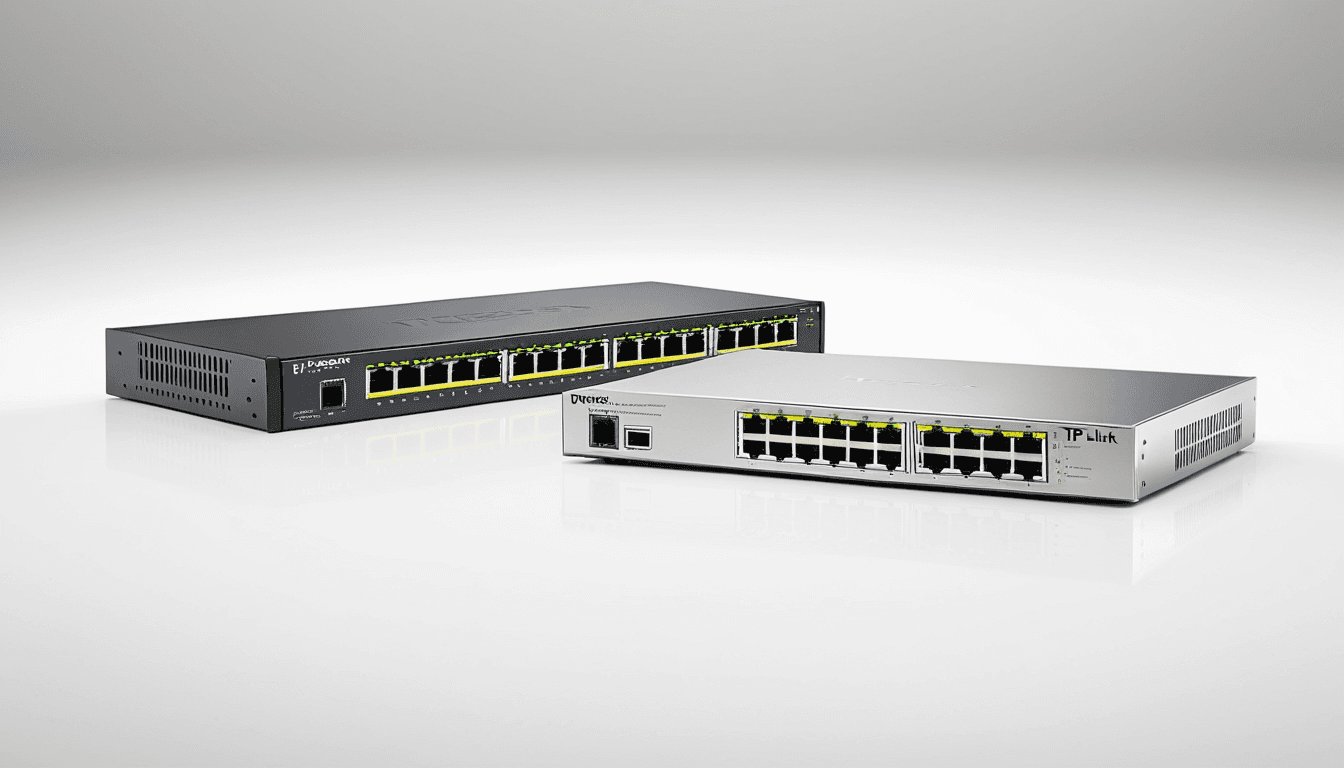
At A Glance: Netgear ProSafe vs TP-Link Smart Switches
When choosing the right network switch for a small business, the decision often comes down to two strong contenders: Netgear ProSafe and TP-Link Smart Switches. Both brands offer managed and unmanaged options designed for small to medium-sized businesses looking for reliable networking solutions.
Why This Comparison Matters
Small businesses need networking equipment that is not only dependable but also scalable and secure. Managed switches like the Netgear ProSafe and TP-Link Smart Switches provide more control over network traffic, which is essential for growing companies. Unmanaged switches, on the other hand, are ideal for simpler setups where plug-and-play ease is preferred.
Netgear and TP-Link are both trusted names in networking gear, with a strong presence in small business environments. The key is understanding how each brand’s offerings align with your specific business needs, whether that’s performance, manageability, or cost-efficiency.
Why You Should Trust Us
Our team has over a decade of experience reviewing networking gear for small businesses. We evaluate switches under real-world conditions to assess performance, reliability, and usability. Our reviews focus on value, scalability, and long-term performance, key factors that matter most to small business owners.
We test multiple models from both brands in environments similar to those found in typical small office settings. This includes evaluating setup processes, managing features, and overall user experience. We don’t just look at specs; we dig into what matters when you're actually using a switch day in and day out.
Netgear ProSafe Switches
Netgear ProSafe switches are known for robust enterprise-grade features that make them suitable for growing businesses. These switches come in both managed and unmanaged models, offering flexibility depending on your technical expertise and business needs.
Design and Build Quality
The ProSafe series features a professional-grade casing with heat dissipation design. The build quality is solid, making these switches durable enough to handle office or retail environments where reliability matters.
Performance and Features
All ports support gigabit speeds, ensuring fast data transmission across your network. Advanced features include port mirroring, ACLs (Access Control Lists), SNMP support, and more. The web interface for configuration is user-friendly, allowing even non-technical users to navigate settings without too much difficulty.
Manageability and Scalability
ProSafe switches are ideal for businesses that need centralized control over their network traffic. They support stacking for larger deployments, which helps in scaling your infrastructure as your business grows. Firmware updates are regularly provided, and Netgear offers long-term support for these models.
"Netgear ProSafe switches deliver enterprise-grade performance at a price point that makes them accessible to small businesses."
TP-Link Smart Switches
TP-Link Smart Switches offer budget-friendly options without compromising on essential functionality. They are suitable for small to medium-sized businesses looking for managed switches with minimal setup complexity.
Design and Build Quality
These switches have a compact, sleek design that’s perfect for smaller offices or desks. The build quality is solid for the price point, and they include LED indicators for port status, making troubleshooting easier.
Performance and Features
They provide consistent gigabit speeds with low latency. Features such as VLANs, QoS (Quality of Service), and basic security features are supported. Managed models also come with mobile app support for remote monitoring, which adds convenience for busy business owners.
Ease of Use and Setup
The setup process is straightforward thanks to a simple web interface and mobile app. These switches are plug-and-play and require minimal technical knowledge, making them ideal for non-IT users or small business owners who prefer simplicity over complexity.
"TP-Link Smart Switches provide excellent value for money, especially for businesses that want managed features without the steep learning curve."
Side-by-Side Comparison Table
| Feature | Netgear ProSafe GS108T | TP-Link TL-SG1008E | Netgear ProSafe GS110M | TP-Link TL-SG2008E |
|---|---|---|---|---|
| Ports | 8x Gigabit | 8x Gigabit | 10x Gigabit | 8x Gigabit |
| Management Type | Managed | Unmanaged | Managed | Managed |
| VLAN Support | ✅ | ❌ | ✅ | ✅ |
| QoS Support | ✅ | ❌ | ✅ | ✅ |
| SNMP Support | ✅ | ❌ | ✅ | ❌ |
| Mobile App | ❌ | ❌ | ✅ | ✅ |
| Price Range | $80,$120 | $40,$60 | $120,$170 | $70,$100 |
Who Should Buy Which Switch
Netgear ProSafe switches are best suited for businesses that need advanced features, scalability, and robust support. If you're managing a complex network or planning to grow your business significantly, the extra investment in Netgear ProSafe is worth it.
TP-Link Smart Switches are ideal for small businesses on a budget who still want managed functionality. They offer enough features for basic needs without the complexity or cost associated with enterprise-grade switches.
Winner By Use Case
For large, complex networks: Netgear ProSafe wins due to advanced management features and scalability options.
For simple setups or small offices: TP-Link Smart Switches provide better value with fewer bells and whistles.
For businesses needing mobile monitoring: TP-Link has an edge with its app support for remote access and configuration.
FAQs
What is the main difference between managed and unmanaged switches?
Managed switches allow you to configure, monitor, and control network traffic from a central location. Unmanaged switches operate automatically with no configuration options.
Are Netgear ProSafe switches compatible with existing network infrastructure?
Yes, Netgear ProSafe switches are designed to work with standard Ethernet networks and integrate well with most existing setups.
Do TP-Link Smart Switches support VLANs?
Yes, the managed models of TP-Link Smart Switches support VLANs for better network segmentation.
Which switch is easier to set up?
TP-Link Smart Switches are generally easier to set up, especially for users without IT experience. Netgear ProSafe switches require more technical knowledge but offer greater control.
Can these switches be used in a data center environment?
While they can support small office environments, neither brand’s switches are specifically designed for enterprise or data center use. For such applications, dedicated enterprise-grade switches are recommended.
The Verdict: Choosing the Right Network Switch for Your Business
Netgear ProSafe switches offer more features and scalability, making them ideal for growing businesses that require advanced network management capabilities. TP-Link Smart Switches provide a cost-effective alternative with enough functionality to meet small business needs.
The best choice depends on your specific requirements, budget, complexity, and future growth. If you're planning to scale quickly or need centralized control over your network, go with Netgear ProSafe. If simplicity and value are more important, TP-Link Smart Switches deliver excellent results.
Final Rating: ⭐⭐⭐⭐☆ (4.5/5)
This article contains affiliate links. We may earn a small commission if you purchase through these links.
We also recommend reading our Ultimate Network Switch Buying Guide: Top 5 Brands for Home and Office Networks to get a broader overview of what to consider when purchasing network switches. For those interested in expanding their home or office storage solutions, our review on Top 5 Home NAS Devices Under $300 for Smart File Storage and Media Streaming might be helpful as well.